Let me be straight with you. The LinkedIn automation tools landscape in 2026 looks nothing like it did two years ago. The spray-and-pray era is dead. LinkedIn’s algorithms got smarter. Your prospects got pickier. And account bans? They’re happening daily to folks still using outdated approaches.
Let me save you weeks of research. I’ve tested, broken, and rebuilt LinkedIn outreach stacks since 2020. What I’m about to share isn’t another generic listicle. It’s the real breakdown of 41 LinkedIn automation tools that actually matter in 2026.
TL;DR: Top LinkedIn Automation Tools (Ranked 1 to 41)
A. LinkedIn Outreach & Chat Automation Tools
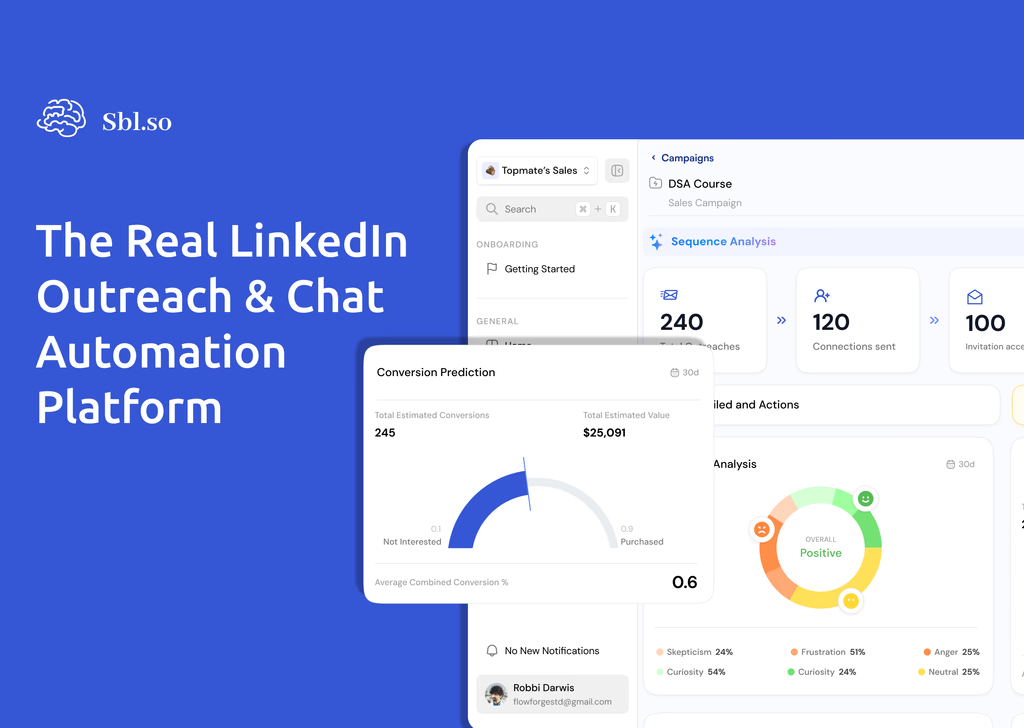
1. Sbl.so — AI LinkedIn Automation Tool that does rich sequencing and continues natural chat interactions after replies, handles objections, and auto-books calls. Companies also use Sbl’s hired SDR Profiles to scale their outreach by adding more profiles. Pricing: Free 7-day trial, then $99/mo.
2. Expandi — Safety-first cloud platform with hyper-personalized image/GIF messaging and random delays. Pricing: $99/mo per seat.
3. Dripify — Visual sequence builder with multi-action campaigns and dashboards tailored for sales teams. Pricing: Starts at $59/mo.
4. We-Connect — Conservative cloud automation optimized for steady, low-risk connection campaigns. Pricing: $49/mo per user.
5. Linked Helper — Local desktop app built for power users needing complex, multi-step logical flows. Pricing: Starts at $15/mo.
6. HeyReach — Agency-centric cloud platform offering unified multi-account management and client reporting. Pricing: $79/mo per sender.
7. Zeekeo — Enterprise cloud tool heavily relying on Sales Navigator and Recruiter filtering. Pricing: Starts at $215/mo.
8. Salesrobot — Balanced LinkedIn and email automation tool with automated reply handling and smart limits. Pricing: $99/mo per account.
9. Skylead — Features a visual smart sequence builder with complex branching logic based on prospect behavior. Pricing: $100/mo per seat.
10. MeetAlfred — Integrates outbound outreach campaigns with social media content scheduling. Pricing: Starts at $59/mo.
11. Octopus CRM — Lightweight browser extension for basic profile viewing, endorsements, and bulk messaging. Pricing: Starts at $9.99/mo.
12. LeadConnect — Simple Chrome extension for small teams focusing on straightforward auto-connect sequences. Pricing: Starts at $25.95/mo.
B. LinkedIn Prospecting Tools
13. PhantomBuster — Modular cloud scraper using pre-built “Phantoms” to extract data and build workflow chains. Pricing: Starts at $69/mo.
14. Evaboot — Specialized Sales Navigator scraper that cleans lead lists and formats prospect data. Pricing: Starts at $49/mo.
15. TexAu — Library of multi-platform growth scripts for assembling custom web-scraping pipelines. Pricing: Starts at $79/mo.
16. Apollo.io — Comprehensive B2B database paired with native outreach tools and LinkedIn task steps. Pricing: Free tier; paid starts at $49/mo.
17. Closely — Integrated B2B lead search engine directly connected to automated LinkedIn outreach sequences. Pricing: Starts at $59/mo.
18. Snov.io — Focused on email discovery and verification with LinkedIn prospect search capabilities. Pricing: Starts at $39/mo.
19. Hunter.io — Domain-based email discovery and verification tool designed for simple contact prospecting. Pricing: Free tier; paid starts at $49/mo.
20. Scrab.in — Budget browser extension to automatically visit profiles and scrape basic data to CSV. Pricing: Starts at $12/mo.
C. LinkedIn Engagement Boosters
21. Taplio — AI post generation platform to craft carousels, schedule content, and compile engager leads. Pricing: Starts at $49/mo.
22. Shield Analytics — Dedicated dashboard providing in-depth data on post performance and organic reach metrics. Pricing: Starts at $25/mo.
23. AuthoredUp — Specialized post editor extension offering formatting controls, hook templates, and drafts. Pricing: $19.95/mo.
24. Podawaa — AI-driven engagement pod platform designed to gather controlled, targeted post interactions. Pricing: Starts at $49/mo.
25. Lempod — Low-cost engagement pod extension where creators join industry communities to boost visibility. Pricing: $9.99 per pod/mo.
D. LinkedIn Content Tools
26. Buffer — Straightforward social publishing tool focusing on clean, multi-network post scheduling. Pricing: Free tier; paid starts at $6/mo per channel.
27. Hootsuite — Full-suite enterprise management platform providing multi-channel publishing and listening. Pricing: Starts at $99/mo.
28. SocialPilot — Agency-friendly content scheduler featuring bulk posting and white-label client reports. Pricing: Starts at $30/mo.
29. Sprout Social — High-end enterprise platform offering social listening, advanced analytics, and CRM integration. Pricing: Starts at $249/mo.
30. Later — Visual-first social content planner designed for organizing multi-platform media campaigns. Pricing: Starts at $18/mo.
E. Multi-Channel Sales Engagement Platforms
31. SmartReach.io — Outbound platform combining cold email, LinkedIn, WhatsApp, and calling with flat pricing. Pricing: Starts at $29/mo.
32. Reply.io — Sales execution suite integrating email, calls, and LinkedIn automation with native AI copy. Pricing: Starts at $60/mo per user.
33. Lemlist — Specialized in hyper-personalized image/video cold emails combined with LinkedIn cadences. Pricing: Starts at $59/mo.
34. Outreach.io — Enterprise execution platform incorporating LinkedIn strictly as compliance-safe manual tasks. Pricing: Custom.
35. Salesloft — Large-scale execution software emphasizing deal coaching, pipeline intelligence, and tasks. Pricing: Custom.
36. Waalaxy — Beginner-friendly visual funnel editor orchestrating LinkedIn messaging and email enrichment. Pricing: Free tier; paid starts at €56/mo.
37. LaGrowthMachine — Growth platform managing automated multi-touch cadences via a shared team inbox. Pricing: Starts at €80/mo.
38. Kennected — Combines automated LinkedIn tools with dedicated hands-on training and sales coaching. Pricing: Starts at $89/mo.
F. Supporting Tools & Utilities
39. CrystalKnows — Personality insight extension that uses DISC analysis to advise on messaging tone. Pricing: Free tier; paid starts at $49/mo.
40. Clay — Outbound data orchestration layer that aggregates data sources to trigger automated AI workflows. Pricing: Starts at $149/mo.
41. Bardeen — No-code browser extension for extracting web data and triggering app integrations directly from LinkedIn. Pricing: Free tier; paid starts at $10/mo.
The guide below breaks down the 41 best LinkedIn automation tools available right now. No fluff. No paid rankings. Just honest comparisons based on actual performance data.
How LinkedIn Automation Tools Actually Work in 2026
Here’s the reality most vendors won’t tell you. LinkedIn has cracked down hard on automation. Daily limits dropped. Detection improved. The old playbook of mass messaging isn’t just ineffective. It’s dangerous for your account health.
The technical architecture matters more than ever. You have two main options.
Browser-based tools run through Chrome extensions. They use your actual browser session. Cheaper and simpler. But riskier if misconfigured.
Cloud-based tools operate from remote servers. They simulate real user behavior with dedicated IPs. Generally safer for teams and agencies running multiple accounts.
LinkedIn’s official stance? Automated bots violate their Terms of Service. What actually gets enforced? Conservative usage within human-like patterns usually flies under the radar. Aggressive mass outreach gets flagged fast.
The safety spectrum runs from high-risk (cheap extensions sending hundreds of requests daily) to low-risk (cloud platforms with smart throttling, random delays, and gradual warmup sequences).
Category 1: LinkedIn Outreach & Chat Automation Tools
This is where the magic happens. Or doesn’t. Most tools stop at sending templated messages. Real solutions handle the conversation that comes after.
1. Sbl.so
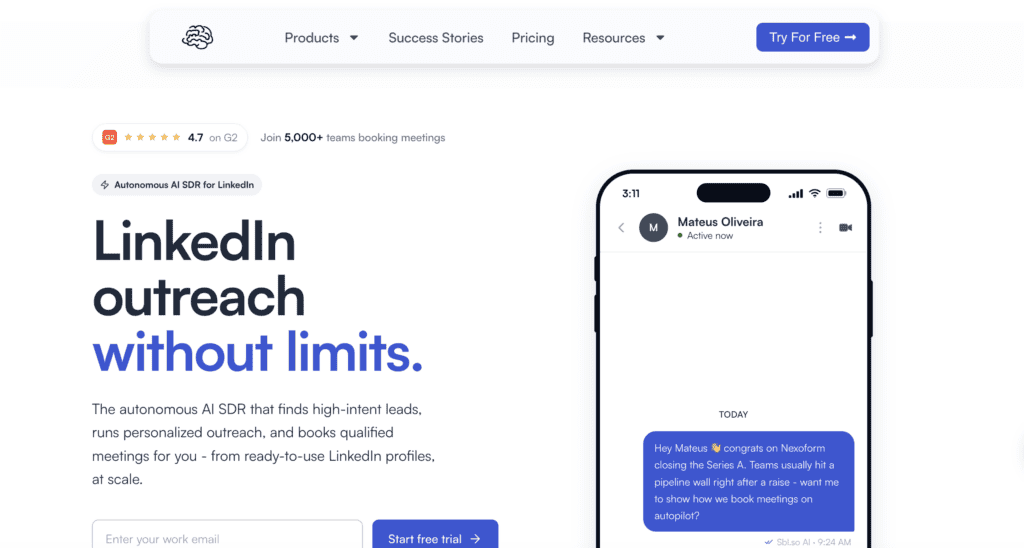
Here’s where things get interesting. While most tools call themselves ‘AI SDR’, they’re just schedulers in disguise. SBL.so actually built something different.
The platform doesn’t just send messages. It chats. It handles objections. It books calls. All automatically.
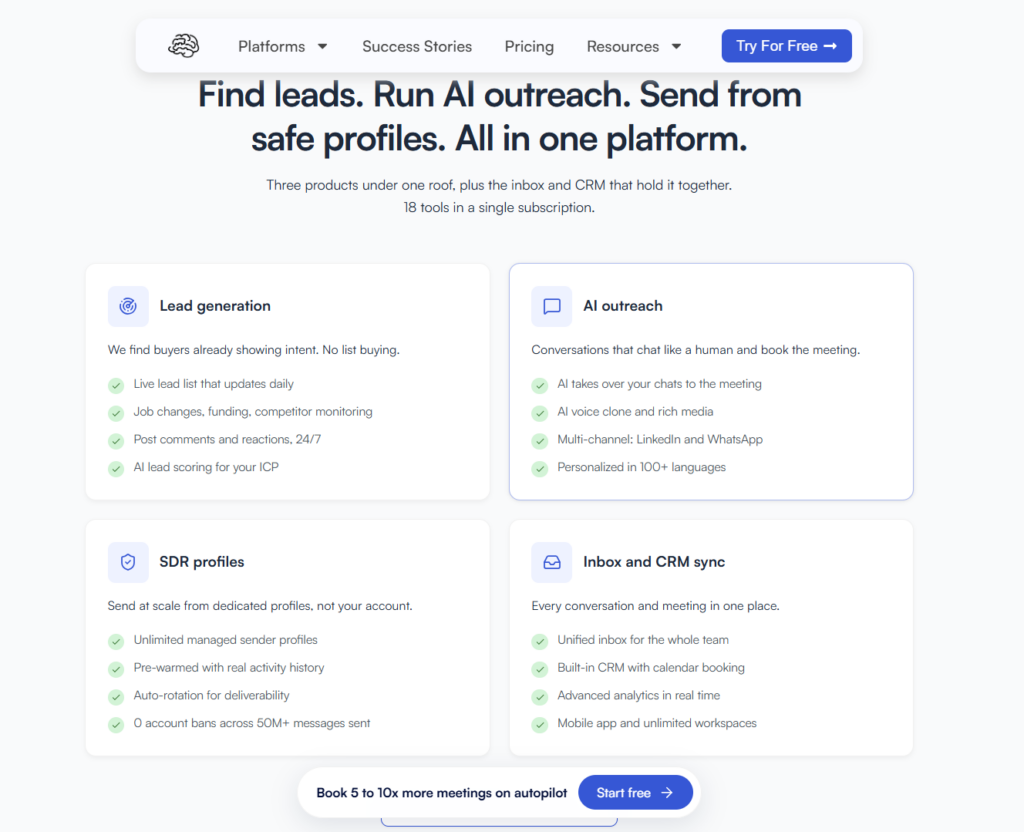
Key Features:
- AI-powered chat automation that continues conversations after prospects reply
- Voice message cloning (record 30 seconds, send thousands of personalized audios)
- Send PDFs, images, and documents mid-conversation
- Unified inbox for unlimited LinkedIn accounts
- Lead generation agent that finds prospects automatically
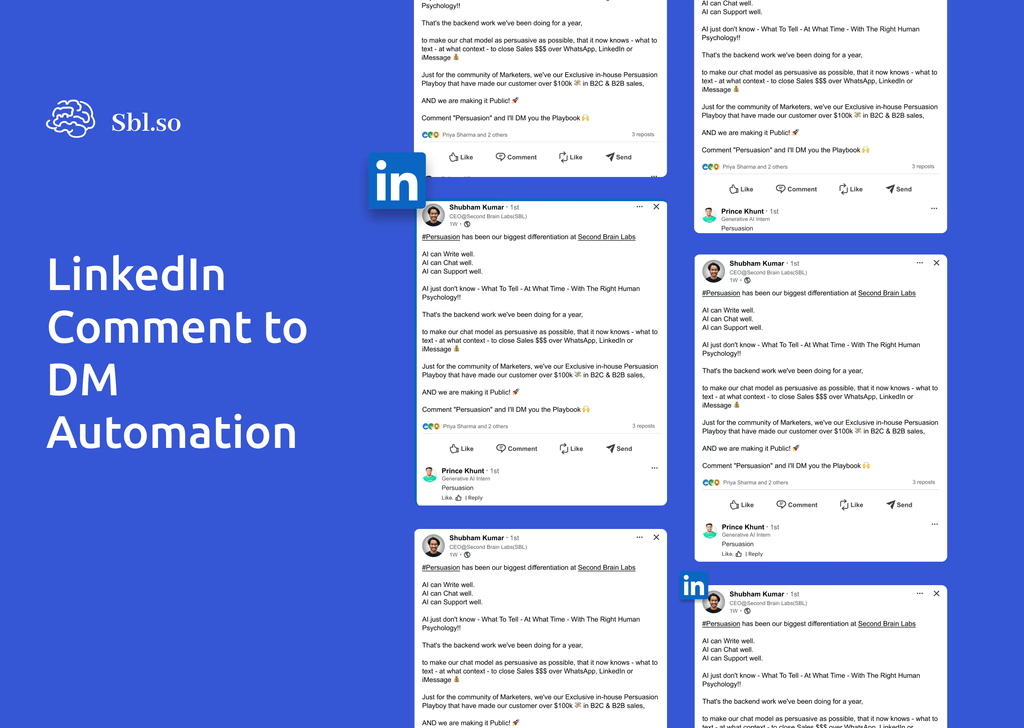
- Comment-to-DM automation for capturing engagement
- ICP filtering to score and prioritize leads
- Mobile app for managing conversations anywhere
Real Performance Data: 285,584 messages sent with an 18% reply rate. Industry average? 3-5%. That’s 4,972 qualified leads and $4.9M in pipeline value.
Pricing: Free 7-day trial. Plans start at $99/month with unlimited senders.
Best For: Teams serious about conversation quality over message volume.
2. Expandi
Expandi is a cloud-based LinkedIn automation tool focused on account safety and controlled outreach.
It’s best for teams that want reliable automation with human-like behavior and conservative limits.
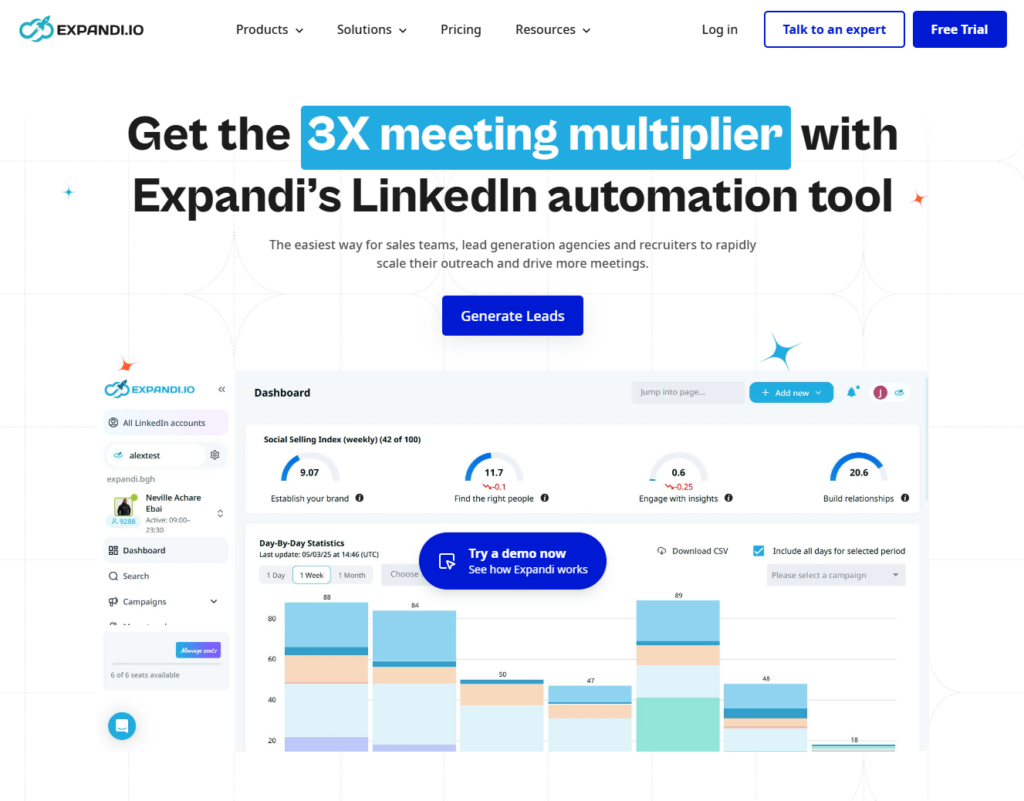
Key Features:
- Hyper-personalized messages with image and GIF personalization
- Multi-channel support (LinkedIn + email)
- Advanced A/B testing
- Webhooks and CRM integrations
- Random delays and warmup sequences
Pricing: $99/month per seat
Best For: Teams wanting reliable multi-channel outreach with good safety features.
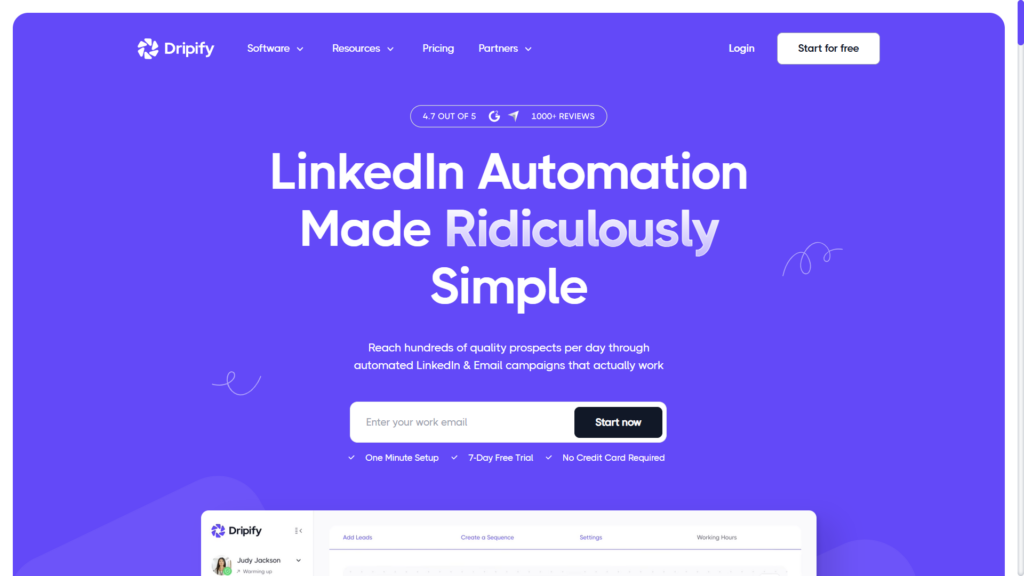
3. Dripify
Dripify is designed for sales teams that need visibility and control over LinkedIn campaigns.
Its visual builder and reporting make it suitable for teams managing multiple reps and workflows.
Key Features:
- Multi-step LinkedIn campaigns (visits, follows, invites, messages, InMails, endorsements)
- Team dashboards and performance views
- Safe mode with LinkedIn-tuned limits
- Zapier and webhook integrations
Pricing: $59/month (Basic), $79/month (Pro), $99/month (Advanced)
Best For: Sales teams needing manager oversight and clean reporting.
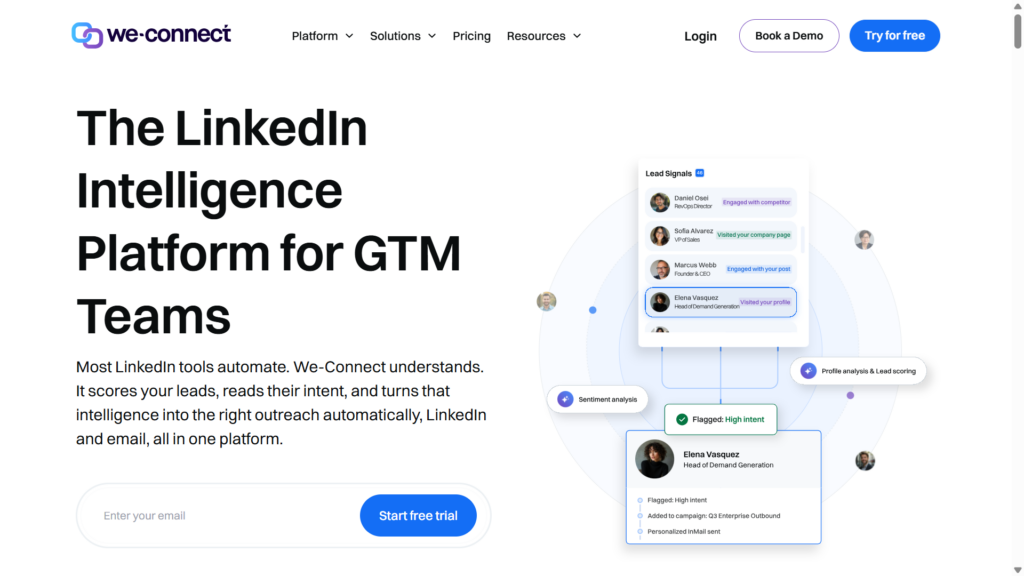
4. We-Connect
We-Connect focuses heavily on LinkedIn safety and compliance-style usage patterns.
It’s ideal for users who prefer steady, low-risk outreach rather than aggressive scaling.
Key Features:
- Connection campaigns with follow-ups
- Group and event outreach
- Reply detection
- A/B testing
- Campaign analytics
Pricing: $49/month per user
Best For: Conservative users prioritizing account safety.
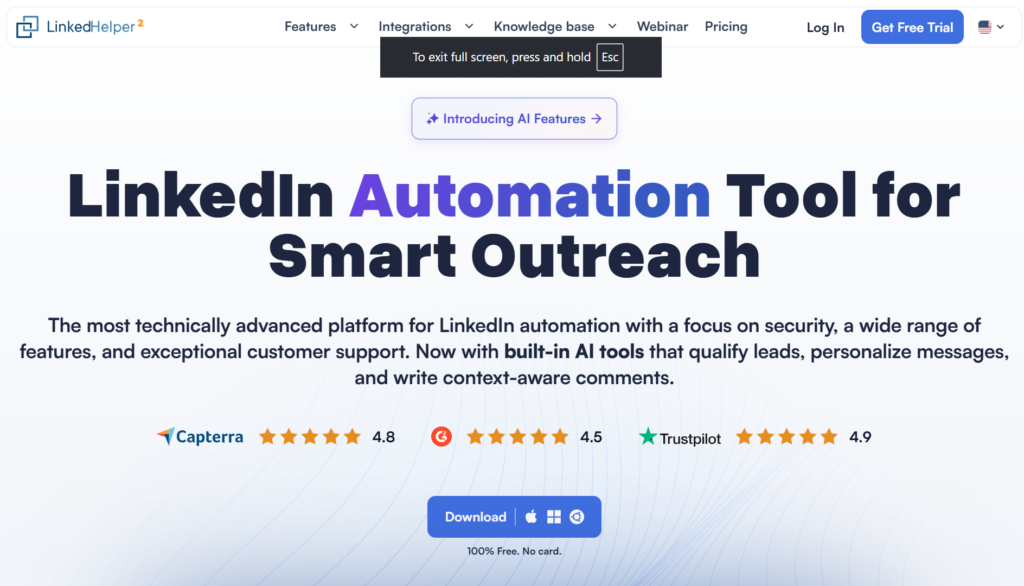
5. Linked Helper
Linked Helper is a desktop-based tool built for power users who want granular workflow control.
It suits advanced users comfortable configuring multi-step automations manually.
Key Features:
- Multi-step flows with conditions
- Sales Navigator and Recruiter support
- Built-in CRM features (tags, custom fields, smart lists)
- Local execution for safer browsing patterns
Pricing: $15/month (Standard), $45/month (Pro)
Best For: Power users wanting deep customization.
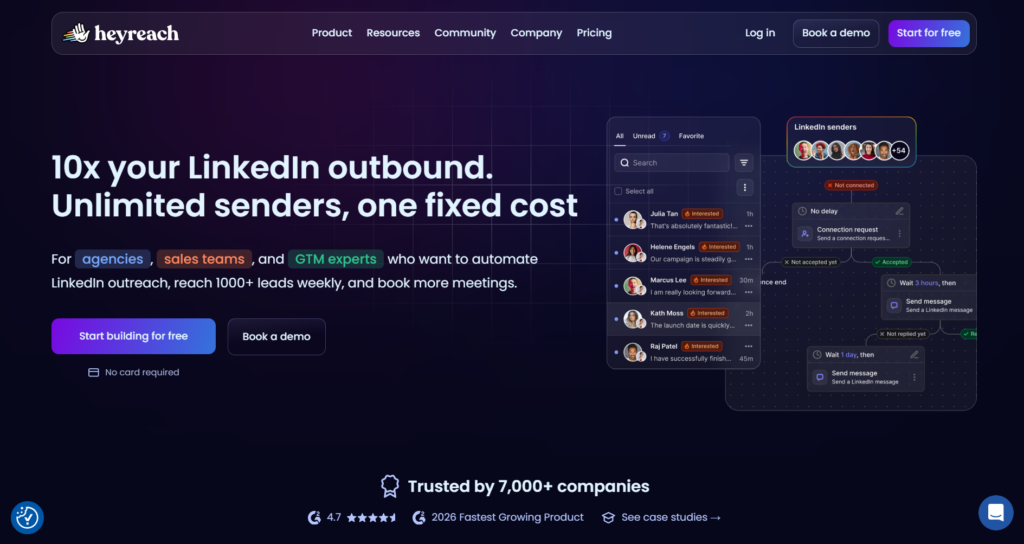
6. HeyReach
HeyReach is built specifically for agencies managing multiple LinkedIn accounts.
It centralizes account control, reporting, and rotation from a single dashboard.
Key Features:
- Multi-account management
- Central control dashboard
- White-label reporting
- Account rotation
Pricing: $79/month per sender
Best For: Agencies handling multiple client campaigns. Check out our detailed comparison between SBL.so and HeyReach.
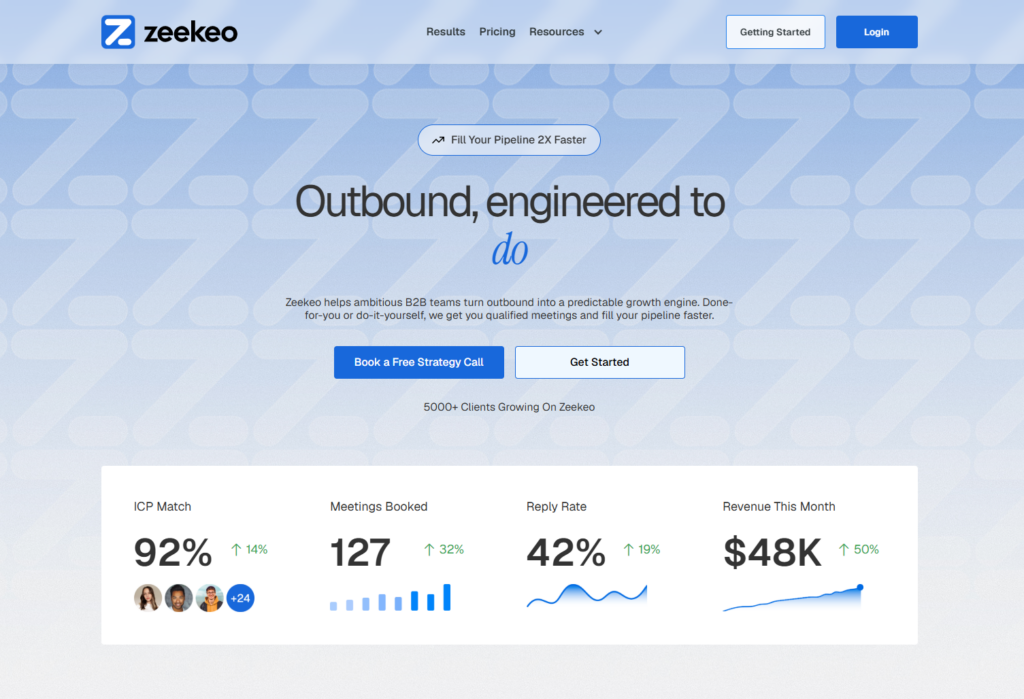
7. Zeekeo(formerly Zopto)
Zeekeo is a premium cloud platform targeting B2B teams using Sales Navigator heavily.
It’s best for organizations with a budget that want structured LinkedIn lead generation at scale.
Key Features:
- Campaigns based on Sales Navigator, Premium, and Recruiter filters
- Profile visits, connects, and messages
- Dashboard reporting with funnel metrics
- Done-for-you packages available
Pricing: $215/month (Basic), $395/month (Premium)
Best For: Agencies and teams with budget for premium features.
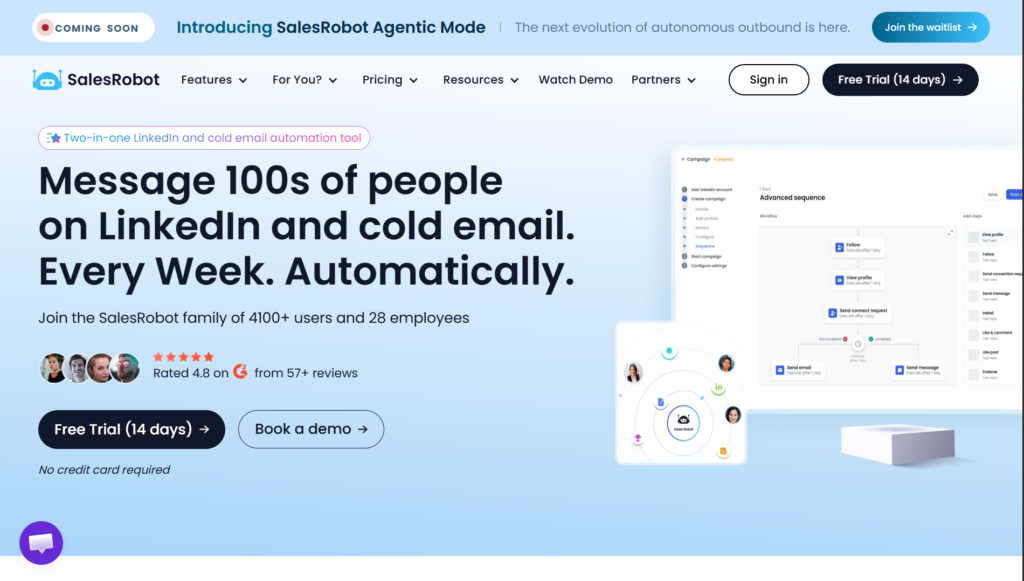
8. Salesrobot
Salesrobot provides balanced LinkedIn and email automation with safety controls.
It works well for teams that want moderate personalization without complex setup.
Key Features:
- LinkedIn + email sequences
- Randomized actions for safety
- Reply handling automation
- Smart limits control
Pricing: $99/month per account
Best For: Teams wanting balanced automation with personalization.
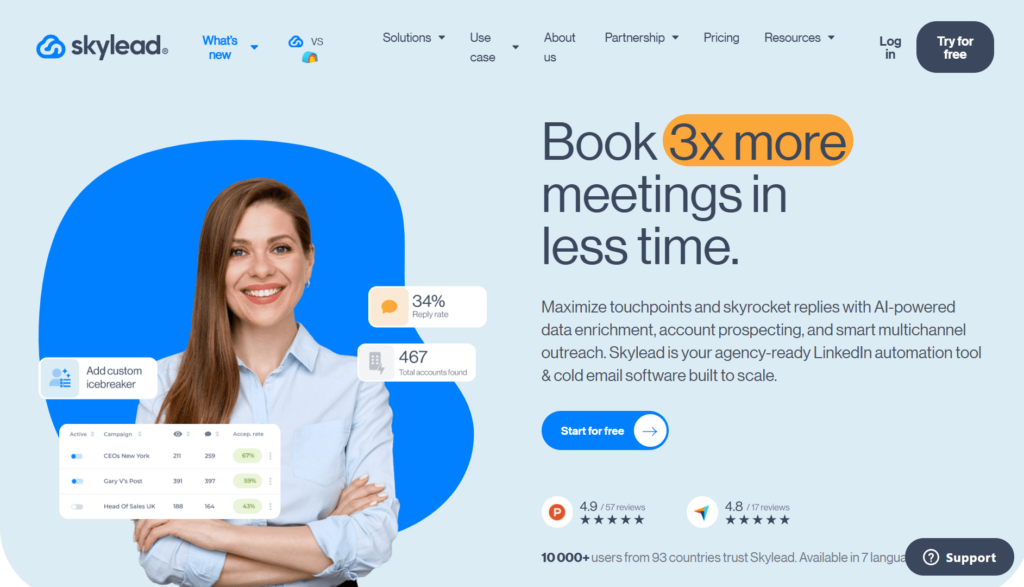
9. Skylead
Skylead is built for teams that need advanced branching logic in outreach sequences.
It’s ideal for campaigns where messaging depends heavily on prospect behavior.
Key Features:
- LinkedIn and email combined cadences
- Visual smart sequence builder with branching
- Personalized GIFs and images
- Shared inbox
Pricing: $100/month per seat
Best For: Teams wanting sophisticated branching logic.
10. MeetAlfred
MeetAlfred combines social content scheduling with LinkedIn outreach automation.
It’s suited for users who want to blend content activity with outbound efforts.
Key Features:
- LinkedIn + email + Twitter campaigns
- Content scheduling
- Drag-and-drop campaign builder
- Central CRM view
Pricing: $59/month (Personal), $99/month (Business)
Best For: Users wanting content marketing integrated with outreach.
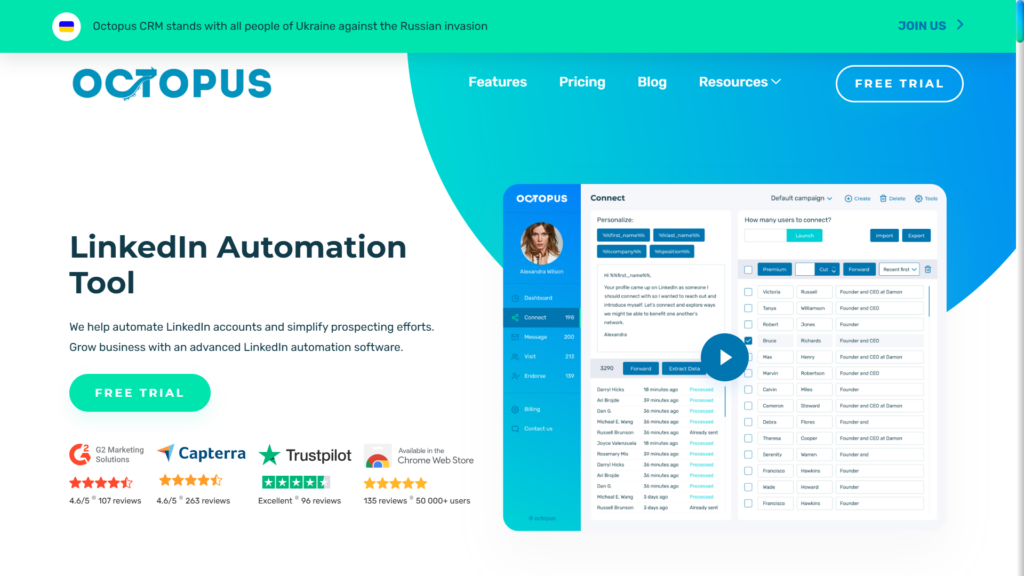
11. Octopus CRM
Octopus CRM is a lightweight LinkedIn automation tool for budget-conscious solo users.
It offers basic automation without advanced AI or safety sophistication.
Key Features:
- Connection campaigns
- Auto-view and endorsements
- Bulk messaging
- Basic CRM and funnel features
Pricing: $9.99/month (Starter), $14.99/month (Pro), $21.99/month (Advanced)
Best For: Budget-conscious solo users.
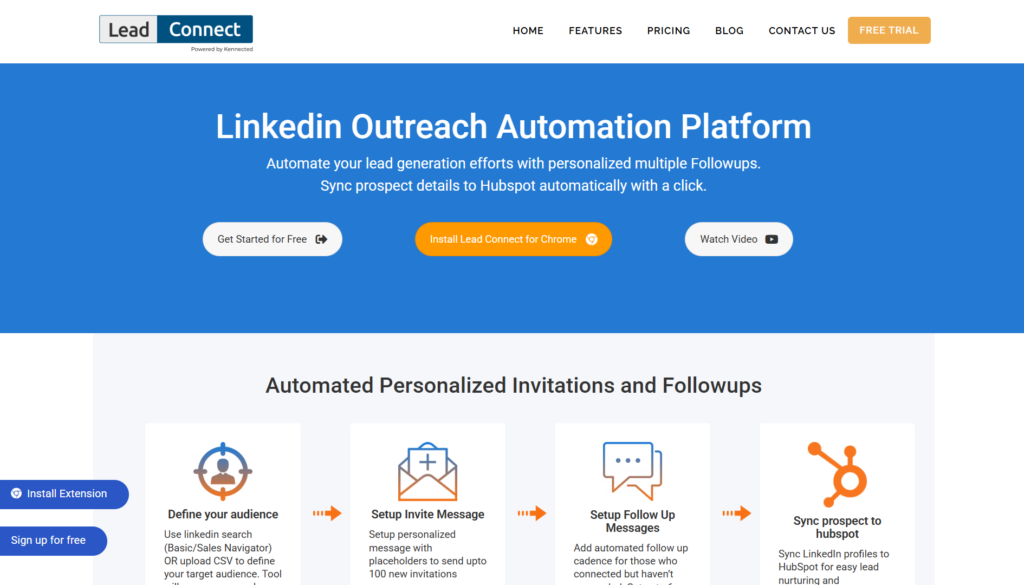
12. LeadConnect
LeadConnect is a Chrome-based automation tool for small teams starting LinkedIn outreach.
It focuses on simple connection and follow-up workflows with minimal setup.
Key Features:
- Auto-connect and follow-ups
- Broadcast messages
- Reply detection
- HubSpot and Zapier integration
Pricing: $25.95/month (Professional), $45.95/month (Grow)
Best For: Small teams on tight budgets.
For more options in this category, check our detailed guide on Top 12 LinkedIn Messaging Automation Tools.
Category 2: LinkedIn Prospecting Tools
Data extraction and lead enrichment. These tools fuel your outreach with high-quality contacts.
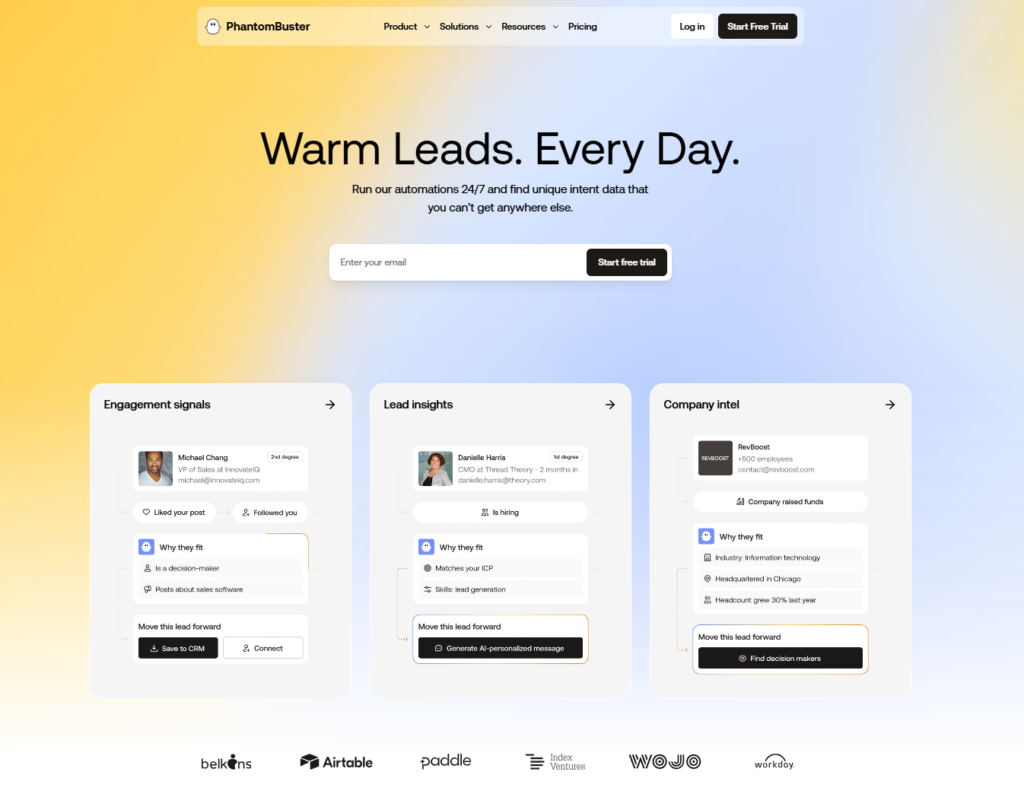
13. PhantomBuster
PhantomBuster is a flexible automation platform for scraping and workflow chaining.
It’s best for technical users building custom prospecting systems.
Key Features:
- “Phantoms” for scraping searches, profiles, posts, group members
- Multi-platform support (LinkedIn, Instagram, Twitter, Sales Navigator)
- Chain automations for complex workflows
- Automated messages and connection requests
Pricing: $69/month (Starter), $159/month (Pro), $439/month (Team)
Best For: Technical users building custom prospecting stacks.
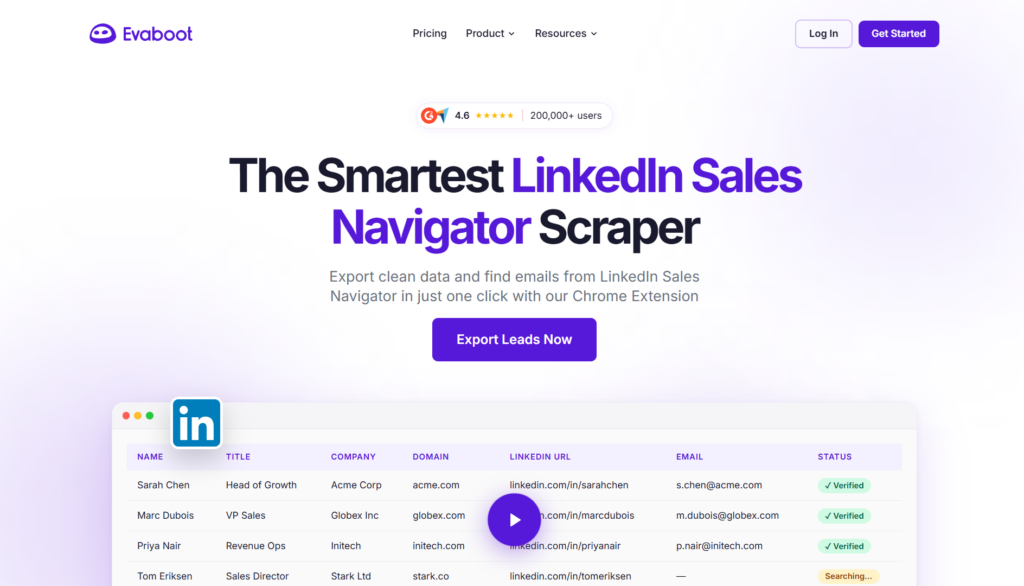
14. Evaboot
Evaboot cleans and exports Sales Navigator search results efficiently.
It’s ideal for teams that need clean lead lists before outreach.
Key Features:
- Export Sales Navigator search results
- Remove duplicates and irrelevant profiles
- Clean data formatting
- Direct upload to outreach tools
Pricing: $49/month (2,000 leads), $99/month (5,000 leads)
Best For: Sales teams needing clean, ready-to-use lists.
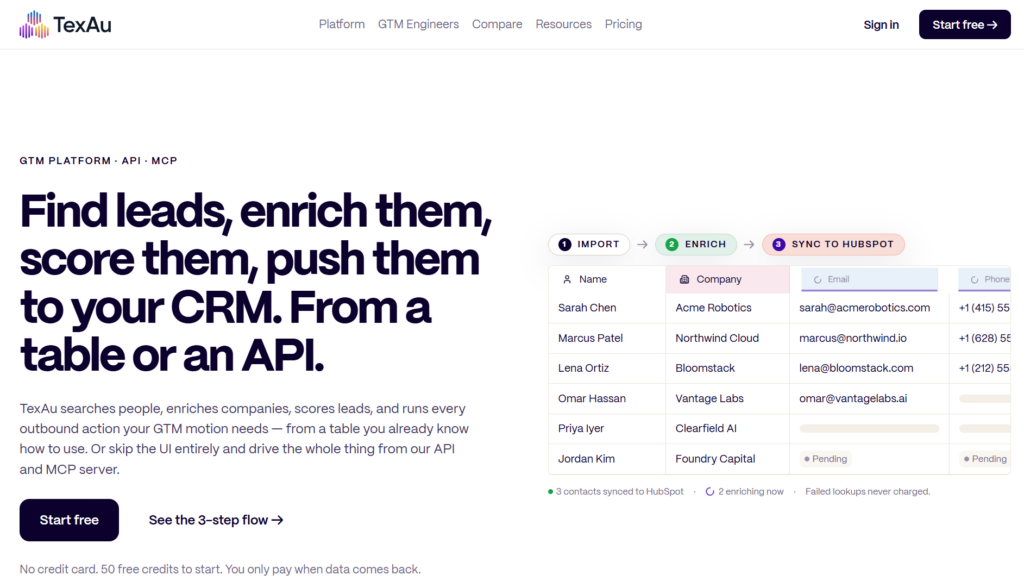
15. TexAu
TexAu provides a large library of automation actions across platforms.
It’s suited for growth teams comfortable assembling complex workflows.
Key Features:
- Workflows across LinkedIn and other networks
- Automated sequences and scraping
- Highly flexible for technical users
- Custom workflow stitching
Pricing: $79/month (Cloud Starter), $199/month (Cloud Agency)
Best For: Growth teams wanting unusual workflow combinations.
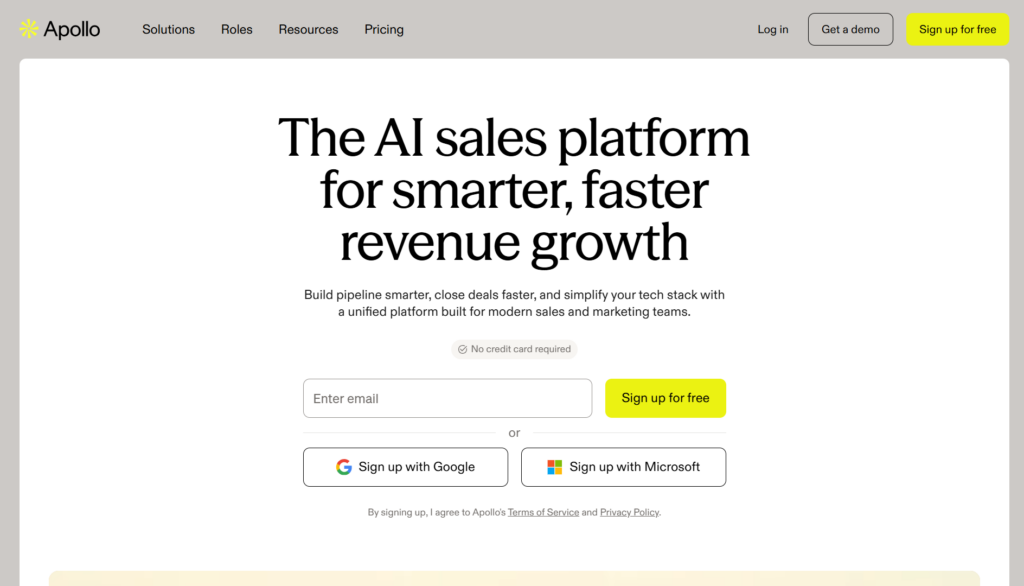
16. Apollo.io
Apollo.io combines a B2B contact database with outreach tools.
It’s best for teams that want prospecting and engagement in one system.
Key Features:
- 260M+ contact database
- Verified emails
- Dialer and sequences
- LinkedIn integration for parallel outreach
Pricing: Free tier available, $49/month (Basic), $99/month (Professional)
Best For: Teams needing database and outreach in one platform. See our guide on Best B2B Data Enrichment Tools.
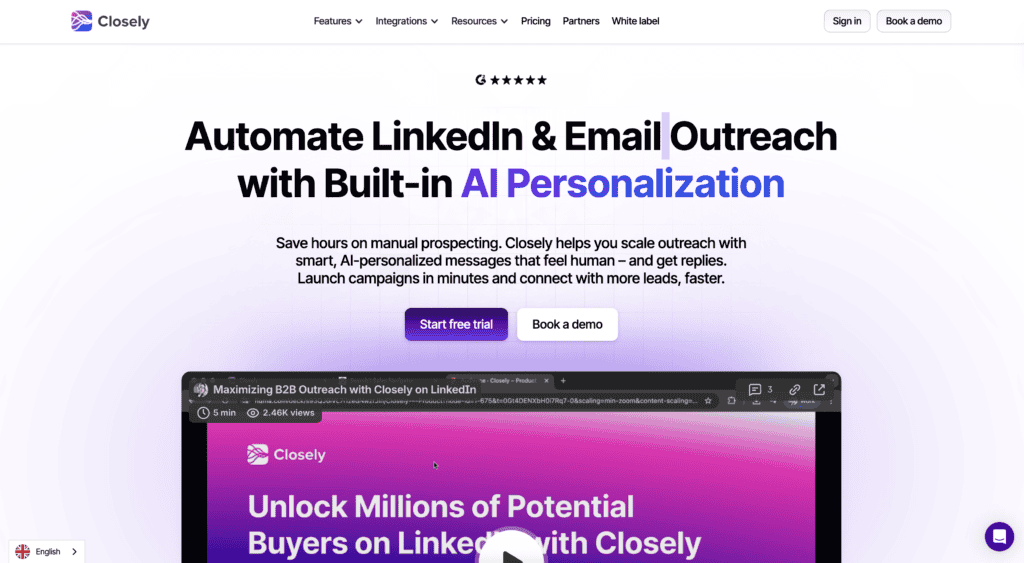
17. Closely
Closely blends LinkedIn outreach with a built-in B2B database.
It’s useful for users who want prospecting and messaging in one platform.
Key Features:
- LinkedIn sequences
- Lead search database
- Chrome extension for quick capture
- Inbox management
Pricing: $59/month (Personal), $99/month (Growth)
Best For: Users wanting prospecting and outreach combined.
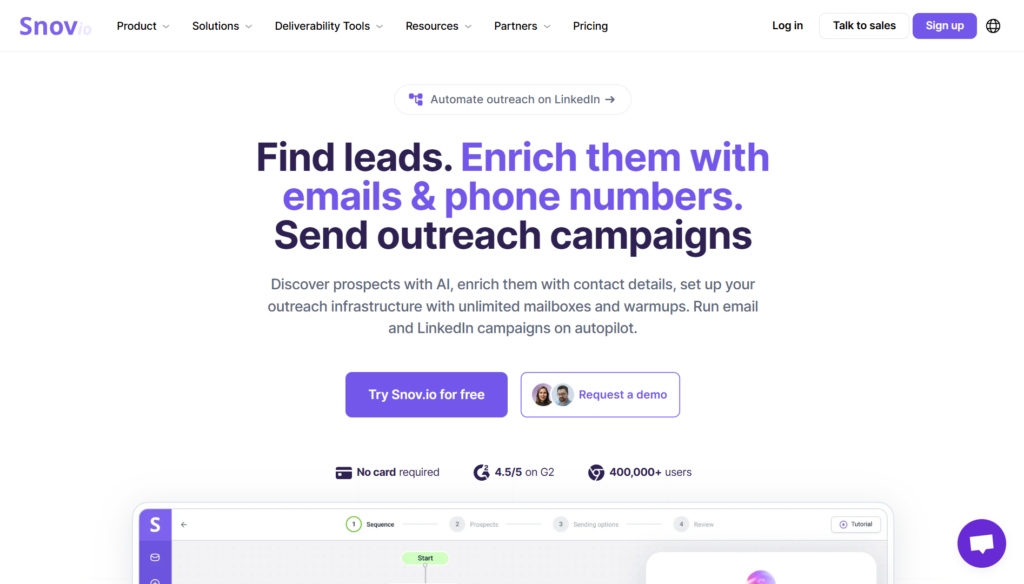
18. Snov.io
Snov.io focuses primarily on email discovery with LinkedIn support.
It works well for teams running email-first outbound strategies.
Key Features:
- Email finder and verifier
- LinkedIn prospect search
- Drip campaigns
- CRM functionality
Pricing: $39/month (Starter), $99/month (Pro)
Best For: Teams focusing on email outreach with LinkedIn data.
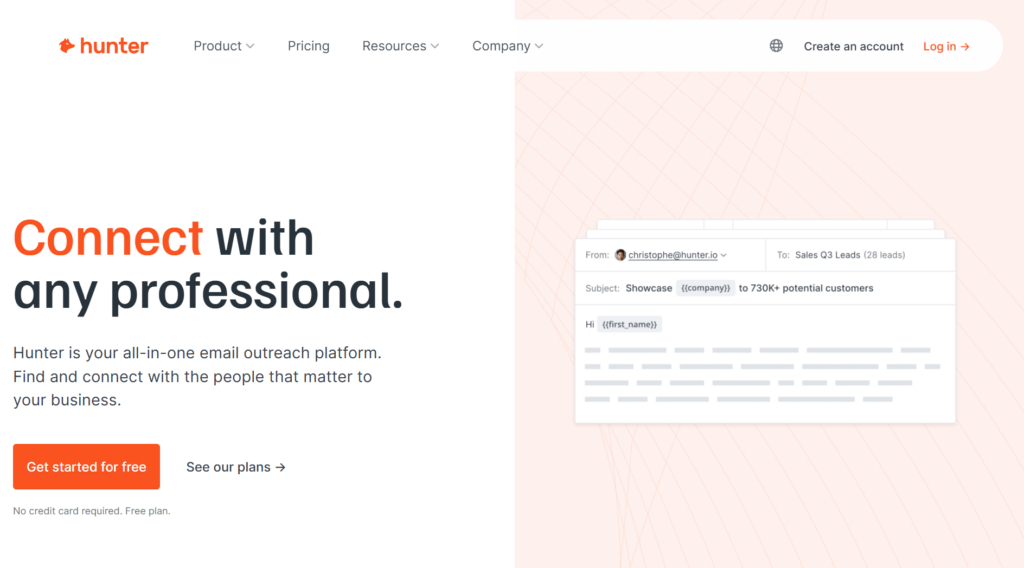
19. Hunter.io
Hunter.io specializes in domain-based email discovery and verification.
It’s best for simple, lightweight email prospecting needs.
Key Features:
- Email finder by domain
- Email verification
- Campaign sending
- Chrome extension
Pricing: Free tier, $49/month (Starter), $99/month (Growth)
Best For: Simple email finding needs.
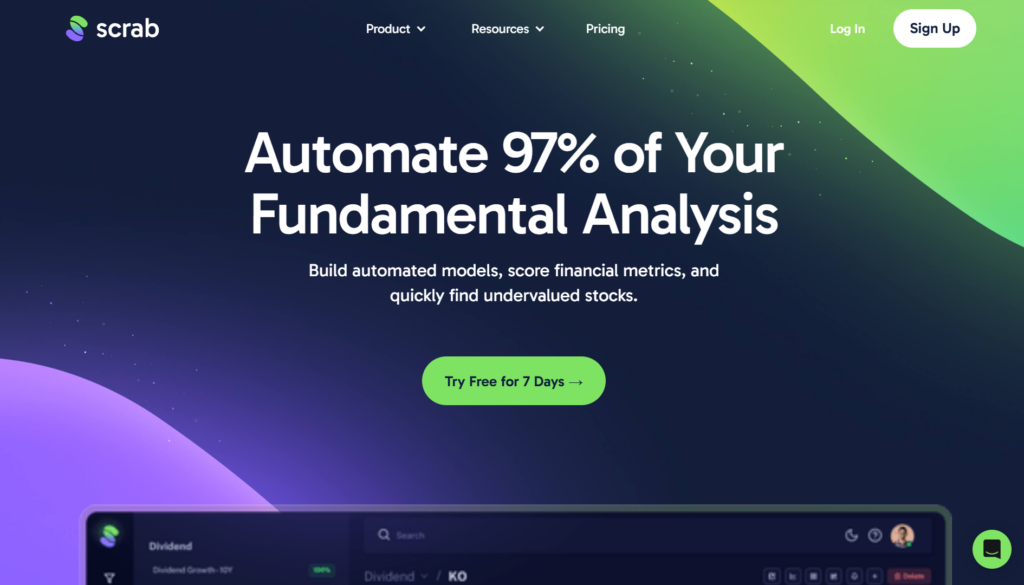
20. Scrab.in
Scrab.in is a Chrome extension for basic LinkedIn scraping and automation.
It’s suited for scrappy users experimenting with low-cost tools.
Key Features:
- Auto-visit profiles
- Export data to CSV
- Send connection requests
- Basic messaging
Pricing: $12/month (Starter), $52/month (Ultimate)
Best For: Scrappy growth hackers on tight budgets.
Category 3: LinkedIn Engagement Boosters
Increase post visibility and build profile authority. Active profiles get better outreach response rates.
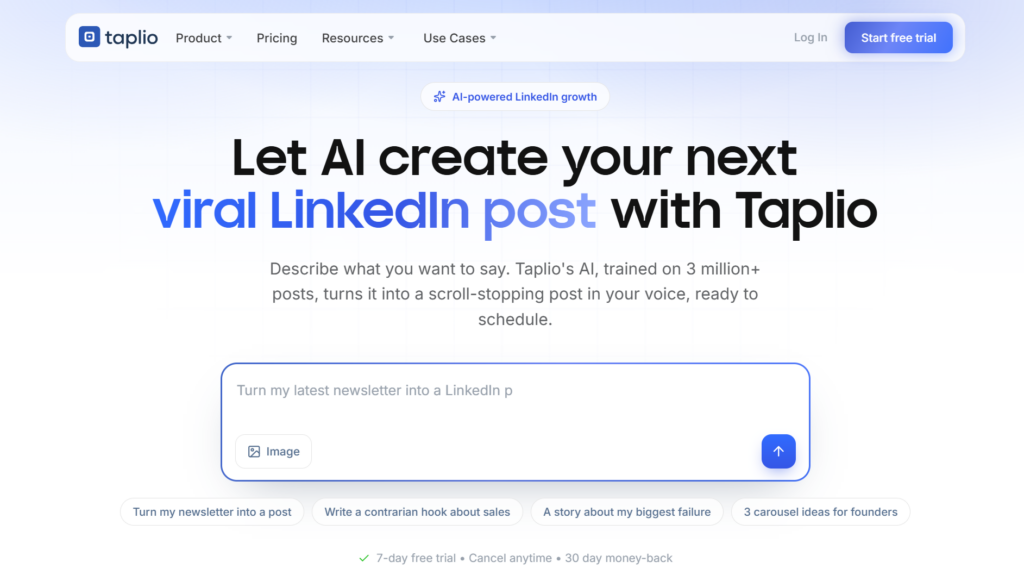
21. Taplio
Taplio helps creators and founders build LinkedIn presence through AI-assisted content.
It’s ideal for teams using content as an inbound growth lever.
Key Features:
- AI post ideas and drafts
- Carousel creator
- Scheduling and queue
- Engagement list building
- Lead identification from engagers
Pricing: $49/month (Starter), $149/month (Pro)
Best For: Thought leaders building inbound through content.
22. Shield Analytics
Shield Analytics provides performance insights for LinkedIn posts and profiles.
It’s best for users optimizing content based on data.
Key Features:
- Post analytics
- Audience insights
- Competitor tracking
- Content recommendations
Pricing: $25/month (Creator), $50/month (Team)
Best For: Creators wanting data-driven content optimization.
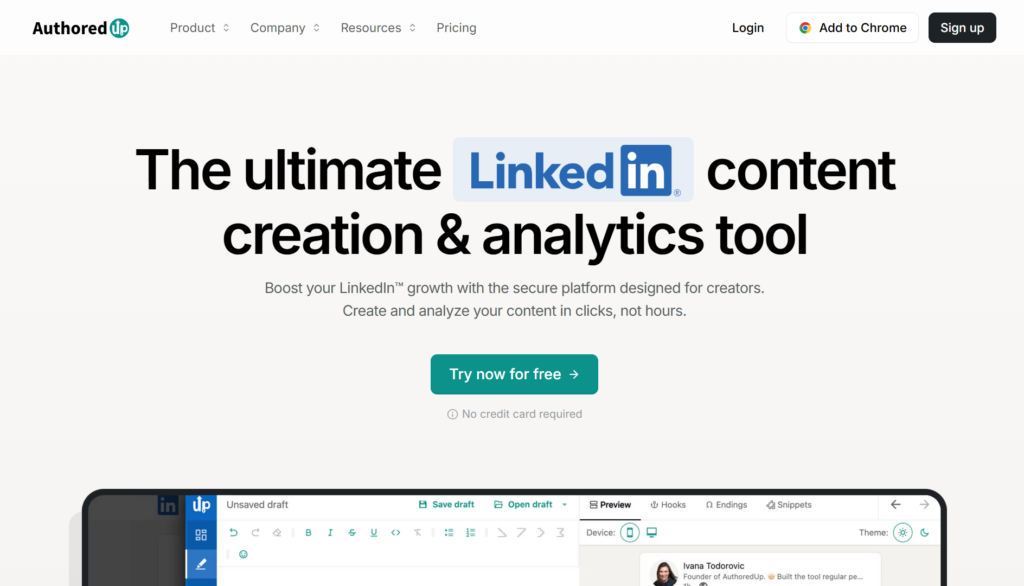
23. AuthoredUp
AuthoredUp helps users format and draft high-quality LinkedIn posts.
It’s designed for writers focused on clarity and presentation.
Key Features:
- Post drafts with templates
- Performance analytics
- Idea storage
- Formatting helpers
Pricing: $19.95/month
Best For: Writers wanting better LinkedIn post formatting.
24. Podawaa
Podawaa offers managed engagement pods for boosting post visibility.
It’s useful when engagement is needed selectively, not aggressively.
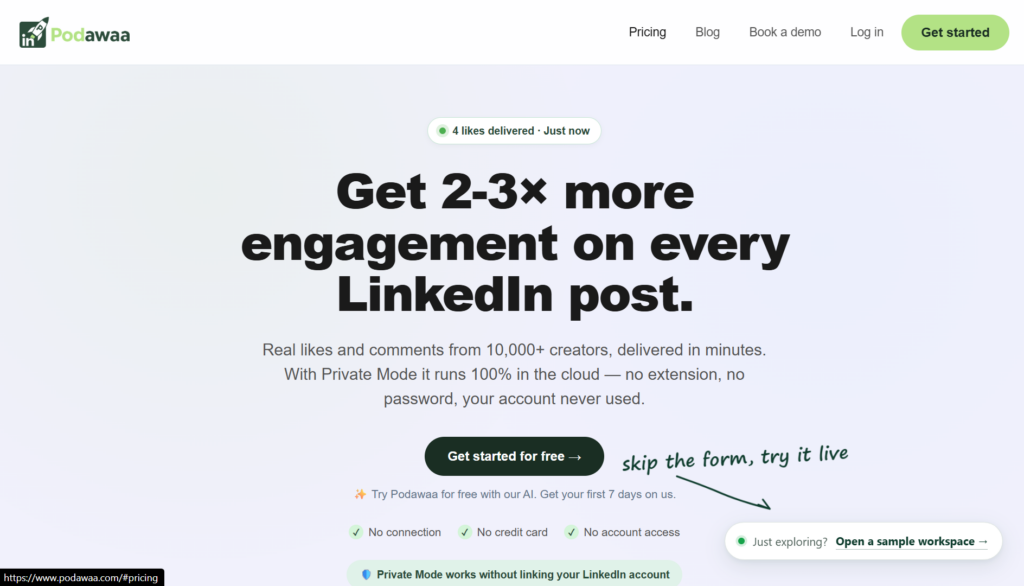
Key Features:
- AI-powered engagement pods
- Smart scheduling
- Audience targeting
- Analytics dashboard
Pricing: $49/month (Starter)
Best For: Users wanting engagement boost with managed risk.
25. Lempod
Lempod provides low-cost engagement pods for LinkedIn posts.
It’s best used cautiously to avoid unnatural activity patterns.
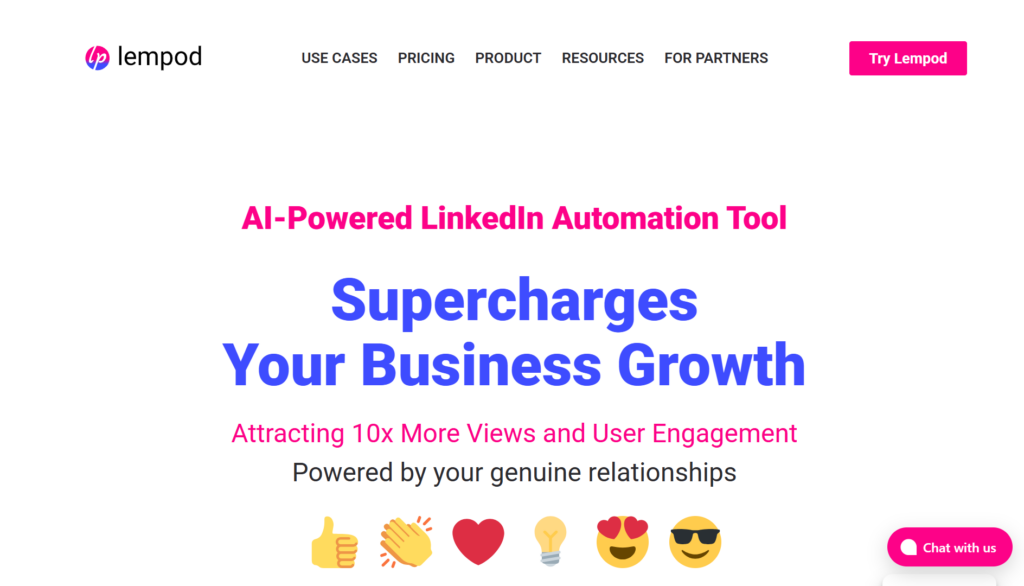
Key Features:
- Join relevant pods
- Auto-engagement on posts
- Pod creation
- Targeting options
Pricing: $9.99/pod/month
Best For: Budget-conscious engagement boosting.
Category 4: LinkedIn Content Tools
Warm prospects check your profile before responding. An active presence dramatically improves conversion rates.
26. Buffer
Buffer is a simple scheduling tool for multi-platform social posting.
It’s ideal for basic LinkedIn content consistency.
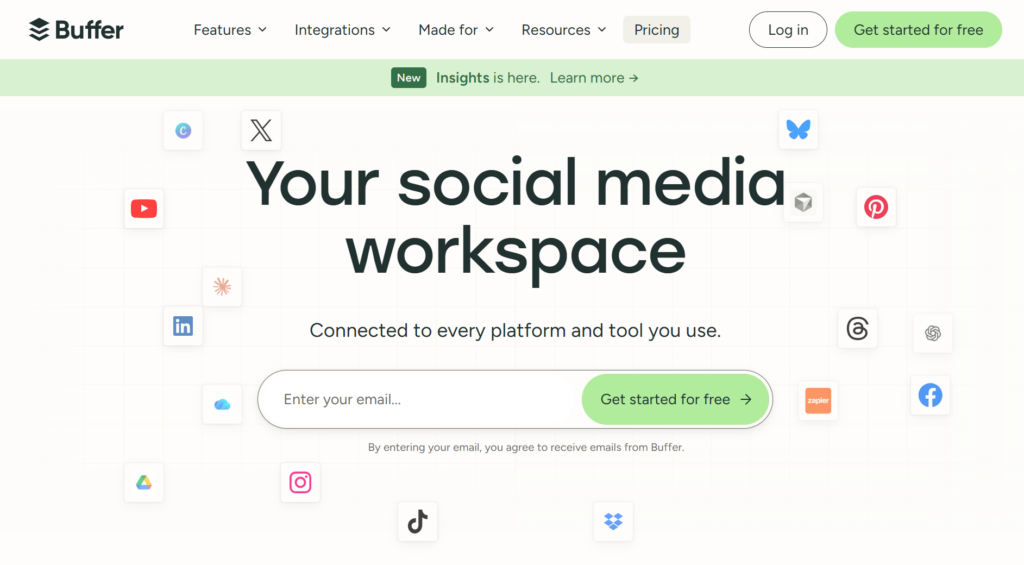
Key Features:
- Post scheduling
- Analytics
- Multi-platform support
- Team collaboration
Pricing: Free tier, $6/month per channel (Essentials)
Best For: Basic scheduling needs across platforms.
27. Hootsuite
Hootsuite is an enterprise-grade social media management platform.
It suits large teams managing multiple social channels.
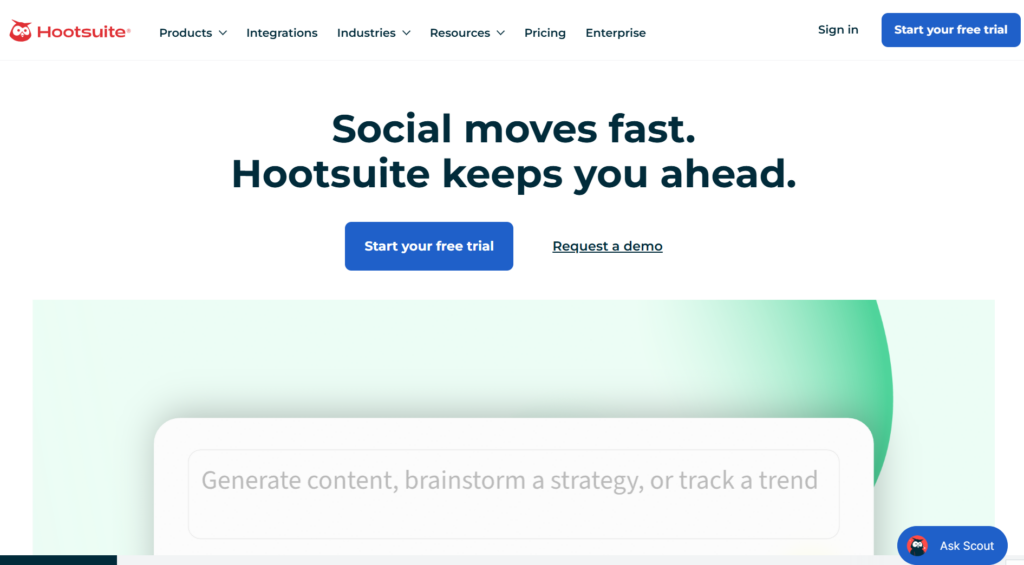
Key Features:
- Scheduling and publishing
- Social listening
- Analytics
- Team workflows
Pricing: $99/month (Professional)
Best For: Larger teams managing multiple social channels.
28. SocialPilot
SocialPilot offers content scheduling with white-label reporting.
It’s popular among agencies managing client accounts.
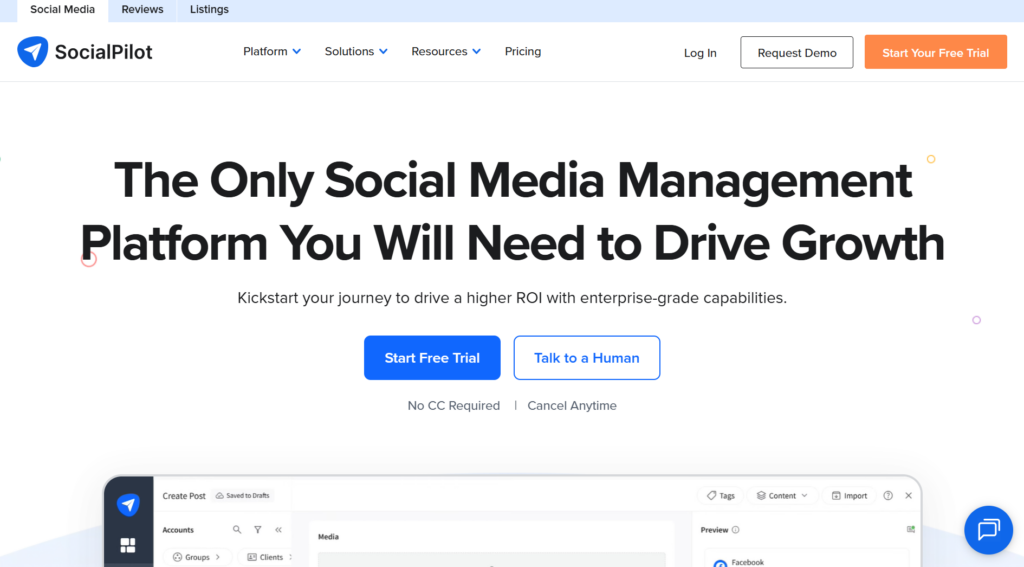
Key Features:
- Bulk scheduling
- Content curation
- Analytics
- White-label for agencies
Pricing: $30/month (Professional), $50/month (Small Team)
Best For: Agencies wanting branded client reports.
29. Sprout Social
Sprout Social provides advanced analytics, listening, and publishing tools.
It’s built for enterprise social media operations.
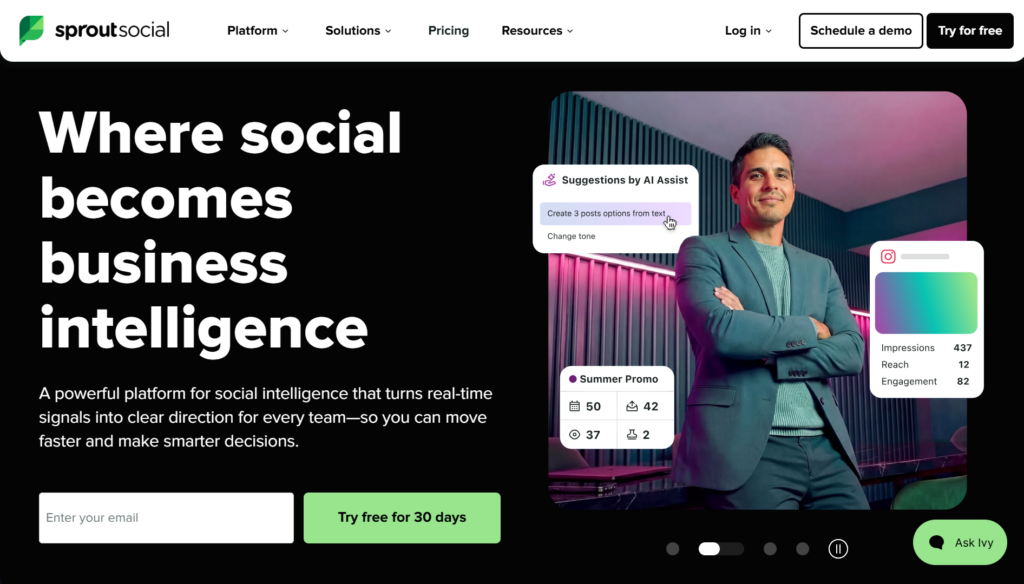
Key Features:
- Publishing and scheduling
- Social listening
- Analytics and reporting
- CRM integration
Pricing: $249/month (Standard)
Best For: Enterprise teams with serious social needs.
30. Later
Later focuses on visual content planning and scheduling.
It’s best for teams prioritizing visual storytelling.
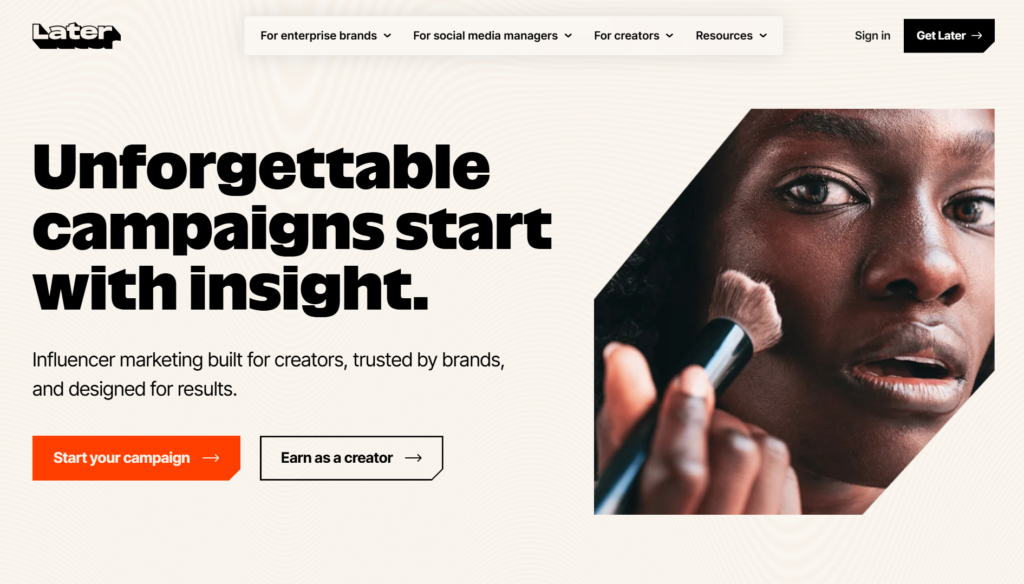
Key Features:
- Visual content calendar
- Auto-publish
- Analytics
- Linkin.bio feature
Pricing: $18/month (Starter)
Best For: Visual-focused LinkedIn content.
Category 5: Multi-Channel Sales Engagement Platforms
LinkedIn as part of broader outreach orchestration.
31. SmartReach.io
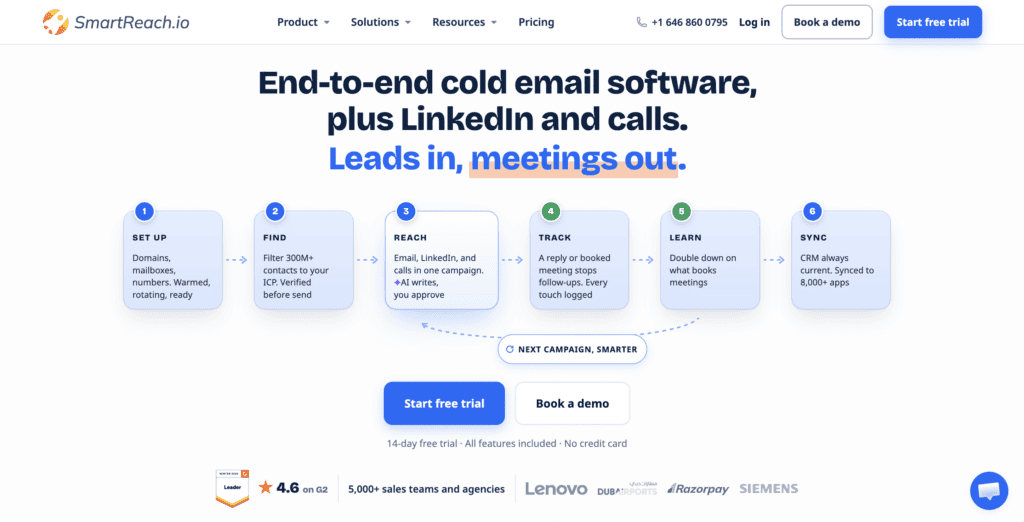
SmartReach.io is primarily a cold email software with multichannel outreach capabilities via email, LinkedIn, calls, and WhatsApp. It suits teams that want prospecting, deliverability, and multichannel outreach managed from one platform.
Key Features:
- B2B lead finder with over 300M+ contacts.
- Email campaigns with AI personalization.
- LinkedIn, calling, and WhatsApp steps.
- Email warm-up, inbox rotation, and spam testing capabilities.
- Sales Engagement plans with multiple channels in one sequence.
Pricing: From $29/month, no per-seat pricing, and a 14-day free trial.
Best For: Sales teams and agencies that want cold email, B2B prospecting, and multichannel outreach in one platform.
32. Reply.io
Reply.io enables multi-channel sales sequences, including LinkedIn steps.
It’s ideal for teams running email-first outreach with LinkedIn touchpoints.
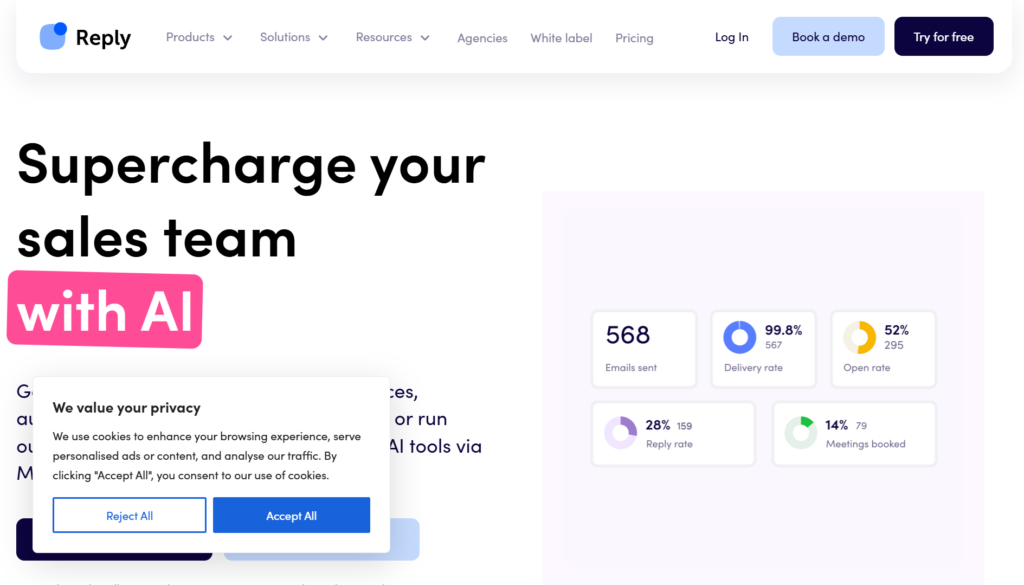
Key Features:
- Email, calls, tasks, and LinkedIn in sequences
- AI email writer
- Sequence suggestions
- Deep CRM integrations
Pricing: $60/month per user (Starter)
Best For: Teams wanting email-first with LinkedIn touchpoints.
33. Lemlist
Lemlist is known for personalized cold emails with LinkedIn integration.
It suits teams focused on deliverability and creative outreach.
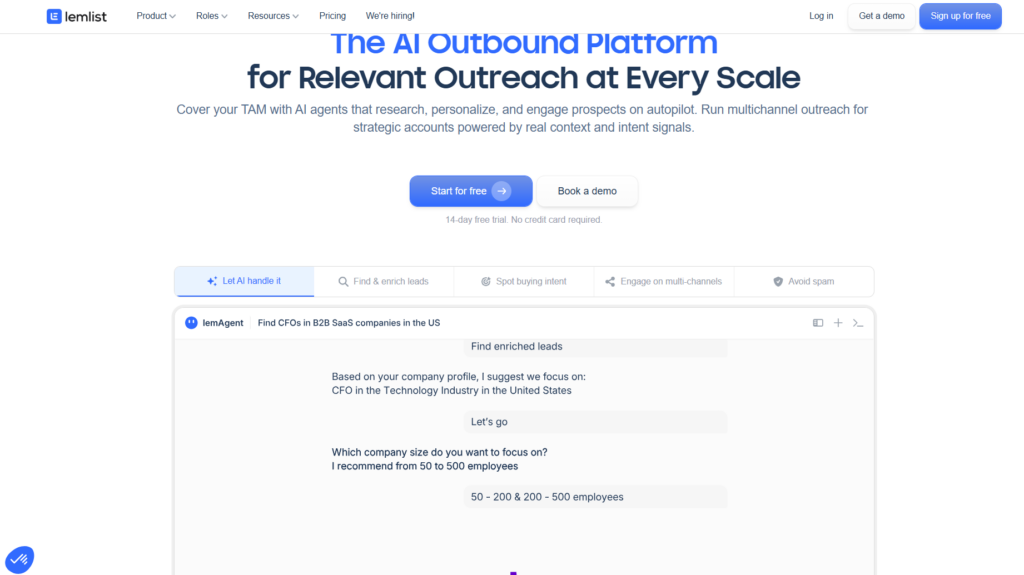
Key Features:
- Email campaigns with personalization
- LinkedIn steps (visit, connect, message)
- Image and video personalization
- Deliverability focus
Pricing: $59/month (Email Starter), $99/month (Email Pro)
Best For: Email-heavy teams adding LinkedIn touchpoints. Learn about scaling video outreach for better results.
34. Outreach.io
Outreach.io is an enterprise platform for sales engagement and forecasting.
LinkedIn is handled as tasks, making it compliance-friendly.
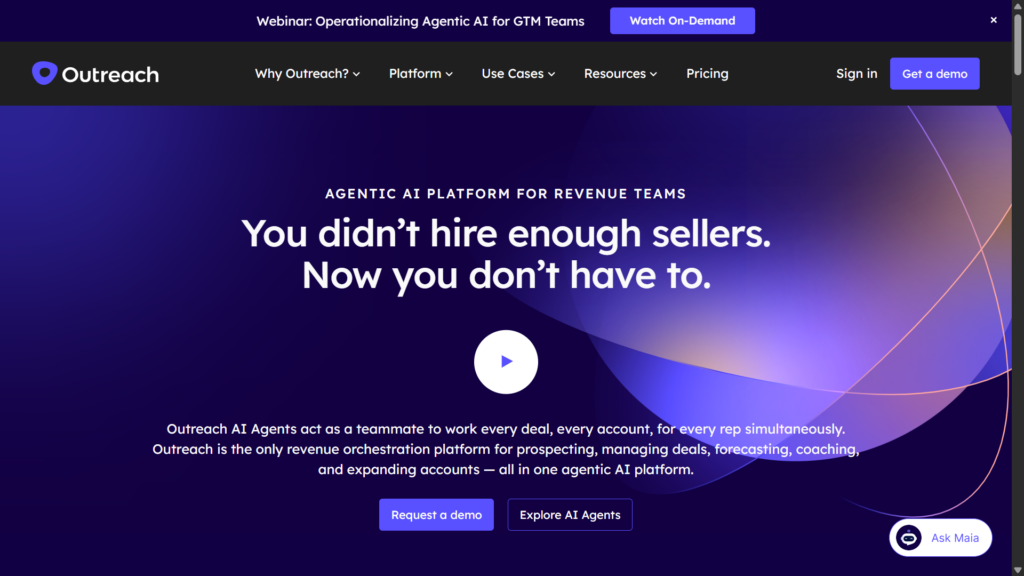
Key Features:
- Multi-channel sequences
- LinkedIn tasks (not direct automation)
- Revenue intelligence
- Forecasting
Pricing: Custom enterprise pricing
Best For: Large sales organizations wanting compliance-safe LinkedIn integration.
35. Salesloft
Salesloft focuses on sales execution, coaching, and analytics.
It’s designed for large organizations with structured sales teams.
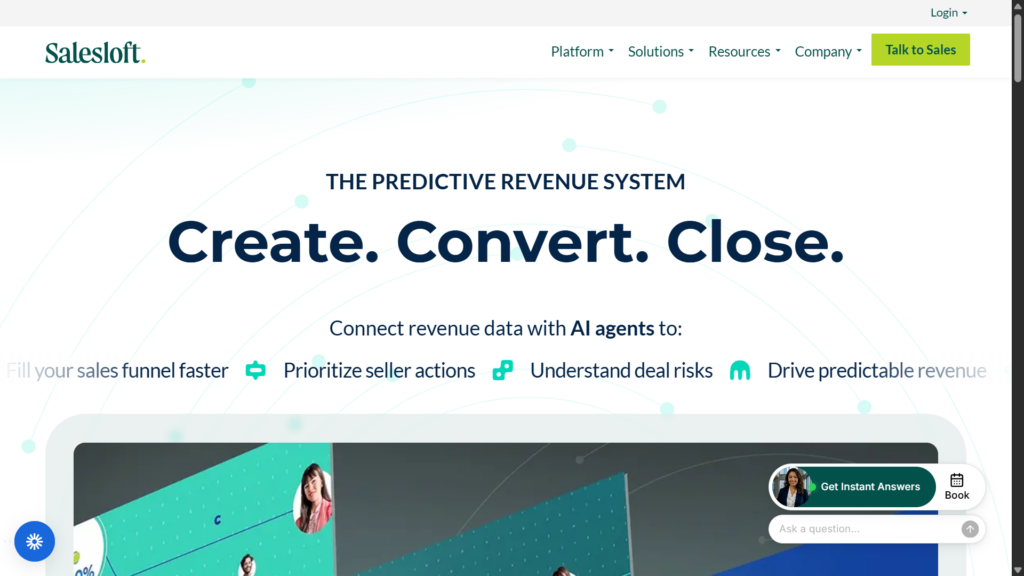
Key Features:
- Email, call, and social cadences
- LinkedIn as tasks
- Coaching tools
- Heavy reporting
Pricing: Custom enterprise pricing
Best For: Enterprise teams prioritizing compliance.
36. Waalaxy
Waalaxy offers entry-level LinkedIn and email automation with visual flows.
It’s suitable for beginners experimenting with automation.
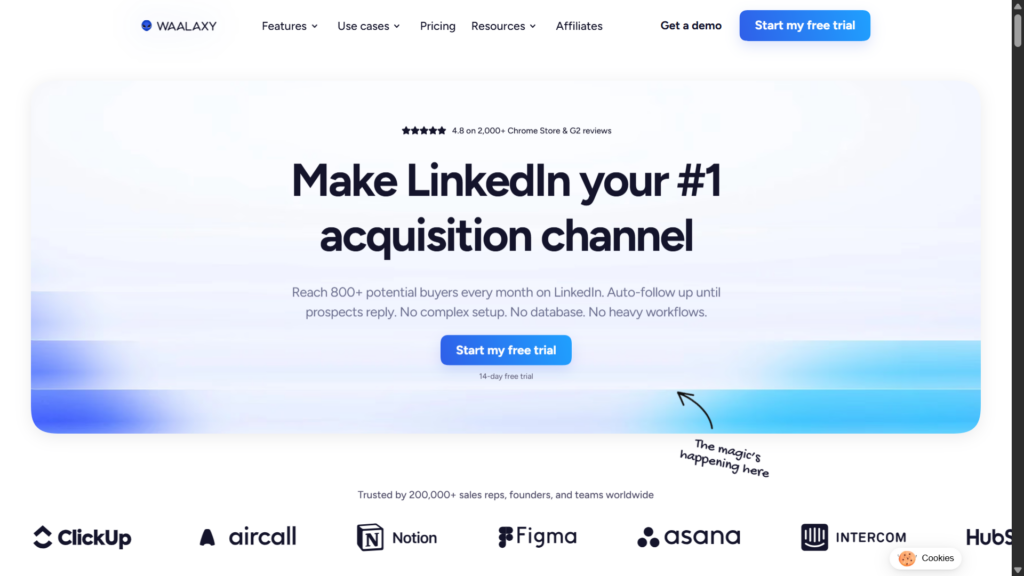
Key Features:
- Automated sequences
- Email enrichment
- Landing pages
- Visual funnel editor
Pricing: Free tier, €56/month (Advanced), €80/month (Business)
Best For: Entry-level multi-channel automation.
37. LaGrowthMachine
LaGrowthMachine supports cross-channel growth campaigns.
It’s ideal for teams combining LinkedIn, email, and social outreach.
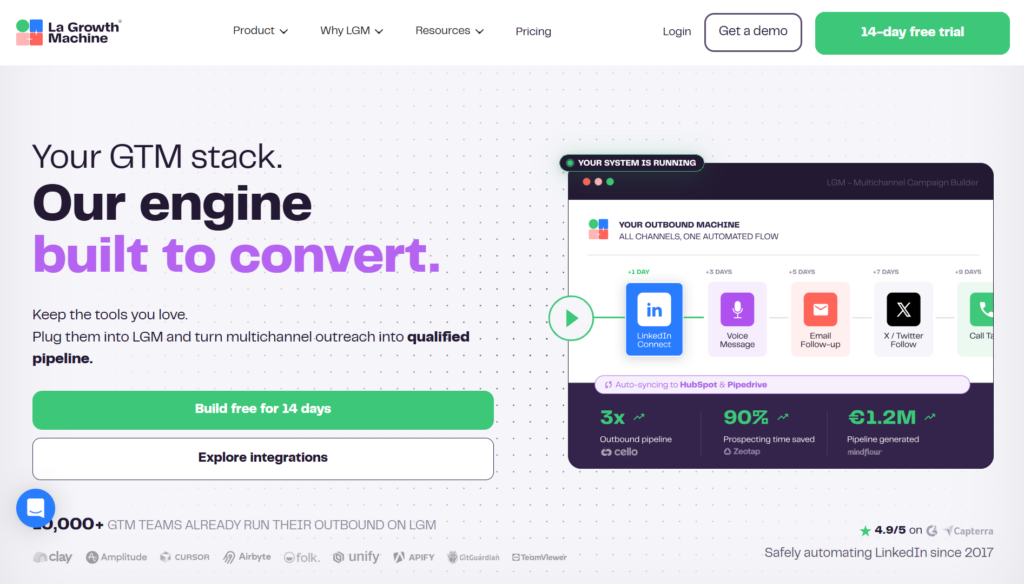
Key Features:
- LinkedIn, email, Twitter sequences
- Cross-channel steps
- Shared inbox
- Identity management
Pricing: €80/month (Basic), €120/month (Pro)
Best For: Growth teams wanting channel flexibility.
38. Kennected
Kennected provides LinkedIn automation with training and coaching support.
It’s useful for users who want guidance alongside tools.
Key Features:
- LinkedIn campaigns
- Lead management
- Pipeline views
- Training and coaching packages
Pricing: $89/month (Starter)
Best For: Users wanting guidance with their automation.
Category 6: Supporting Tools & Utilities
39. CrystalKnows
CrystalKnows provides personality insights for message personalization.
It helps teams tailor communication styles to prospects.
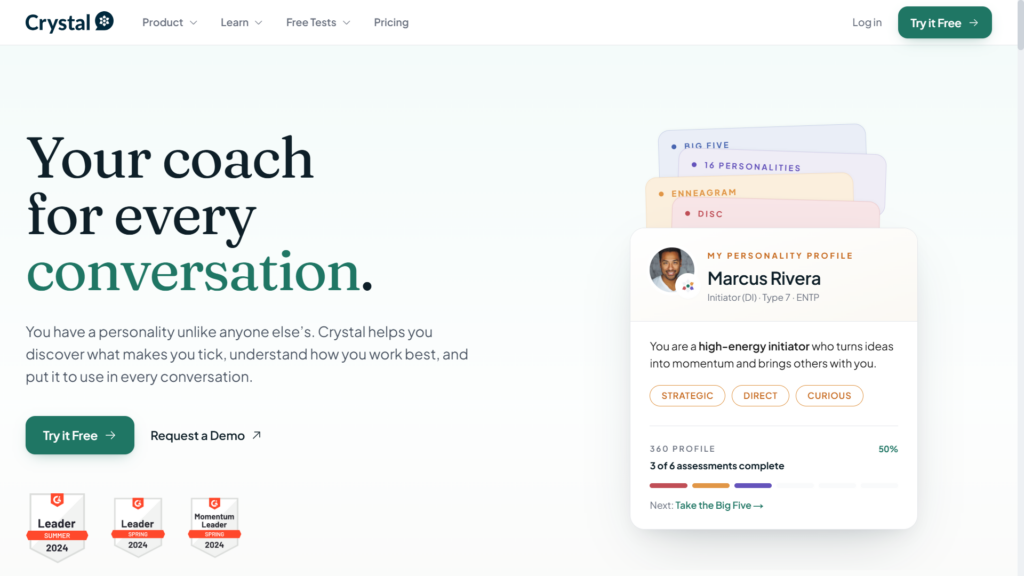
Key Features:
- DISC personality profiles from LinkedIn
- Communication recommendations
- Email suggestions
- Team insights
Pricing: Free tier, $49/month (Premium)
Best For: Teams wanting psychological personalization.
40. Clay
Clay acts as a data orchestration layer for outbound stacks.
It’s best for technical teams building custom enrichment pipelines.
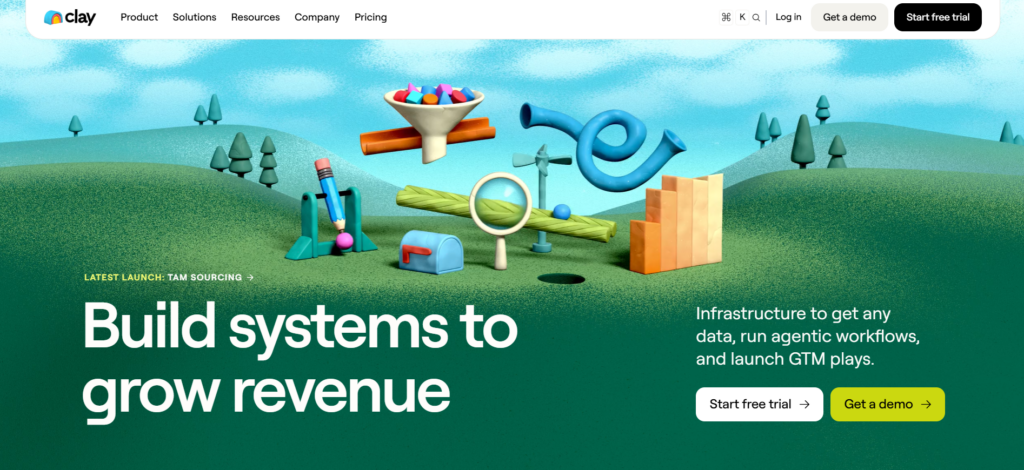
Key Features:
- Connect data sources
- Enrich contacts
- Trigger workflows
- Feed outreach tools
Pricing: $149/month (Starter)
Best For: Technical teams building custom stacks.
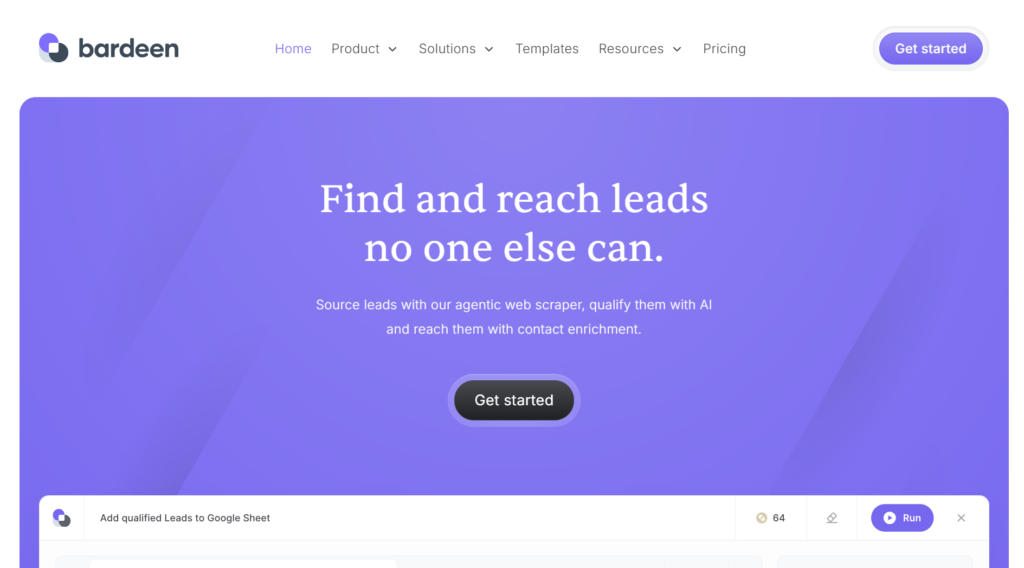
41. Bardeen
Bardeen enables no-code browser automation for repetitive tasks.
It’s ideal for users automating lightweight LinkedIn workflows.
Key Features:
- No-code automation
- LinkedIn integrations
- Data scraping
- Workflow triggers
Pricing: Free tier, $10/month (Professional)
Best For: Non-technical users wanting simple automation.
Special Category: Scalable LinkedIn Platforms
Here’s what most people don’t realize. They think LinkedIn is limited to 800 invites per month. That’s the ceiling, right?
Wrong.
SBL.so built something called the Human Affiliate Network. Real LinkedIn users who can run outreach for you as your own affiliates. Not bots. Real profiles.
Connect 50 accounts. That’s 40,000+ reach-outs per month. Email-level scale but on LinkedIn. And LinkedIn gives far better replies and conversions than email ever will.
Your affiliates use their own real profiles. You pay a basic monthly fee starting at $35/month per affiliate. They can even post about your brand for additional reach.
Completely built within LinkedIn’s compliance framework. That’s not automation. That’s transformation.
The system rotates accounts automatically. When one hits LinkedIn’s limit, the next takes over. Up to 75 new connections per day and 200 messages to first-degree leads per day.
No other platform does that safely.
Complete LinkedIn Automation Tools Comparison Table
| Tool | Type | Best For | Starting Price | Multi-Channel | AI Features | Safety Rating |
|---|---|---|---|---|---|---|
| SBL.so | Cloud | Full automation with AI chat | $99/mo | LinkedIn + WhatsApp | Advanced (chat, voice clone) | High |
| Expandi | Cloud | Safe multi-channel outreach | $99/mo | LinkedIn + Email | Basic personalization | High |
| Dripify | Cloud | Team management | $59/mo | LinkedIn only | Basic | High |
| We-Connect | Cloud | Safety-first users | $49/mo | LinkedIn only | Basic | Very High |
| Linked Helper | Desktop | Power users | $15/mo | LinkedIn only | None | Medium |
| HeyReach | Cloud | Agencies | $79/mo | LinkedIn only | Basic | High |
| Zopto | Cloud | B2B lead gen | $215/mo | LinkedIn only | Basic | High |
| Salesrobot | Cloud | Balanced automation | $99/mo | LinkedIn + Email | Moderate | High |
| Skylead | Cloud | Complex sequences | $100/mo | LinkedIn + Email | Moderate | High |
| MeetAlfred | Cloud | Content + outreach | $59/mo | LinkedIn + Email + Twitter | Basic | Medium |
| Octopus CRM | Extension | Budget users | $9.99/mo | LinkedIn only | None | Medium |
| LeadConnect | Extension | Small teams | $25.95/mo | LinkedIn only | None | Medium |
| PhantomBuster | Cloud | Technical users | $69/mo | Multi-platform | Basic | Medium |
| Evaboot | Cloud | Clean list exports | $49/mo | N/A (data tool) | None | N/A |
| TexAu | Cloud | Growth hackers | $79/mo | Multi-platform | Basic | Medium |
| Apollo.io | Cloud | Database + outreach | $49/mo | Email + LinkedIn tasks | Moderate | High |
| Closely | Cloud | Combined prospecting | $59/mo | LinkedIn only | Basic | Medium |
| Snov.io | Cloud | Email-first teams | $39/mo | Email + LinkedIn data | Basic | High |
| Hunter.io | Cloud | Email finding | $49/mo | Email focus | None | High |
| Scrab.in | Extension | Budget scraping | $12/mo | LinkedIn only | None | Low |
| Taplio | Cloud | Content creators | $49/mo | LinkedIn content | Advanced (content AI) | N/A |
| Shield Analytics | Cloud | Content analytics | $25/mo | LinkedIn analytics | Basic | N/A |
| AuthoredUp | Extension | Post formatting | $19.95/mo | LinkedIn content | Basic | N/A |
| Podawaa | Cloud | Engagement pods | $49/mo | LinkedIn engagement | Basic | Medium |
| Lempod | Cloud | Budget pods | $9.99/pod | LinkedIn engagement | None | Low |
| Buffer | Cloud | Basic scheduling | $6/mo | Multi-platform | Basic | N/A |
| Hootsuite | Cloud | Enterprise social | $99/mo | Multi-platform | Moderate | N/A |
| SocialPilot | Cloud | Agency scheduling | $30/mo | Multi-platform | Basic | N/A |
| Sprout Social | Cloud | Enterprise | $249/mo | Multi-platform | Advanced | N/A |
| Later | Cloud | Visual content | $18/mo | Multi-platform | Basic | N/A |
| Reply.io | Cloud | Sales engagement | $60/mo | Email + LinkedIn + Calls | Advanced (AI writer) | High |
| Lemlist | Cloud | Email personalization | $59/mo | Email + LinkedIn | Moderate | High |
| Outreach.io | Cloud | Enterprise | Custom | Multi-channel | Advanced | Very High |
| Salesloft | Cloud | Enterprise | Custom | Multi-channel | Advanced | Very High |
| Waalaxy | Cloud | Entry-level multi-channel | Free/€56 | LinkedIn + Email | Basic | Medium |
| LaGrowthMachine | Cloud | Growth teams | €80/mo | LinkedIn + Email + Twitter | Moderate | High |
| Kennected | Cloud | Coaching-focused | $89/mo | LinkedIn only | Basic | Medium |
| CrystalKnows | Cloud | Personality insights | $49/mo | N/A (research tool) | Advanced (personality AI) | N/A |
| Clay | Cloud | Data orchestration | $149/mo | Multi-platform | Advanced | N/A |
| Bardeen | Extension | Simple automation | $10/mo | Multi-platform | Basic | Medium |
Decision Framework: Choosing Your LinkedIn Automation Tool
Stop randomly picking tools. Use this framework instead.
Step 1: Define Your Primary Goal
- Lead generation & outbound sales: Focus on outreach tools (SBL.so, Expandi, Dripify)
- Recruiting: Consider Linked Helper, Evaboot, or ATS integrations
- Content & personal branding: Taplio, AuthoredUp, Shield
- ABM campaigns: Multi-channel platforms (Reply.io, Lemlist, LaGrowthMachine)
Step 2: Assess Your Team Size
- Solo founder: Start with Octopus CRM or Waalaxy (free tier)
- Small team (2-5): Dripify, We-Connect, or SBL.so
- Sales team (5-20): Expandi, Salesrobot, or Reply.io
- Enterprise (20+): Outreach.io, Salesloft, or custom SBL.so implementation
Step 3: Calculate Your Budget
- Under $50/month: Octopus CRM, LeadConnect, AuthoredUp
- $50-100/month: Dripify, We-Connect, Closely, Waalaxy
- $100-200/month: SBL.so, Expandi, Skylead, Reply.io
- $200+/month: Zopto, enterprise platforms, agency solutions
Step 4: Prioritize What Matters
Conversation quality over volume? SBL.so is your only real option. Everything else stops at message delivery.
Maximum safety? We-Connect, Outreach.io, or Salesloft (task-based, not direct automation).
Multi-channel orchestration? Reply.io, Lemlist, LaGrowthMachine.
Scale to 40,000+ monthly reachouts? SBL.so’s Human Affiliate Network.
The ROI Calculation Most People Miss
A $79/month tool with 18% reply rates delivers far better returns than a $99/month tool with 4% reply rates.
Do the math. 1,000 messages at 18% = 180 replies. At 4% = 40 replies. That’s 4.5x more conversations for less money.
Pipeline value matters more than tool cost. Always.
For small teams, this calculation is especially critical. Every dollar counts.
Most Commonly Asked Questions on LinkedIn Automation Tools
Will LinkedIn automation get my account banned?
It depends entirely on how you use it. LinkedIn’s Terms of Service prohibit unauthorized automation. But enforcement varies.
Conservative usage within human-like patterns usually works fine. Aggressive mass messaging gets flagged. The tools listed here with ‘High’ safety ratings have designed their systems to minimize risk.
Best practices: Start with 10-20 connection requests daily. Gradually increase over weeks. Never exceed 50-70/day even on warmed accounts. Combine automation with real engagement.
What’s the difference between browser extensions and cloud tools?
Browser extensions run through your Chrome session. Cheaper. Simpler. But more detectable if you’re careless.
Cloud tools run from remote servers with dedicated IPs. They simulate real user behavior. Generally safer and more stable for teams.
For serious outreach, cloud is the way. Extensions work for casual users testing the waters.
How many connection requests can I safely send per day?
There’s no official public number. LinkedIn changes limits constantly.
Current safe ranges (2026):
- New accounts: 10-20/day maximum
- Warmed accounts (3+ months active): 40-70/day
- Always combine with genuine engagement
- Watch for warning signs and pull back immediately
What reply rate should I expect from LinkedIn automation?
Industry average sits at 3-5%. That’s abysmal. Most tools deliver exactly this because they just send templates.
Good targeting and personalization can push you to 8-12%. Conversation-first tools like SBL.so consistently hit 15-20%+.
The difference? Quality over quantity. Intelligent conversations over mass messaging.
Which tools are best for agencies managing multiple clients?
HeyReach, Zeekeo, Expandi, and SBL.so all offer strong agency features. Key requirements:
- Multi-account management from one dashboard
- White-label reporting
- Role-based access controls
- Account rotation and safety limits per client
Should I use LinkedIn automation or manual outreach?
Hybrid is the answer. Pure automation without human oversight fails. Pure manual doesn’t scale.
The sweet spot: Automation handles the heavy lifting (prospecting, initial outreach, follow-ups). Humans jump in for high-value conversations and closes.
Tools like SBL.so blur this line by handling conversations intelligently until human intervention is actually needed.
Can I integrate LinkedIn automation with my CRM?
Most modern tools offer CRM integrations via Zapier, native connections, or APIs. HubSpot, Salesforce, and Pipedrive are commonly supported.
SBL.so includes a built-in CRM plus integrations with external systems. Your LinkedIn pipeline syncs automatically.
For more on pipeline management, check our guide on MQL vs SQL alignment.
What’s the best tool for LinkedIn + email combined?
Reply.io, Lemlist, Skylead, and LaGrowthMachine all excel at multi-channel sequences. They let you build flows that start on LinkedIn and continue via email (or vice versa).
SBL.so supports LinkedIn + WhatsApp, with email coming soon. The WhatsApp integration is particularly powerful for certain markets. See our WhatsApp automation tools comparison.
How do I personalize at scale without sounding robotic?
AI is the answer. But not fake AI. Real intelligence that understands context.
Use tools that reference specific profile details. Mention recent posts. Reference shared connections. Tools with advanced AI (SBL.so, Reply.io’s AI writer) do this automatically.
The key: Don’t over-personalize. One genuine hook beats five forced personalization points.
What metrics should I track for LinkedIn automation?
Forget vanity metrics. Track what matters:
- Reply rate: % of outreach that gets responses
- Positive reply rate: % that are actually interested
- Meetings booked: Actual calendar conversions
- Pipeline value: Dollar amount in your funnel
- Connection acceptance rate: Early indicator of targeting quality
Messages sent and connections made are meaningless if they don’t convert.
Why aren’t my LinkedIn campaigns converting?
Common issues:
- Poor targeting: You’re reaching the wrong people
- Generic messaging: Templates that scream ‘automated’
- No value proposition: You’re asking without giving
- Too aggressive: Selling in the first message
- Weak profile: Prospects check you out and bounce
Fix targeting first. Then messaging. Then your profile. In that order.
What’s the best LinkedIn tool for AI-powered outreach?
Most tools claiming AI just have GPT integrations for message drafting. That’s basic.
True AI handles the conversation. It responds. It handles objections. It books calls. That’s what SBL.so does.
For a deeper dive into AI sales capabilities, see our guide on Best AI Sales Tools for SDR Teams.
Can I automate LinkedIn post engagement (likes and comments)?
Yes. Tools like Podawaa and Lempod offer engagement pods. PhantomBuster can automate engagement actions. Some outreach tools include this in their sequences.
Be careful. Over-automation of engagement looks fake. Use sparingly to boost important posts, not everything you publish.
How do I warm up a new LinkedIn account for automation?
Start slow. Really slow.
- Week 1: Complete your profile fully. Add connections manually (10-15/day).
- Week 2: Engage with content daily. Accept incoming requests.
- Week 3: Begin very light automation (5-10 actions/day).
- Week 4+: Gradually increase by 10-20% weekly.
Never rush this. A banned account costs far more than a slow start.
What’s the future of LinkedIn automation in 2026 and beyond?
Three trends are clear:
- Conversation AI replaces message automation: Sending is table stakes. Intelligent conversations are the differentiator.
- Multi-channel becomes standard: LinkedIn alone isn’t enough. Integration with email, WhatsApp, and other channels is expected.
- Safety features become primary: As LinkedIn cracks down, tools that keep accounts safe will win over those promising volume.
The spray-and-pray era ended. Welcome to the age of intelligent, conversation-first automation.
Final Thoughts on Choosing Your LinkedIn Automation Tool
The best LinkedIn automation tools aren’t about sending more messages. They’re about having better conversations.
If you just want to blast templates, pick any tool. They all do that.
If you want replies that convert to meetings, conversations that close deals, and an AI system that actually sells, your options narrow quickly.
The tools in this guide range from budget-friendly starters to enterprise-grade solutions. Your choice depends on your goals, team size, and whether you value conversation quality over raw volume.
One thing’s certain. 2026 demands a different approach. Quality beats quantity. Intelligence beats templates. Conversations beat broadcasts.
Choose accordingly.