If you’ve been using Taplio and feeling like something’s missing, you’re not alone. I spent months bouncing between LinkedIn content tools before landing on a stack that actually moves the needle. This post breaks down 10 Taplio alternatives that handle scheduling, AI content, analytics, and outreach better for different use cases. By the end, you’ll know exactly which tool fits your workflow, whether you’re a solo founder or running a team.
Why People Are Looking for Taplio Alternatives in 2026
Taplio does one thing well: AI-generated post ideas and carousel templates. But most founders I talk to don’t just want content suggestions. They want a system that helps them grow, not just post.
The biggest shift in LinkedIn growth tools this year is that buyers are looking for stacked workflows rather than a single all-in-one tool. Content creation, analytics, outreach, and reply handling are increasingly split across specialized products. The strongest differentiation is now between tools that mainly help you publish and tools that help you convert conversations into pipeline.
The complaints I hear most often about Taplio:
- Analytics feel surface-level compared to dedicated tools
- No real outreach or DM automation
- Scheduling works fine but lacks multi-channel depth
- Pricing feels steep once you scale beyond solo use
So let me walk you through what’s actually worth your money and time.
1. Sbl.so: The Full-Stack LinkedIn Growth Engine
I’m putting Sbl.so at the top because it’s genuinely different from everything else on this list. Most tools stop at scheduling or content generation. Sbl.so handles the entire sales conversation.
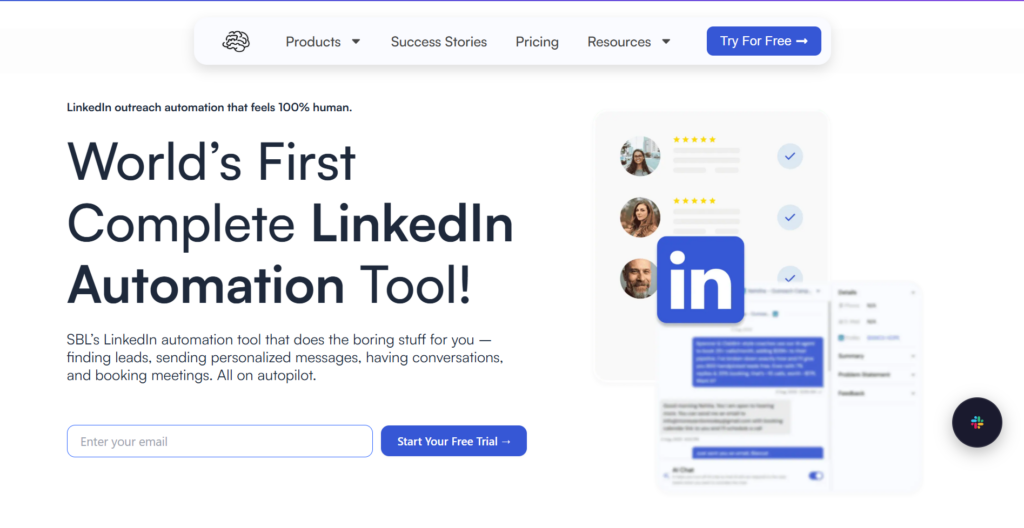
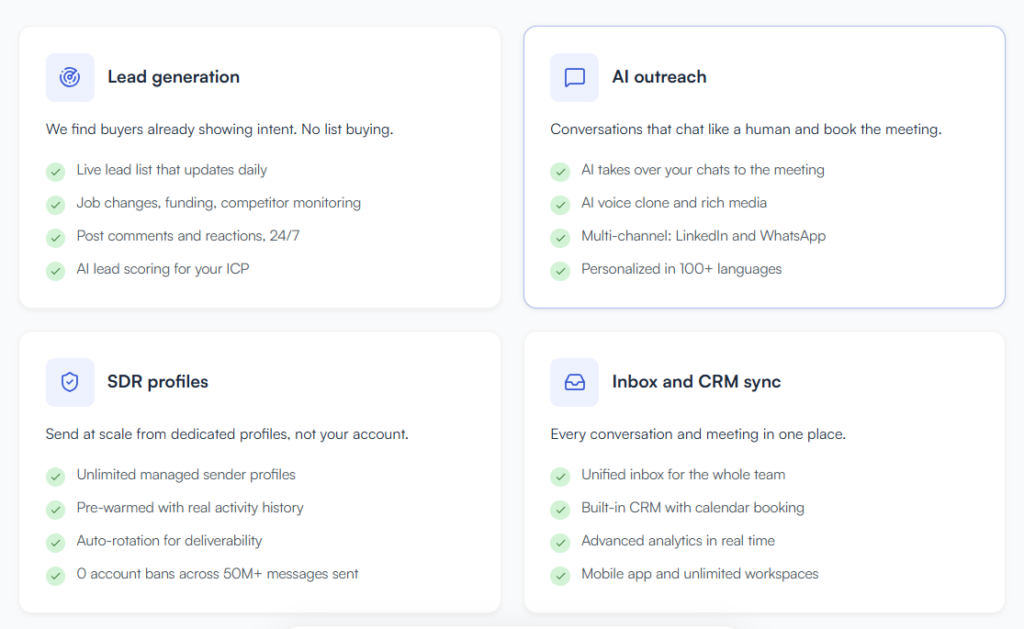
Here’s what I mean. You create a campaign, Sbl.so finds leads matching your ICP, sends connection requests, and when people reply, the AI actually chats with them. Not canned responses. Real back-and-forth conversations that push toward booking calls.
This matters because the hardest part of LinkedIn growth isn’t posting. It’s turning engagement into pipeline. Sbl.so bridges that gap.
Key features that stand out:
- AI-powered chat automation that handles objections and follows up
- Lead generation agent built in, no separate tool needed
- Voice message cloning so you can send personalized audio at scale
- Unified inbox for managing multiple LinkedIn accounts
- Works on LinkedIn and WhatsApp together
If you want to understand how this compares to other automation tools, check out the 40 best LinkedIn automation tools of 2026 breakdown.
Pricing starts at $99/month after a 7-day free trial. For what you get, that’s reasonable compared to hiring even one part-time SDR.
2. Shield Analytics: Best Pure Analytics Alternative
If your main gripe with Taplio is weak analytics, Shield is the fix. It’s laser-focused on LinkedIn metrics: profile views, post engagement rates, follower demographics, and trend tracking over time.
Shield’s value comes from depth. You can see how content performs across weeks or months, not just one-off post metrics. For anyone treating LinkedIn as a serious growth channel, that historical trend data shapes strategy in ways surface-level dashboards can’t.
Shield pairs well with other tools. I’ve seen people use it alongside Sbl.so for outreach and Postwise for content. The data feeds strategy.
Pricing: $49/month for the starter plan.
3. Postwise: AI Content Generation Done Right
Postwise generates post ideas from URLs, trending topics, or simple prompts. The carousel optimizer and A/B testing for hooks make it useful for creators who want to test what resonates before committing to a publishing schedule.
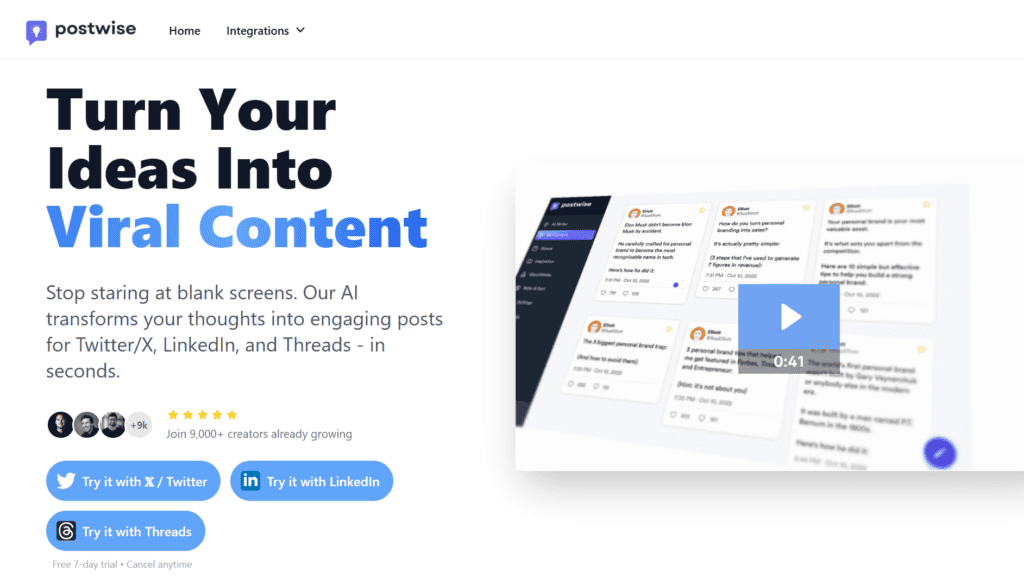
What I like about Postwise is the speed. You can go from blank page to scheduled post in under two minutes. The viral hook suggestions are actually decent, not the generic stuff you’d expect from AI tools.
For solopreneurs who need volume without sacrificing quality, this is solid. Pricing sits at $29/month.
4. Buffer: The Reliable Free Option
Buffer has been around forever, and the LinkedIn integration keeps improving. The dashboard shows how posts perform over time rather than just one-off metrics, which helps you spot what’s working across your content calendar.
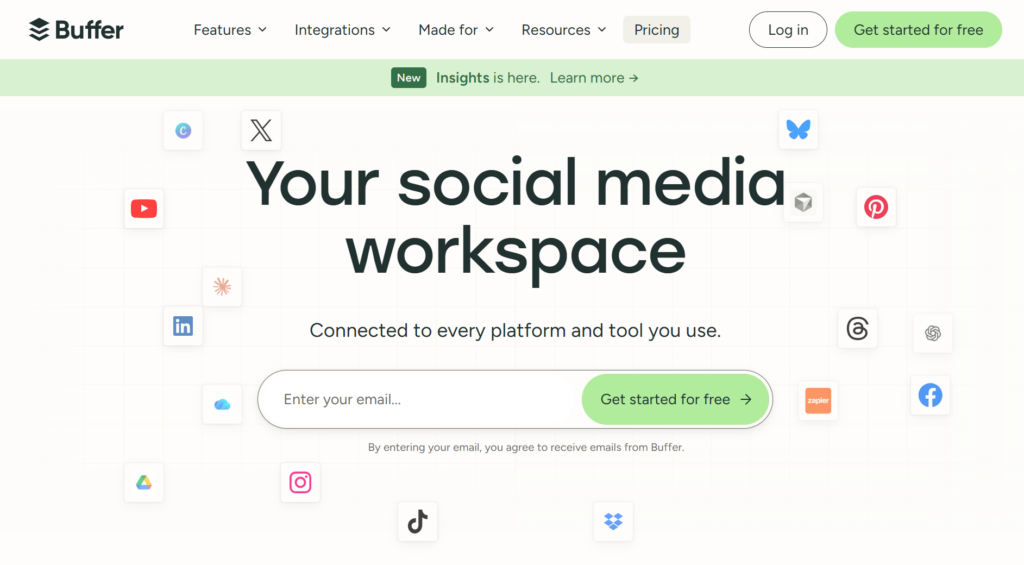
The AI assistant helps with captions and hashtags. Nothing groundbreaking, but it works. The free tier is genuinely usable for anyone just starting out.
If you need scheduling across multiple platforms beyond LinkedIn, Buffer handles that too. Paid plans start reasonable once you outgrow free limits.
5. Hootsuite: Enterprise-Grade for Larger Teams
Hootsuite’s Owly AI generates content ideas, and the LinkedIn-specific engagement predictions help teams prioritize what to post and when. This matters for teams managing multiple accounts with approval workflows.
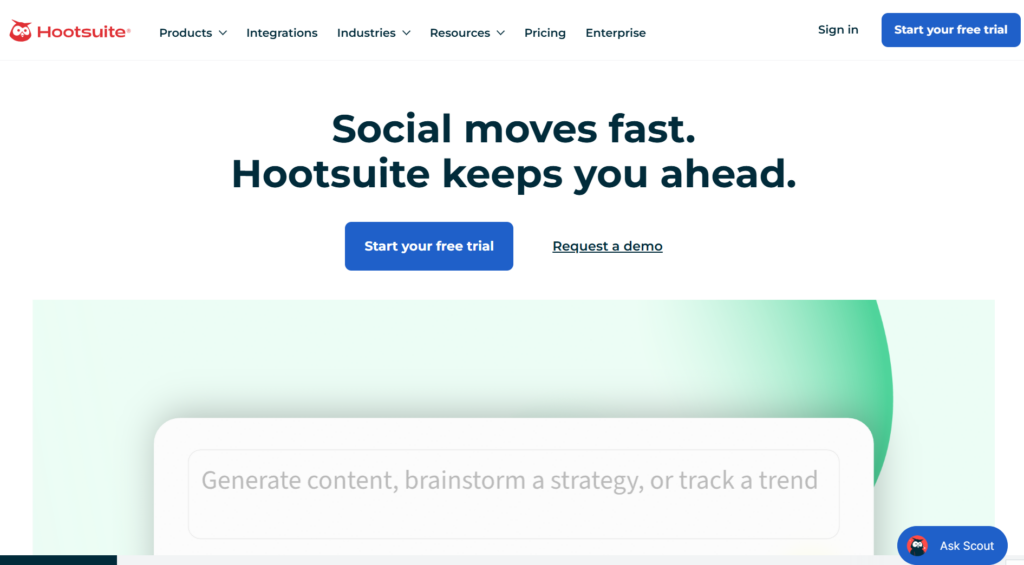
The interface can feel bloated if you only care about LinkedIn. But for agencies or marketing teams juggling 10+ social accounts, the centralization makes sense.
Professional plans run $99/month. Not cheap, but the feature depth justifies it at scale.
6. Typefully: Clean Writing Experience
Typefully focuses on the writing and scheduling experience. The preview analytics show estimated performance before you post, which helps you iterate faster.
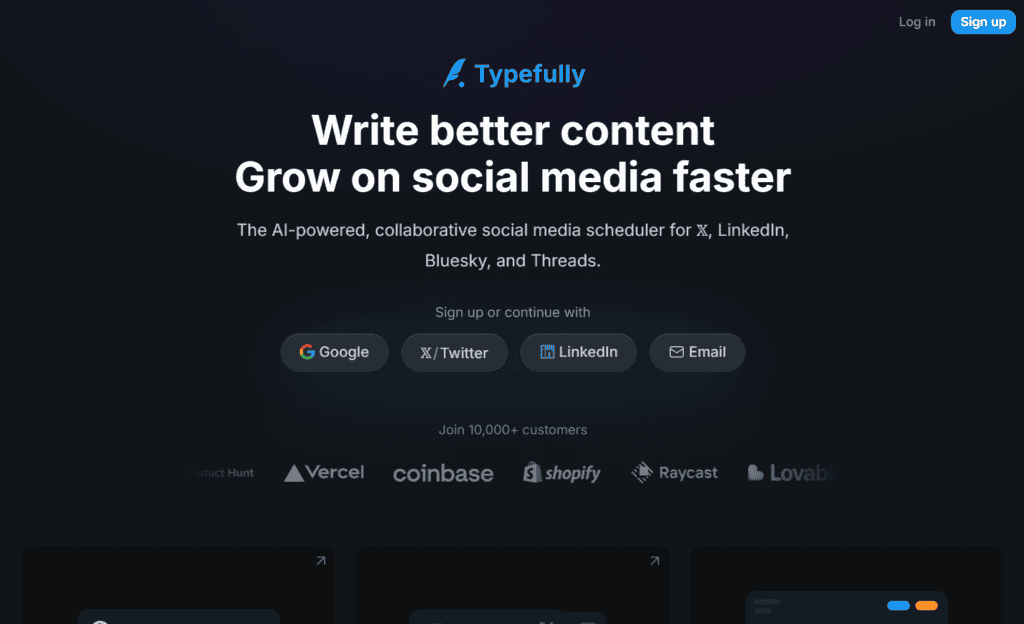
The AI rewrite feature adjusts posts to match your brand voice. That’s subtle but useful if consistency matters to you.
I’d recommend Typefully for founders who enjoy writing and want a distraction-free tool. It’s $19/month, making it one of the more affordable options.
7. MagicPost: Best for Video Content
Video is dominating LinkedIn feeds in 2026. MagicPost generates full posts and threads from prompts, but the real value is video script integration.
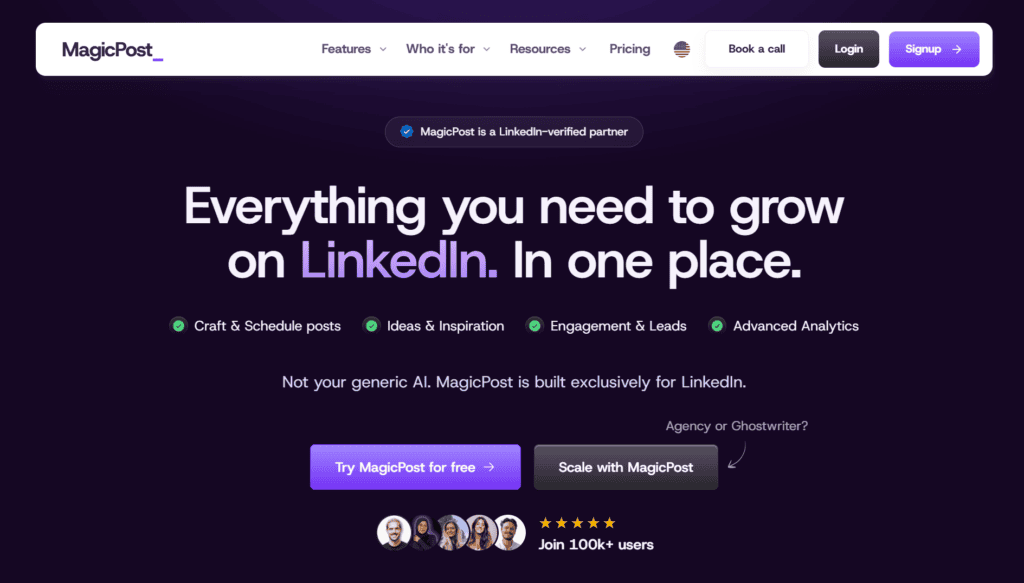
You can feed it a topic, get a script, and export to video tools. The site claims 5x faster content creation, and from my testing, that’s roughly accurate for multimedia workflows.
Pro plan runs $39/month. Worth it if video is central to your strategy.
8. Expandi: Safe Outreach at Scale
Expandi focuses on LinkedIn outreach with built-in safety limits to avoid account restrictions. The AI personalization for connection requests and messages helps campaigns feel less templated.
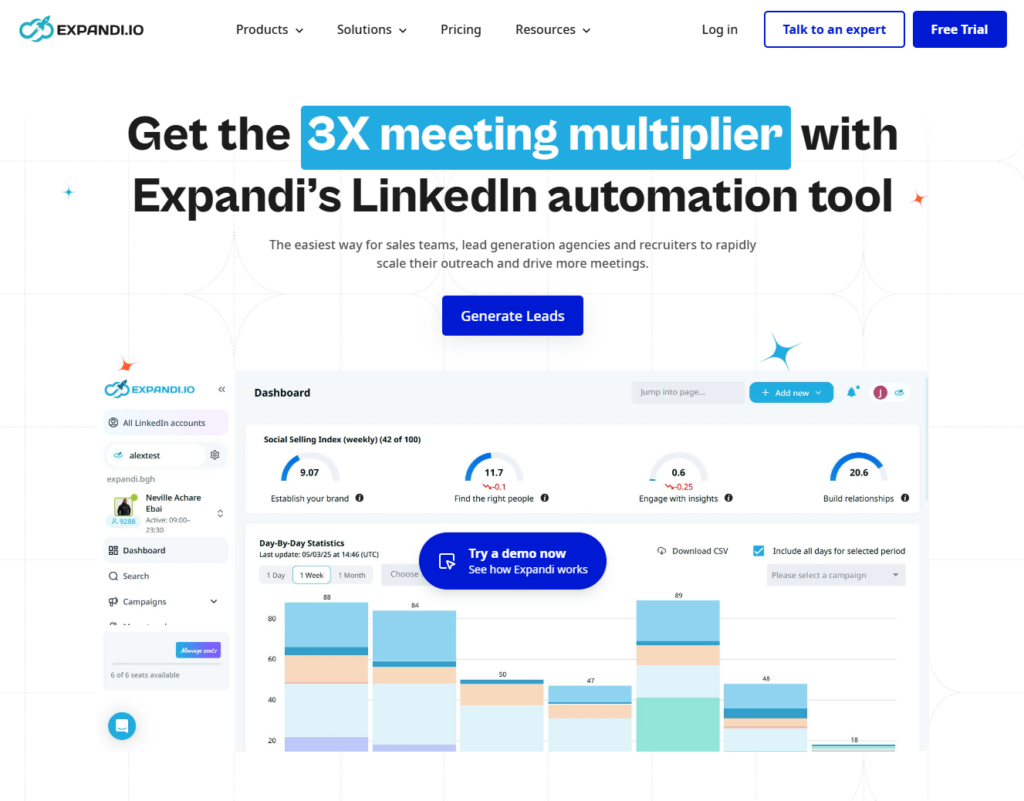
This overlaps with Sbl.so territory, but Expandi doesn’t handle reply conversations the same way. You’re still managing responses manually or with basic sequences. For a detailed comparison, see the Expandi vs Sbl.so breakdown.
Pricing: $99/month.
9. Lavender: AI Coaching for Messages
Lavender started as an email coach but expanded to LinkedIn messaging. It scores your content and suggests improvements in real-time.
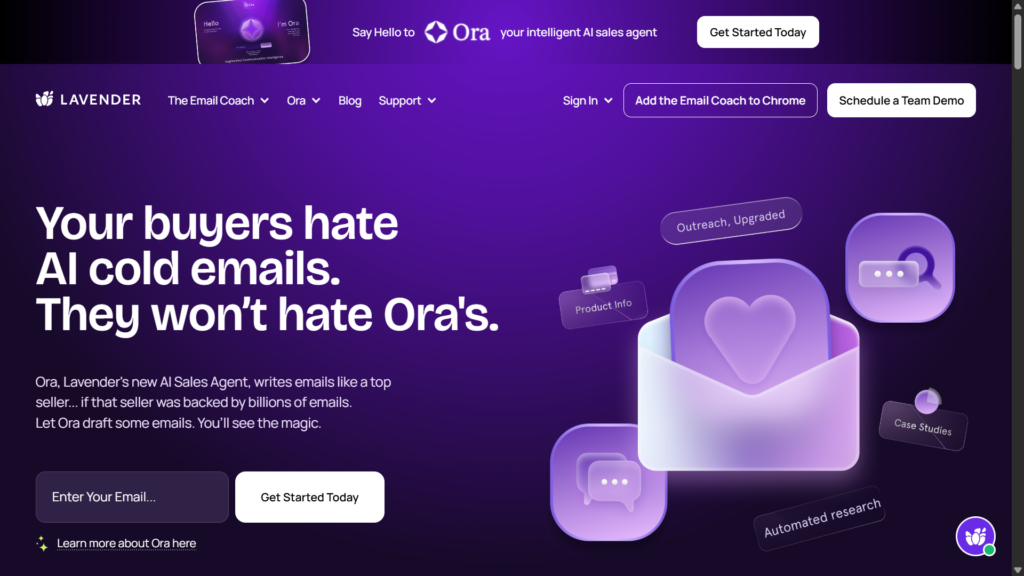
The focus on reply rate optimization makes it useful if your DMs aren’t getting responses. Lavender shows you why and how to fix it.
At $29/month, it’s a nice addition to any stack rather than a standalone solution.
10. Dux-Soup: Budget Chrome Extension
Dux-Soup runs as a Chrome extension for basic automation: profile visits, connection requests, and carousel posting with analytics.
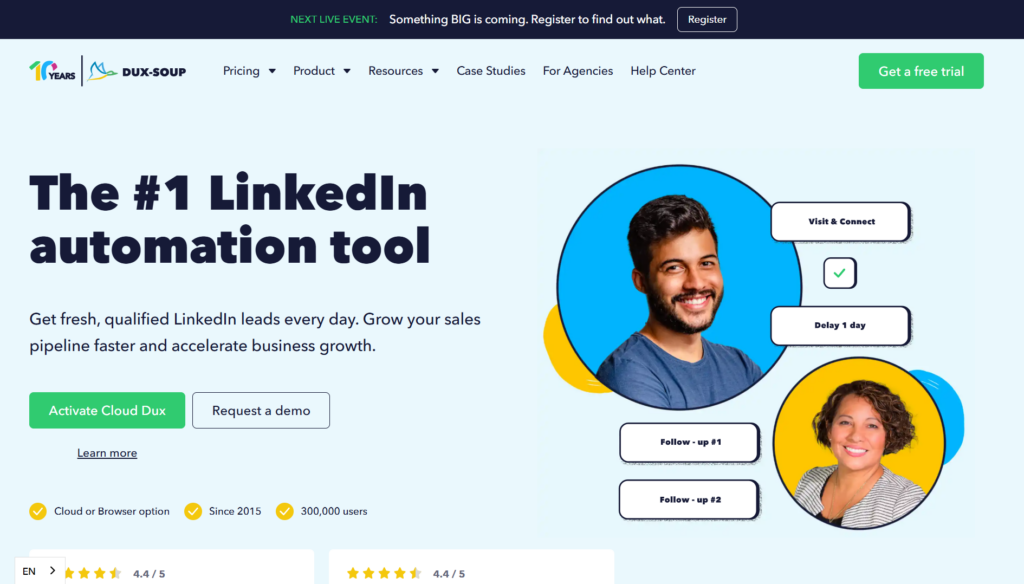
It’s the cheapest option at $14.99/month. The trade-off is less sophistication. No AI chat handling, limited multi-account support. But for someone testing LinkedIn outreach before committing to a bigger tool, it works.
How to Choose the Right Taplio Alternative
The best tool depends entirely on what you’re trying to accomplish. Here’s how to think about it by job-to-be-done:
If you want full automation from content to booked calls: Sbl.so handles the entire flow. You’re not cobbling together three tools. The AI sales automation guide explains how this fits into a broader sales strategy.
If you only need better analytics: Shield gives you deeper metrics than Taplio without the content features you might not use.
If content creation is your bottleneck: Postwise or MagicPost generate ideas faster than you can write them.
If you’re budget-conscious: Buffer’s free tier or Dux-Soup’s $15/month gets you started.
If you run a team or agency: Hootsuite’s workflows and approval systems make sense at scale. For agencies specifically, check out the best LinkedIn outreach tool for agencies guide.
Can You Combine Multiple Tools?
Absolutely. The best LinkedIn operators I know use a stack.
A common setup: Shield for analytics, Postwise for content ideas, Sbl.so for outreach and chat automation. Each tool does its piece well. The integration happens through your workflow, not necessarily through native connections.
If you’re running sales automation for a small team, combining a content tool with Sbl.so’s outreach capabilities makes more sense than trying to find one tool that does everything.
What About LinkedIn’s Native Tools?
LinkedIn’s built-in scheduling and analytics have improved. But they’re still basic compared to dedicated alternatives.
The native analytics don’t show you competitive benchmarks or content performance trends over months. The scheduling lacks AI optimization for timing.
I’d use native tools for light posting. For anything serious, dedicated platforms save time and surface insights you’d miss otherwise.
Common Questions About Taplio Alternatives
What’s the best Taplio alternative for LinkedIn growth?
For end-to-end growth covering lead generation, outreach, and AI chat automation, Sbl.so is the most complete option. If you only need one specific function like analytics or content creation, specialized tools work better.
Is Shield better than Taplio for analytics?
Yes. Shield goes deeper on metrics like audience demographics and engagement trends. Taplio’s analytics are more surface-level. If data drives your content decisions, Shield wins.
What’s the best free Taplio alternative?
Buffer’s free tier handles basic scheduling and AI captions. Typefully’s free plan works for writers. Neither matches paid tool depth, but they’re legitimate starting points.
How do I avoid LinkedIn bans with automation tools?
Use cloud-based tools like Sbl.so or Expandi that manage limits automatically. Keep daily actions under 75 connections and 200 messages. Always add human review for responses. The unrestrict LinkedIn account guide covers recovery if something goes wrong.
Which tool is best for video content on LinkedIn?
MagicPost integrates video script generation. Buffer’s AI assistant helps with captions for video posts. For video-first strategies, MagicPost edges ahead.
Can these tools help with employee advocacy?
Yes. Sbl.so’s fractional SDR profile network lets verified users run outreach on your behalf, which extends beyond traditional employee advocacy into actual outbound execution.
What’s the best Taplio alternative for outreach automation?
Sbl.so and Expandi both handle outreach automation. Sbl.so is more complete because it also handles AI-powered reply conversations, while Expandi requires you to manage responses manually or with basic sequences.
The Bottom Line on Taplio Alternatives
Taplio works fine for basic AI content ideas and scheduling. But if you’re serious about LinkedIn growth, whether that means deeper analytics, better content generation, or actual sales automation, there are tools that do each piece better.
For most founders reading this, the question isn’t just which tool writes better posts. It’s which tool turns LinkedIn activity into revenue. That’s where LinkedIn automation for B2B sales comes in.
The market in 2026 has shifted toward stacked workflows. You don’t need to find one perfect tool. You need the right combination for your specific goals: analytics-first, content-first, outreach-first, or full-stack conversion-first.
Start with what matters most to your workflow. Test the free trials. And don’t be afraid to combine tools. The best LinkedIn operators rarely rely on just one platform.