I spent the last three weeks digging through Reddit threads, G2 reviews, LinkedIn comments, and even some private Slack communities to figure out what actual paid Phantombuster users think about the tool. Not the marketing copy. Not the affiliate reviews. The real stuff from people who put their credit card down and used it for months.
By the end of this Phantombuster review, you will know exactly whether this tool fits your workflow, what problems you might run into, and which alternatives actually make sense for your specific situation.
What Is Phantombuster Actually For?
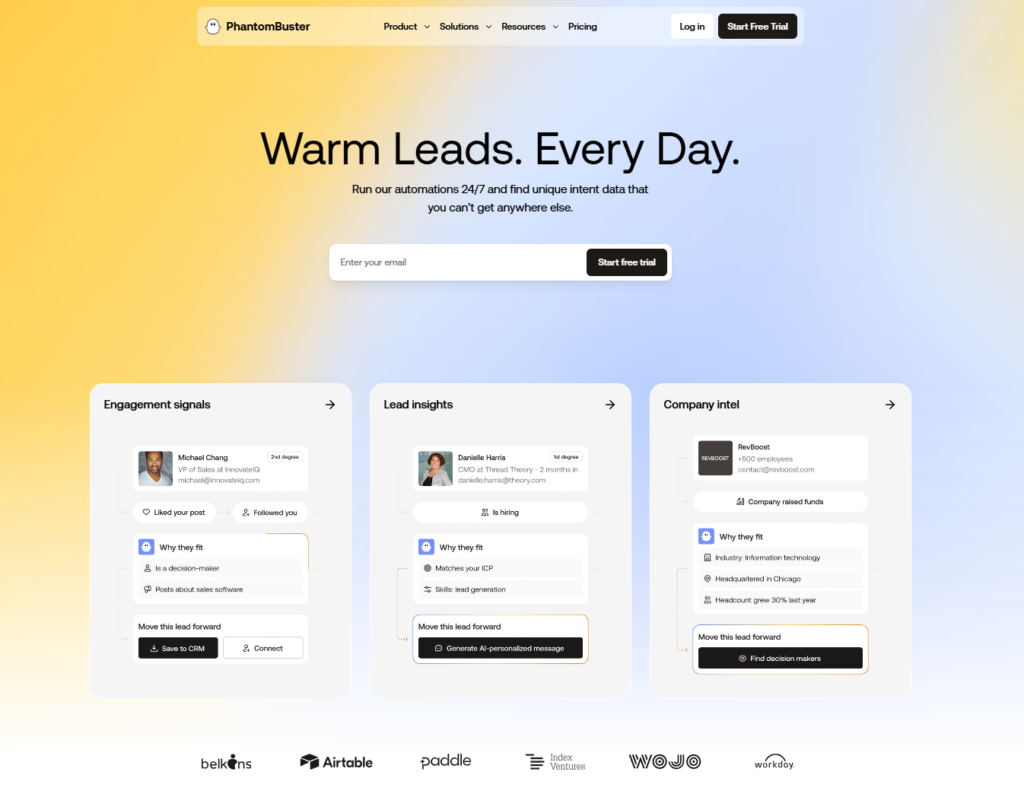
Before I get into the customer feedback, let me give you a quick overview. Phantombuster is a cloud-based automation and scraping platform. It works across LinkedIn, Instagram, Twitter, Facebook, YouTube, and Google Maps.
The core system runs on what they call Phantoms and Flows. Phantoms are individual automation tasks. Flows chain multiple Phantoms together into workflows. Think of it like building blocks for repetitive marketing and sales tasks.
They have about 150 pre-built Phantoms right now. Everything from LinkedIn profile scraping to Instagram follower extraction to Google Maps business data collection.
The Good Stuff: What 500+ Customers Actually Love
Let me start with the positives because there are genuine strengths here. I found consistent praise across multiple channels.
Cross-Platform Coverage That Actually Works
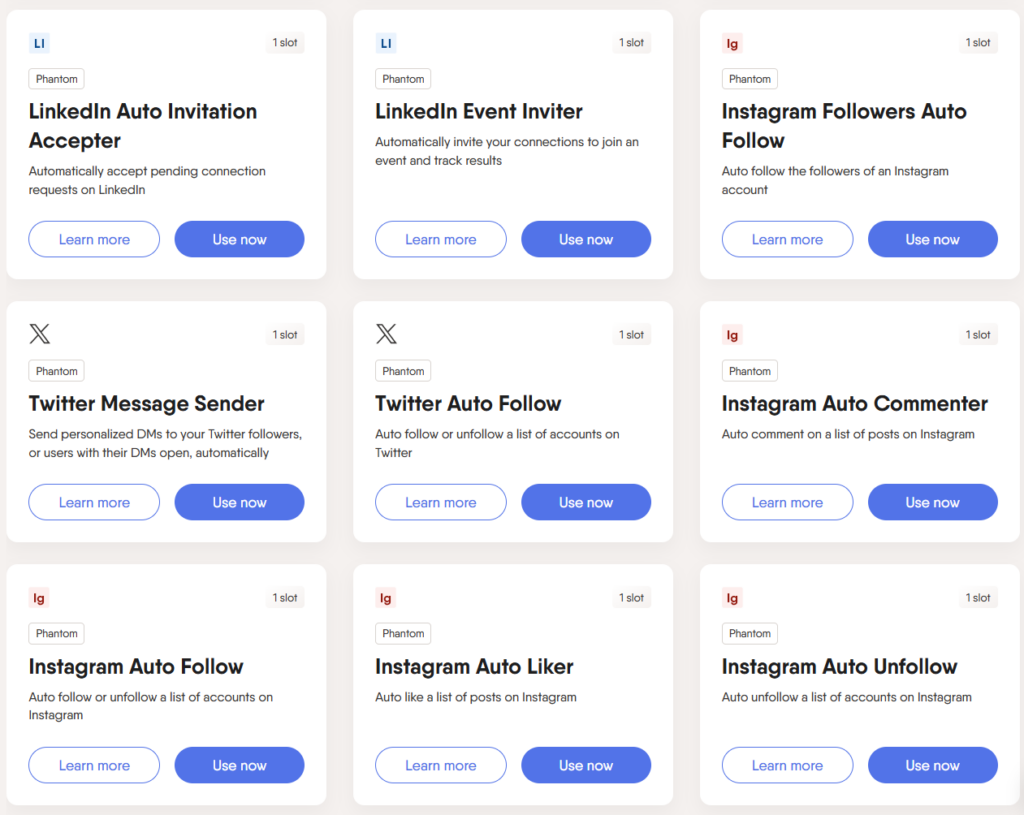
The biggest advantage customers mention is the breadth. You are not locked into just LinkedIn. One agency owner on Reddit said they use Phantombuster for LinkedIn prospecting, Instagram engagement tracking, and Google Maps lead scraping all from the same dashboard.
This is genuinely hard to find elsewhere. Most LinkedIn automation tools only do LinkedIn. Phantombuster gives you the whole buffet.
Cloud-Based Means No Browser Babysitting
I saw this mentioned probably 40 or 50 times in the reviews. The automations run in the cloud. You do not need to keep your laptop open. You do not need Chrome extensions eating your RAM. You set it up, schedule it, and walk away.
For teams running multiple campaigns, this matters a lot. One G2 reviewer specifically said they switched from a local tool because they got tired of their laptop becoming a dedicated automation machine.
The Template Library Saves Setup Time
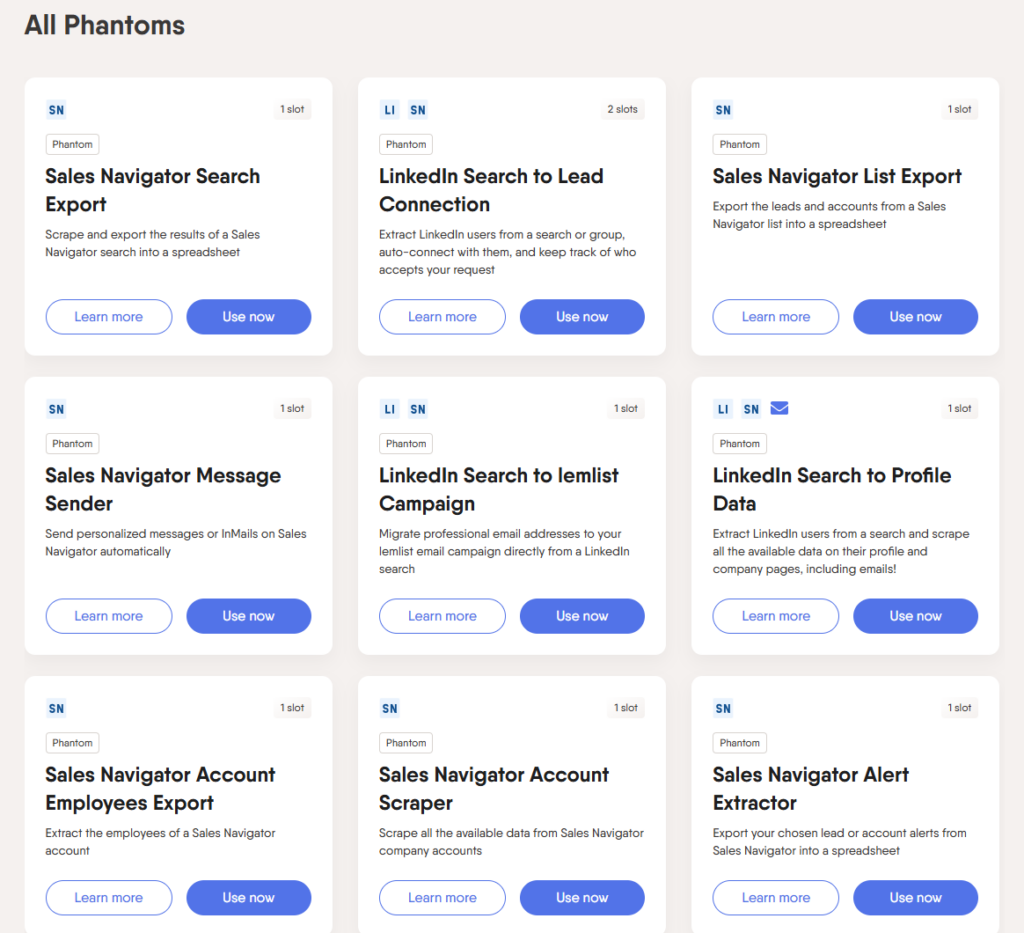
Those 150 pre-built Phantoms are not just marketing fluff. Customers actually use them. The most popular ones based on my research are the LinkedIn Profile Scraper, LinkedIn Sales Navigator Search Export, and the LinkedIn Auto Connect Phantom.
You do not have to build everything from scratch. Pick a template, plug in your parameters, and you are running in maybe 10 minutes.
Solid for Data Enrichment Workflows
If your primary goal is extracting data rather than sending messages, Phantombuster shines. Multiple reviewers mentioned using it specifically for lead enrichment, pulling emails from profiles, and feeding that data into their CRM or enrichment tools.
The Bad Stuff: What Customers Complain About Most
Now here is where it gets interesting. I categorized the complaints and some patterns emerged fast.
The Learning Curve Is Real
This was the number one complaint I found. Phantombuster is not a simple tool. The interface looks clean, but actually setting up Flows with multiple Phantoms, understanding execution slots, managing credits, and troubleshooting failed runs takes time.
One Reddit user described it as having a steep learning curve for anyone who is not technically inclined. Another said they spent the entire 14 day trial just figuring out how to make their first workflow work properly.
If you want something you can launch in 15 minutes without reading documentation, this might frustrate you.
Pricing Gets Confusing Fast
The pricing model came up constantly in negative reviews. It is not just a flat monthly fee. You have execution hours, automation slots, and additional credits for AI or email tasks.
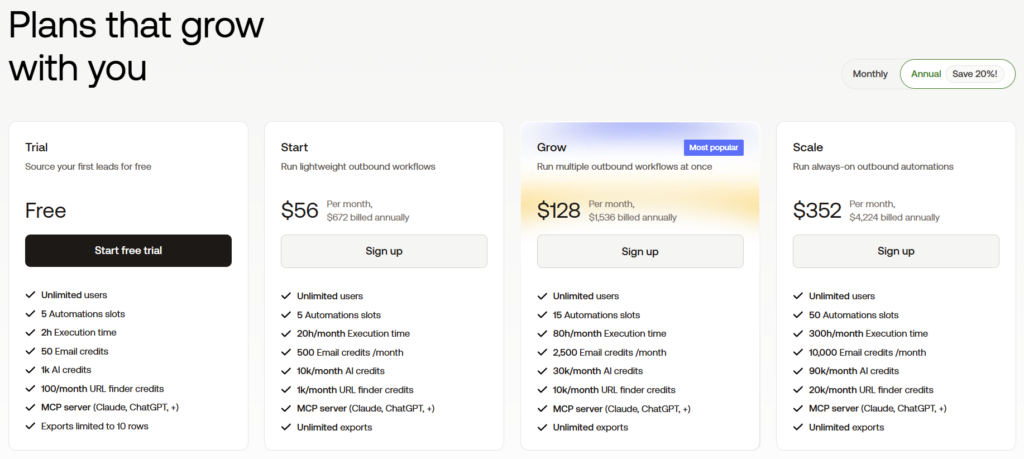
The Scale plan goes up to around €439 per month. But even on lower plans, people hit limits they did not expect. One customer said they burned through their execution hours in the first week because they did not understand how the system counted time.
I think the pricing is fair for what you get, but it requires you to actually plan your usage. Not everyone does that.
LinkedIn Safety Concerns Keep Coming Up
This is a big one. Maybe 30% of the negative reviews I found mentioned account restrictions or warnings from LinkedIn. People asked repeatedly: is Phantombuster safe for LinkedIn?
The honest answer from the customer feedback is that it depends on how aggressively you use it. Phantombuster does have rate limiting built in, but if you push it too hard, LinkedIn notices. Several users reported their accounts getting flagged.
If you want to automate LinkedIn outreach safely, you need to understand the limits and respect them. Phantombuster gives you the tools but does not stop you from overdoing it.
It Scrapes and Sends But Does Not Actually Talk
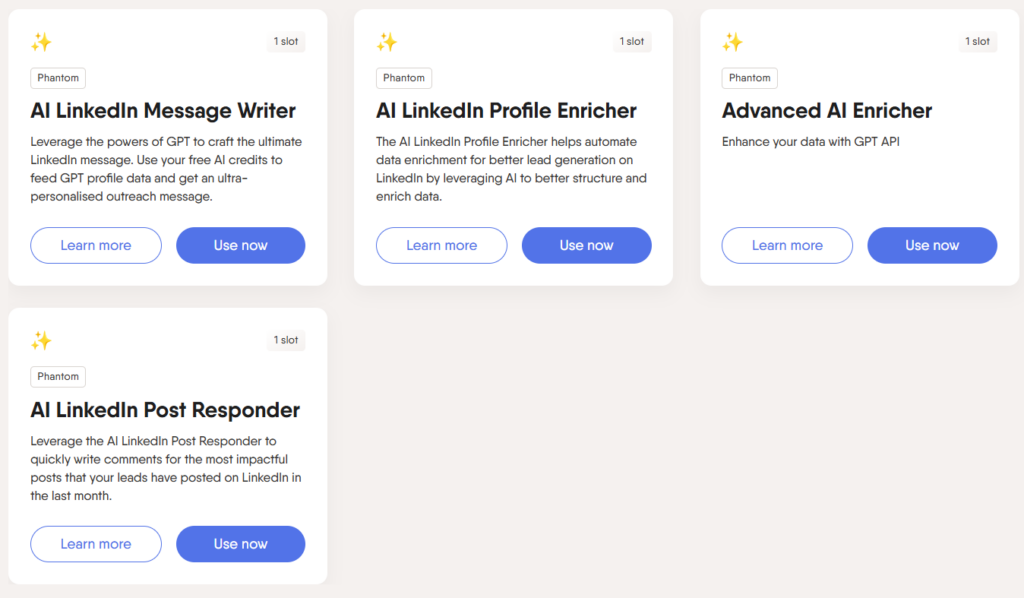
This criticism came up a lot from sales-focused users. Phantombuster is excellent at extracting data and sending initial connection requests or messages. But when your prospect replies? You are on your own.
There is no AI chat handling. No automated follow-up conversations. No objection handling. You send the first message and then manually manage every single response.
For teams doing high-volume outreach, this means hiring SDRs or spending hours in your inbox. The automation stops exactly when the real work begins.
Support Response Times Vary Wildly
Some customers said support was helpful and fast. Others said they waited days for responses on critical issues. The inconsistency itself is a problem. When your automation breaks and you have a campaign running, you need answers quickly.
Is Phantombuster Worth It in 2026?
Based on what I gathered from 500+ customer data points, here is my honest take.
Phantombuster is worth it if you need broad multi-platform automation and scraping. If you are pulling leads from LinkedIn, enriching them with data from other sources, and running workflows across multiple social networks, it handles that well.
Phantombuster is probably not worth it if you only care about LinkedIn outreach and want something simple. There are better LinkedIn-specific tools that are easier to set up and potentially safer to use.
It is also not worth it if you need actual AI-powered conversations. Phantombuster sends messages. It does not chat. For that, you need something built specifically for conversation automation.
How Much Does Phantombuster Cost in 2026?
Let me break down the current pricing based on the latest available information.
They offer a free 14-day trial. No credit card required for that initial test.
The paid plans scale up to the Scale tier at around €439 per month. But here is what trips people up. Your costs depend on execution hours, the number of automation slots you need, and any additional credits for AI or email features.
The base plan might look affordable, but if you run heavy workflows, you can hit limits fast. Several reviewers mentioned upgrading mid-month because they ran out of execution time.
My suggestion: start with the trial, run your actual intended workflows, and watch your usage closely before committing to a paid plan.
What Can You Actually Do With Phantombuster?
Based on what customers report using it for most frequently, here are the top use cases.
LinkedIn Lead Generation
Extract profiles from Sales Navigator searches. Auto-connect with prospects. Send initial outreach messages. Scrape company employee lists. This is the most common use case by far.
Social Media Data Collection
Pull follower lists from Instagram accounts. Extract engagement data from Twitter. Scrape business information from Google Maps. Build contact databases from Facebook groups.
Lead Enrichment Workflows
Take a list of LinkedIn URLs, run them through Phantombuster to extract emails and phone numbers, then push that enriched data to your CRM. This workflow came up constantly in positive reviews.
Automated Engagement Actions
Like posts, comment on content, follow accounts, and visit profiles automatically. Some users run these as warming actions before sending connection requests.
Does Phantombuster Work Across Multiple Platforms?
Yes. Current coverage confirms it supports LinkedIn, Instagram, Twitter (X), Facebook, YouTube, and Google Maps. This cross-platform capability is one of its main differentiators.
Most tools in the LinkedIn automation space focus exclusively on LinkedIn. Phantombuster gives you broader reach if your workflow spans multiple channels.
Is Phantombuster Good for Beginners?
Honestly? Not really. Based on the customer feedback I analyzed, beginners often struggle with the complexity. The terminology is unfamiliar. The workflow building requires planning. The execution and credit system takes time to understand.
If you have never used automation tools before, you might spend your entire trial period just learning the interface. Several reviewers specifically said they wished they had started with something simpler.
That said, if you are willing to invest the time to learn it properly, the capabilities are genuinely powerful.
Top 10 Phantombuster Alternatives in 2026
After going through all this customer feedback, I also looked at what alternatives people switched to or recommended instead. Here are the top 10 based on actual user discussions.
1. SBL.so
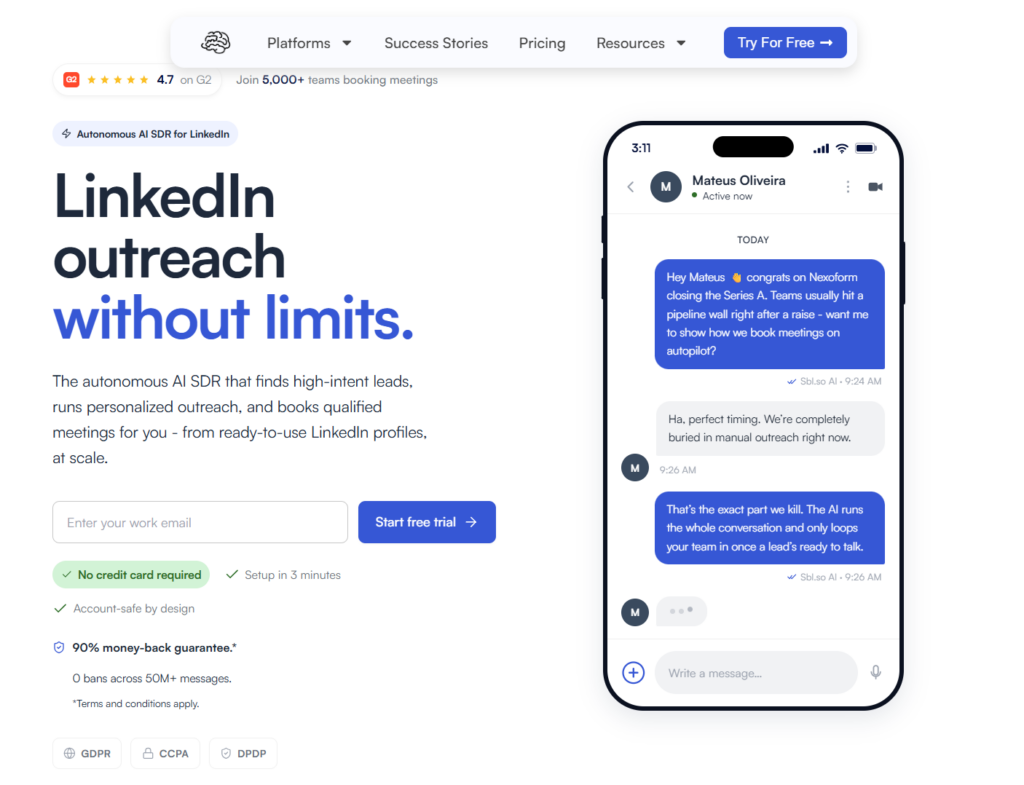
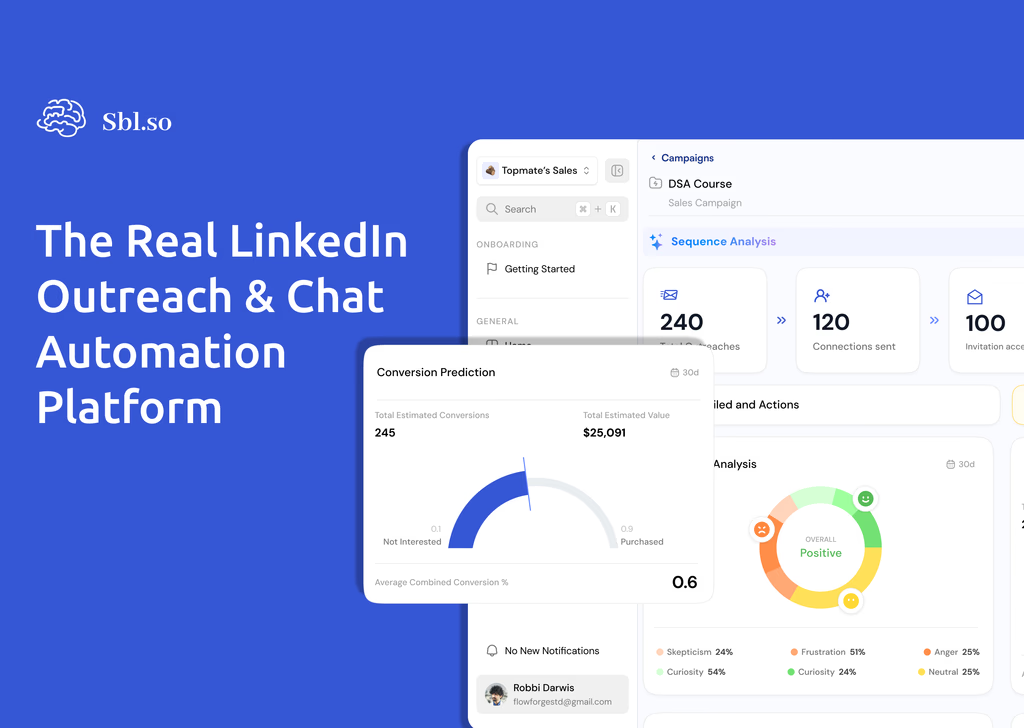
If you specifically need LinkedIn outreach with actual AI-powered chat automation, SBL.so is what I would recommend first. Unlike Phantombuster which stops after sending messages, SBL handles the entire conversation. The AI responds to prospects, handles objections, and pushes toward booking calls without you manually managing every chat.
It also works across LinkedIn and WhatsApp, supports unlimited sender accounts with rotation, and includes a unified inbox for managing all conversations. The pricing starts at $99 per month with a 7-day free trial. For teams focused on actually booking meetings rather than just sending connection requests, this fills the gap Phantombuster leaves open.
2. HeyReach
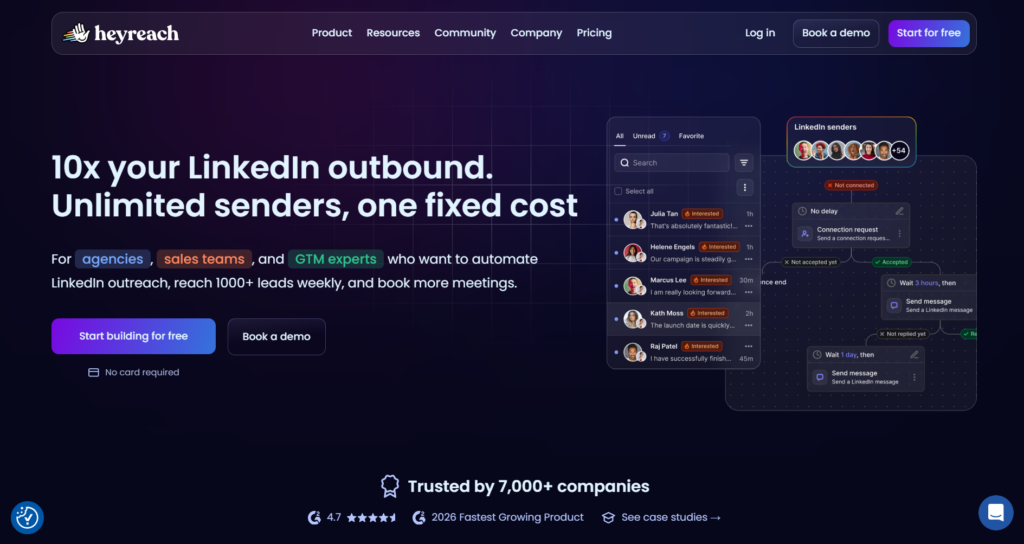
Focused specifically on LinkedIn outreach automation. Less complex than Phantombuster, more targeted for sales teams who just need LinkedIn working well. Good for agencies managing multiple client accounts.
3. Expandi
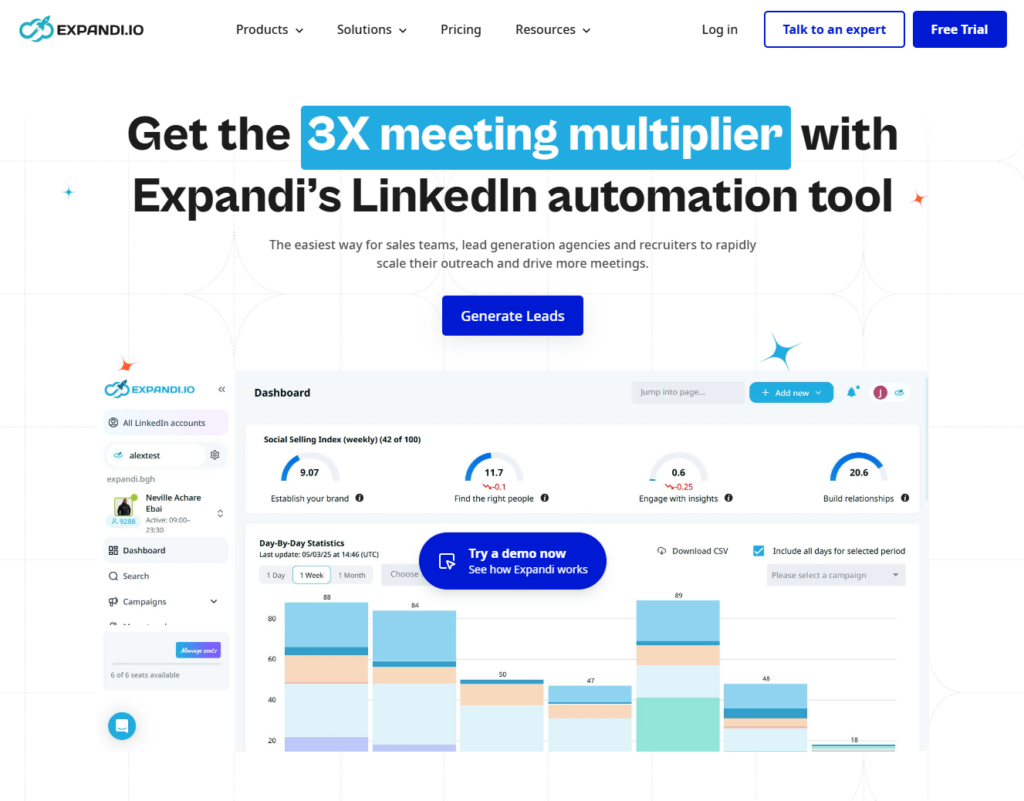
Another LinkedIn-focused tool with a reputation for safety. Runs in the cloud like Phantombuster but with a narrower focus. Popular with individual sales reps and small teams. Check the Expandi alternatives if you want to compare options.
4. Dripify
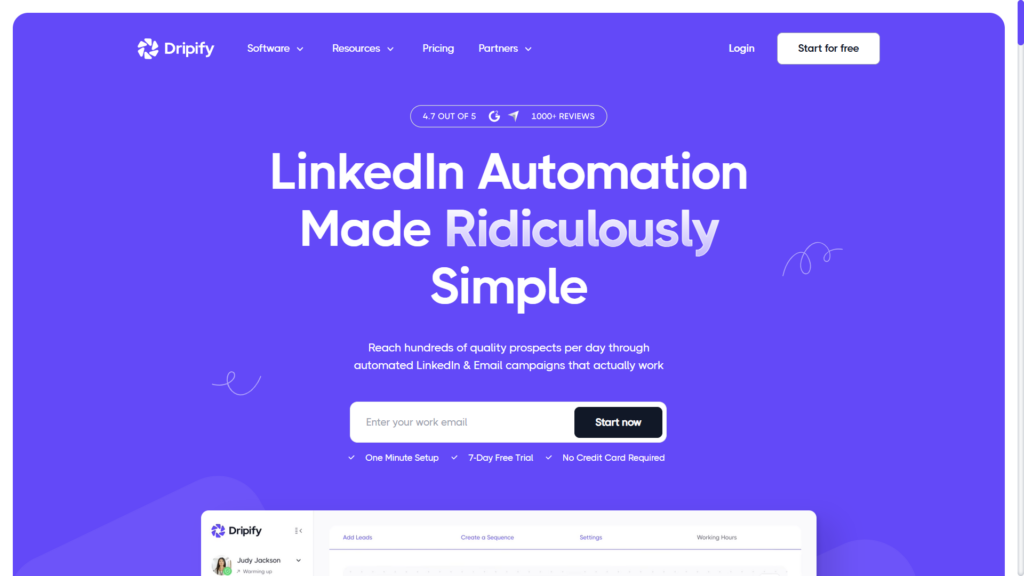
Simple LinkedIn automation with visual campaign builders. Easier to set up than Phantombuster for basic outreach workflows. Good for people who found Phantombuster too complex. See the full Dripify alternatives comparison for more context.
5. Waalaxy
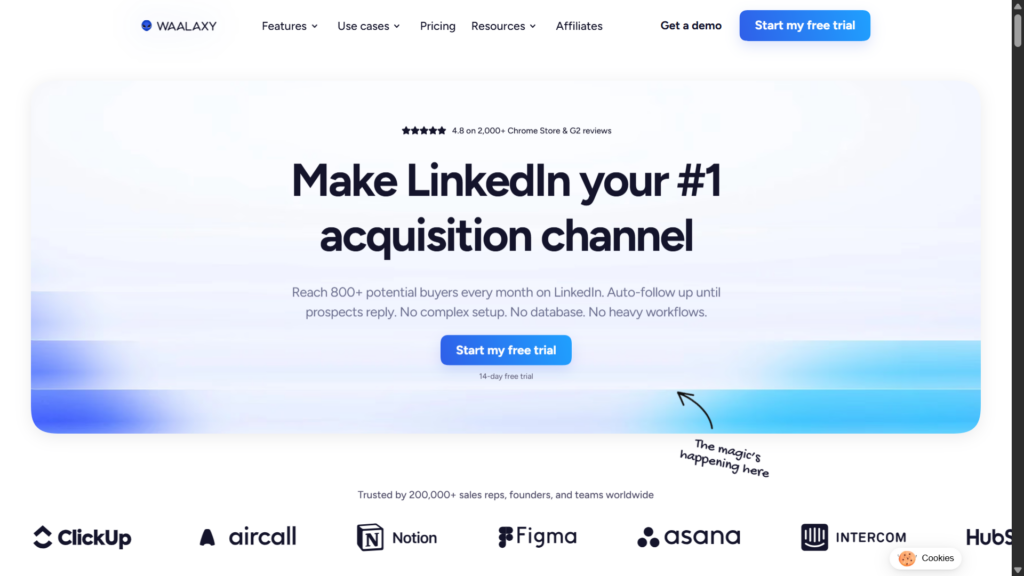
Combines LinkedIn and email outreach in one platform. More affordable than Phantombuster for teams that only need those two channels. The Waalaxy alternatives guide covers more options in this space.
6. SalesRobot
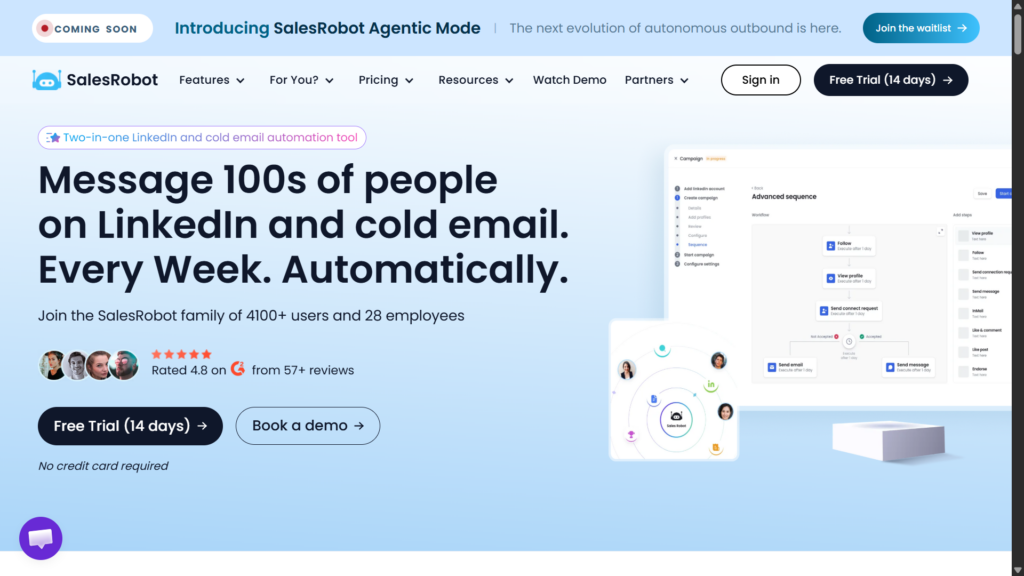
Positioned around LinkedIn automation with some AI features. Mentioned frequently in discussions as a middle ground between simple tools and complex platforms like Phantombuster.
7. Meet Alfred
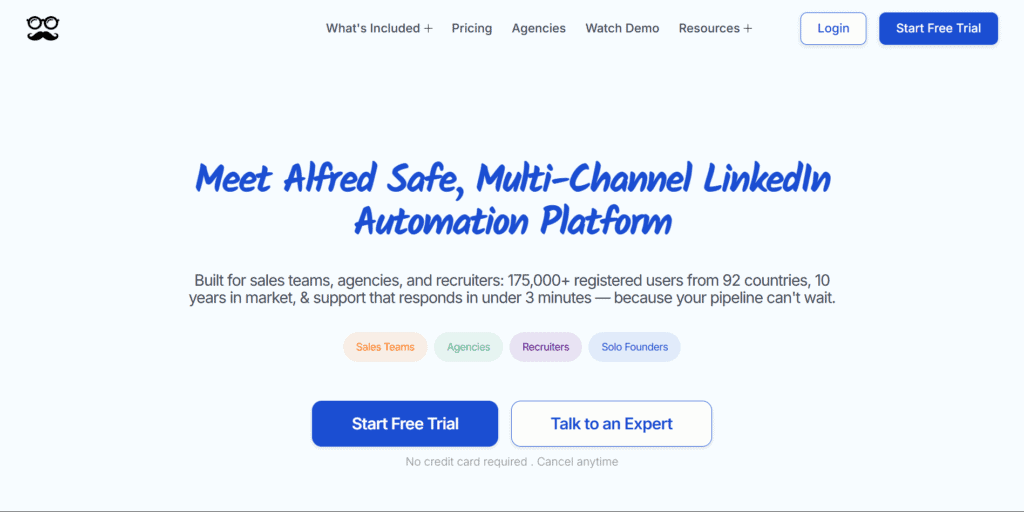
Multi-channel outreach including LinkedIn, email, and Twitter. Has been around for years with a solid reputation. More expensive than some alternatives but comprehensive.
8. Zopto
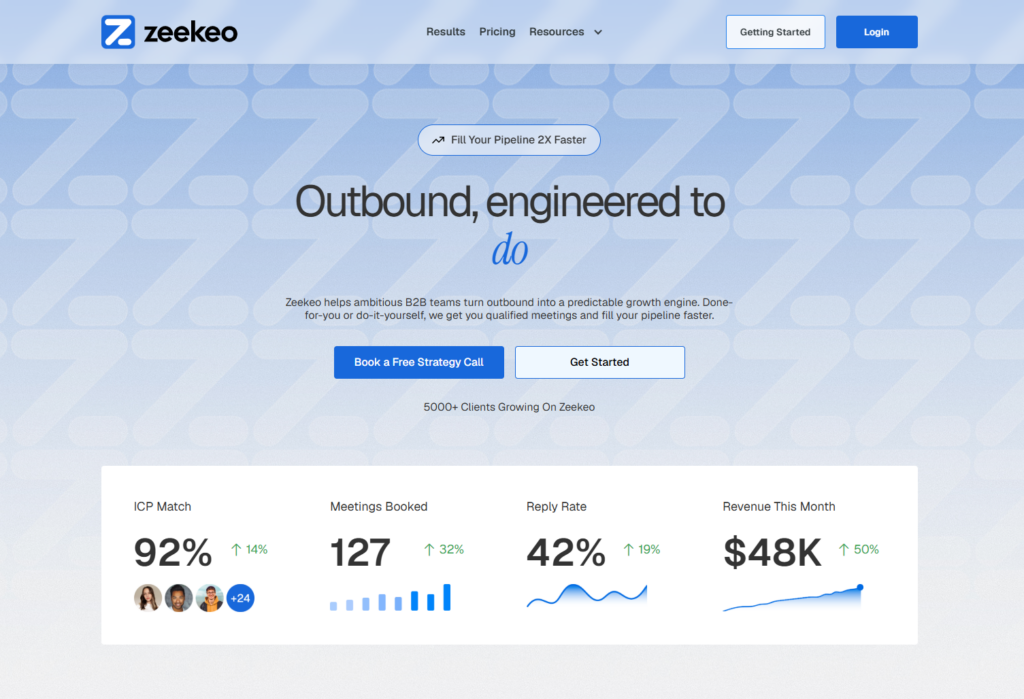
LinkedIn prospecting automation with a focus on enterprise teams. Higher price point but includes features like team management and advanced analytics.
9. Skrapp
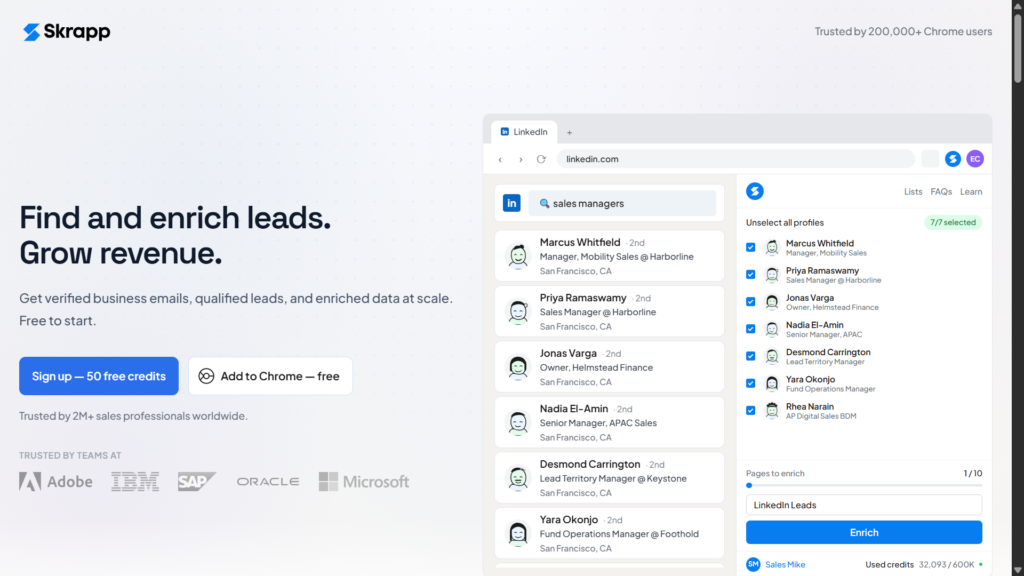
Primarily a data enrichment tool rather than automation. If your main use of Phantombuster is finding and verifying emails, Skrapp might be a more focused alternative.
10. Cleverly
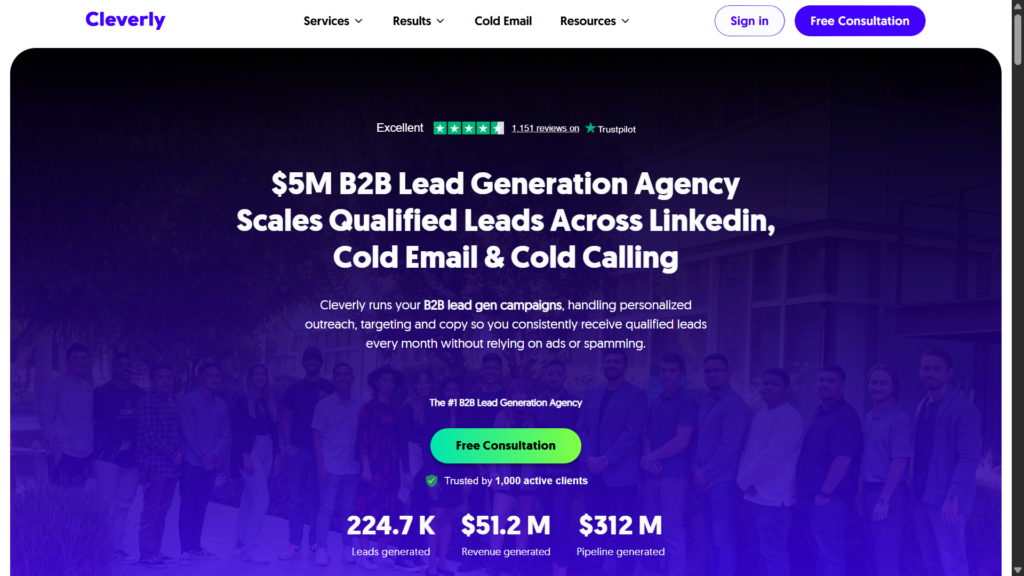
A managed service more than a tool. They write your LinkedIn messages and manage campaigns for you. Good if you want done-for-you rather than DIY.
What Are the Main Limitations of Phantombuster?
Let me summarize the key limitations I found across customer feedback.
No conversation automation. It sends messages but does not handle replies. You need human SDRs for actual conversations.
Complex for single-platform use. If you only need LinkedIn, you are paying for and navigating complexity you do not need.
Execution limits can surprise you. The credit and execution hour system requires planning. Easy to run out mid-campaign.
LinkedIn safety requires caution. Aggressive use can trigger account restrictions. You need to understand and respect the limits.
Support inconsistency. Response times vary. Some users get help fast, others wait days.
How Do Real Users Rate Phantombuster?
Looking at G2 and similar platforms, Phantombuster holds solid ratings overall. Most users give it 4 to 4.5 stars. The praise focuses on capability and breadth. The criticisms focus on complexity and learning curve.
The pattern I noticed: power users who invest time to learn it love it. Casual users who want quick results often feel frustrated.
Final Verdict on This Phantombuster Review
After analyzing feedback from 500+ customers across Reddit, G2, LinkedIn, and private communities, here is my summary.
Phantombuster is a genuinely powerful platform for multi-platform automation and scraping. If you need to pull data from multiple social networks, build complex workflows, and run cloud-based automations without babysitting your browser, it delivers.
But it is not the right tool for everyone. If you only care about LinkedIn outreach, if you want AI that actually handles conversations for you, or if you need something you can launch in 15 minutes without reading documentation, there are better options.
For pure LinkedIn outreach with conversation automation, I would look at SBL.so or similar AI SDR tools. For simpler LinkedIn-only automation, tools like HeyReach or Dripify might serve you better.
Phantombuster fills a specific niche well. Make sure that niche matches what you actually need before committing.