At Sbl.so, we know that outreach success depends not only on the conversations you start but also on how well you can measure and act on them. That’s why we’ve upgraded our Campaign Analytics Dashboard to bring you real-time insights as chats unfold. No more waiting until the end of a campaign to see what worked, what didn’t, and where prospects hesitated. Now, your analytics evolve live, giving you actionable visibility at every step of the campaign.
What’s New in Analytics?
The Analytics Dashboard still offers the same powerful metrics, but now updates instantly as conversations flow.
Here’s what you can see in real-time:
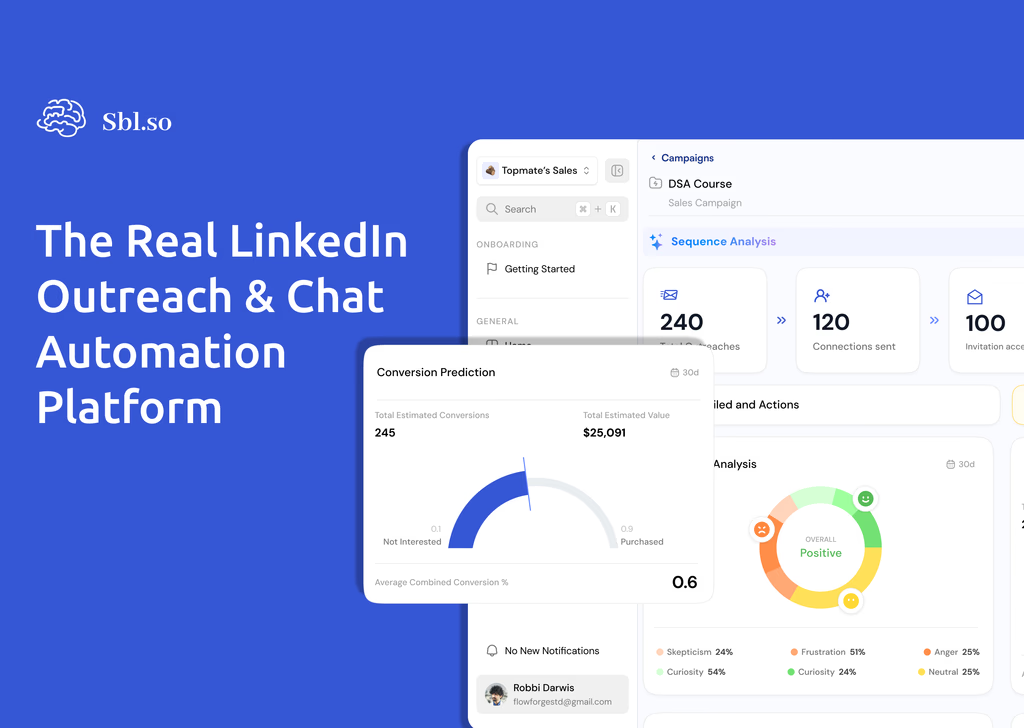
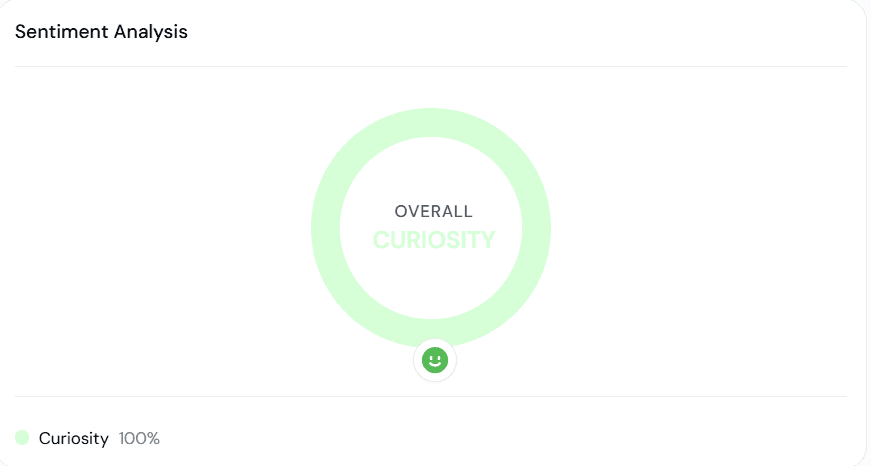
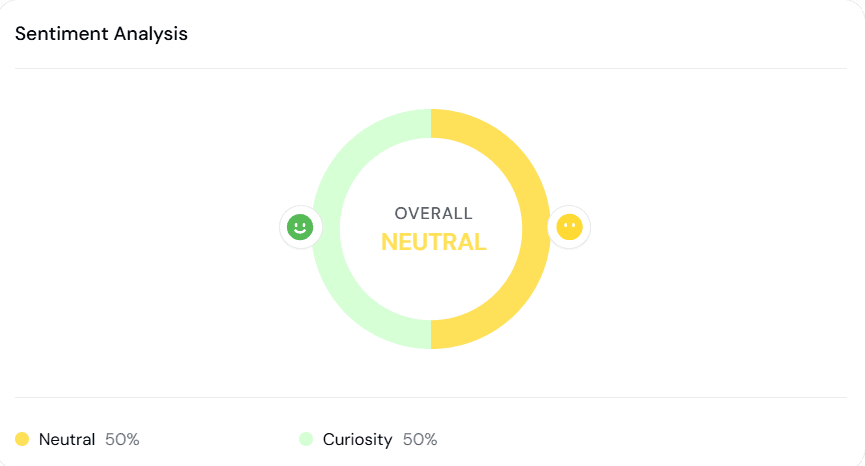
Sentiment Analysis
Quickly assess the overall tone of responses, whether neutral, curious, positive, or negative, so you can adjust messaging and follow-ups immediately. The system categorizes replies into four segments: positive responses, objections, friction points, and disengaged responses. This breakdown shows you exactly where conversations are succeeding and where prospects are dropping off.
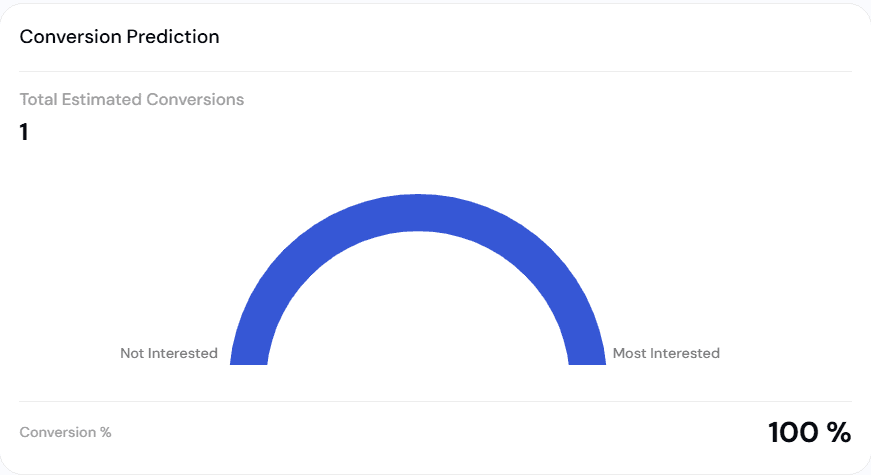
Conversion Prediction
AI forecasts the likelihood of a prospect moving forward based on their engagement patterns, helping you prioritize high-potential leads faster. This predictive scoring considers response timing, message sentiment, and engagement depth to give you a probability score that updates with each interaction. Each campaign and individual lead gets a conversion prediction percentage, so you always know where to focus your energy.
Lead Insights
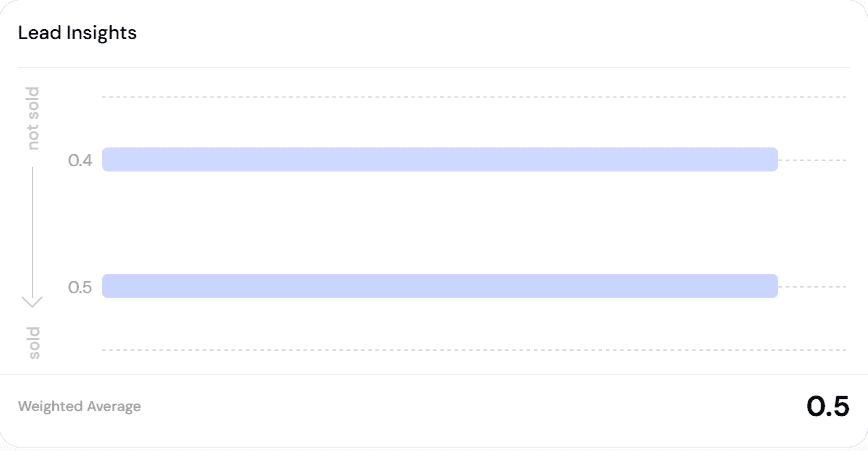
A weighted view of how your leads are trending (closer to “sold” or “not sold”), ensuring you always know where your pipeline stands. The visual breakdown lets you spot patterns across your entire campaign at a glance. You’ll see aggregated behaviors like “X prospects are interested but not committing due to budget constraints” and identify which content or messages drive positive responses versus skepticism.
What’s Good
Highlights moments where prospects show openness or buying intent (e.g., “User is open to discussing sales challenges”). These positive signals are flagged the moment they occur, so your team can strike while interest is hot.

What’s Bad
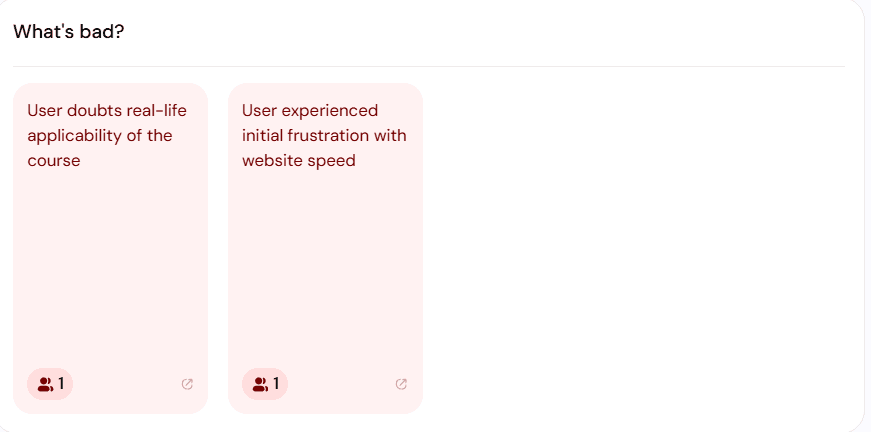
Flags negative signals or hesitations, so you can address objections promptly before they become blockers. Catching these early means you can adjust your approach or have a human step in at exactly the right moment.
Friction on Conversion
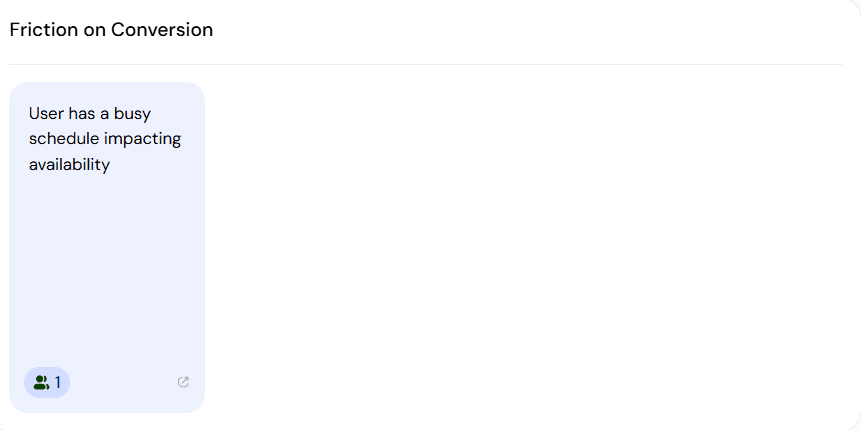
Identifies reasons why a prospect might not convert right now (e.g., “User has a busy schedule impacting availability”), giving you context for more strategic follow-ups. Understanding the “why” behind hesitation helps you time your next touch perfectly.
Human Intervention Flags
When the AI detects that a conversation would benefit from human participation, it flags leads for human intervention. This makes handoffs more efficient and ensures you step in at the moments that matter most.
ICP-Based Exclusions
Campaign analytics now explicitly show how many leads were excluded because they didn’t meet the ICP scoring threshold. This ties targeting quality directly to performance, so you can see if your audience definition needs refining.
And with the user symbol + number next to each insight, you can instantly see which prospect it refers to. Clicking it takes you straight into that user’s chat for deeper context.
Why This Matters
Before:
Analytics were generated after campaigns ended, limiting your ability to course-correct in the moment. You’d learn what went wrong only after it was too late to fix it.
Now:
Analytics update as conversations happen, giving you the power to pivot mid-campaign, fine-tune responses, and double down on what’s working without losing time. If you’re running LinkedIn automation campaigns, this means you can see which messages resonate and which fall flat while there’s still time to adjust.
This shift from post-campaign to real-time mirrors what’s happening across the broader sales analytics space in 2026. Leading conversation intelligence platforms have all moved toward live analysis, alerts, and coaching. The difference is that most of those tools focus on calls and meetings. Sbl.so brings real-time analytics to chat-based LinkedIn and WhatsApp outreach, where most B2B conversations actually happen.
The Impact for Your Team
React Faster: Spot objections, busy schedules, or positive buying signals instantly and act on them. When a prospect shows interest, you’ll know within seconds, not days.
Optimize Mid-Campaign: Adjust your approach while leads are still warm, instead of learning after the fact. This is especially valuable for teams running sales automation for small teams who can’t afford to waste leads on underperforming sequences.
Save Time: No manual tracking needed. Insights are structured, visual, and tied directly to users. Your team spends less time in spreadsheets and more time closing deals.
Close More Deals: By combining AI’s predictive analysis with human intervention at the right moments, you maximize your chances of conversion. The data tells you when to step in; you decide how.
How Real-Time Analytics Fits Into Your Workflow
The real power of live campaign insights shows up in daily operations. Here’s how teams are using it:
Morning reviews get sharper. Instead of waiting for weekly reports, sales managers can pull up the dashboard each morning and see exactly where each campaign stands. Which sequences are getting positive responses? Which need attention?
Handoffs become seamless. When the AI flags a high-intent prospect, the notification includes full context. Your rep can jump into the conversation knowing exactly what’s been said and what the prospect cares about.
Testing happens faster. A/B testing messaging used to mean running two campaigns for weeks, then comparing results. Now you can see which version performs better within the first few dozen conversations. The dashboard supports behavioral-science-driven messaging experiments, so you can test different psychological styles and get feedback in hours, not weeks.
Results populate quickly. Once campaigns go live, results typically start appearing within hours of the first messages being sent. Richer patterns form over the next few days, giving you both early signals and trend data.
For teams already using tools like AI SDR software, real-time analytics adds another layer of control. You get the scale of automation with the responsiveness of a hands-on approach.
How Real-Time Analytics Compares to Post-Call Analysis
Most conversation intelligence tools on the market focus on calls and video meetings. They’re great for coaching reps after the fact, analyzing patterns across hundreds of calls, and spotting training opportunities. But the feedback loop is slow: you learn what went wrong after the deal is already cold.
Real-time platforms like Sbl.so’s analytics dashboard change the equation. You can influence outcomes during the interaction itself. If a prospect raises an objection, you see it flagged immediately. If sentiment shifts negative, you know before the conversation ends. This isn’t just about better reporting. It’s about making better decisions faster.
For teams running AI-powered sales automation, this distinction matters. The whole point of automation is to scale conversations. But scale without visibility is just noise. Real-time analytics give you the visibility to scale intelligently.
A Smarter Way to Scale Conversations
With Real-Time Analytics, Sbl.so ensures your outreach campaigns don’t just run, they continuously improve while in motion. It’s another way we’re giving you sharper insights, faster action, and better results.
Because in sales, the difference between “later” and “now” can mean everything.
Frequently Asked Questions
How quickly do analytics start showing up after I launch a campaign?
Results typically start appearing within hours of the first messages being sent. You’ll see initial sentiment and response data almost immediately, with richer patterns forming over the first few days.
What’s the difference between real-time analytics and end-of-campaign reports?
End-of-campaign reports tell you what happened after it’s over. Real-time analytics show you what’s happening now, so you can adjust messaging, prioritize hot leads, and address objections while the conversation is still alive.
How does Sbl.so categorize sentiment?
The system breaks responses into four categories: positive responses, objections, friction points, and disengaged responses. Each category is visualized with target ranges so you can quickly see if your campaign is performing within healthy parameters.
When should I step in manually vs. let the AI continue?
The Human Intervention feature flags leads that would benefit from human participation. These flags appear in real-time, so you’ll know exactly when to jump in and what context you need.