Let me tell you something that took me way too long to figure out. Those viral LinkedIn posts you see where someone says “Comment ‘GUIDE’ and I’ll DM you the PDF”? That’s not just engagement bait. It’s a lead generation machine. And the people running those posts aren’t sitting there manually messaging 500 commenters. They’re using Auto DM LinkedIn tools that handle the entire flow automatically.
I spent 6 months testing every LinkedIn comment to DM automation tool I could find. Some were garbage. Some got accounts restricted. And a few? Actually delivered real results without the LinkedIn jail time.
Here’s the complete breakdown of the best LinkedIn Auto DM tools available right now in 2026, with honest pros and cons based on actual usage.

What is LinkedIn Comment to DM Automation?
Before we dive into the tools, let me explain what we’re actually talking about here. Comment to DM is a feature where you create a LinkedIn post, tell people to comment a specific keyword (like “PDF” or “LINK”), and the tool automatically sends them a direct message with whatever you promised.
But here’s where it gets interesting. The best auto DM LinkedIn tools don’t just match exact keywords anymore. They can detect intent. So if someone comments “I’d love that resource” instead of your trigger word, the AI figures out they want the thing and DMs them anyway.
This is huge for lead generation. You’re capturing warm leads who already raised their hand publicly, and you’re following up instantly while they’re still interested. No manual work, no missed opportunities, no spreadsheet chaos.
Why Does LinkedIn Comment to DM Matter in 2026?
LinkedIn’s algorithm changed significantly in late 2025. They crushed visibility for link-heavy posts by around 50%. But engagement-driven content? Comment conversations? Those got boosted by 250% for brands using multi-channel approaches.
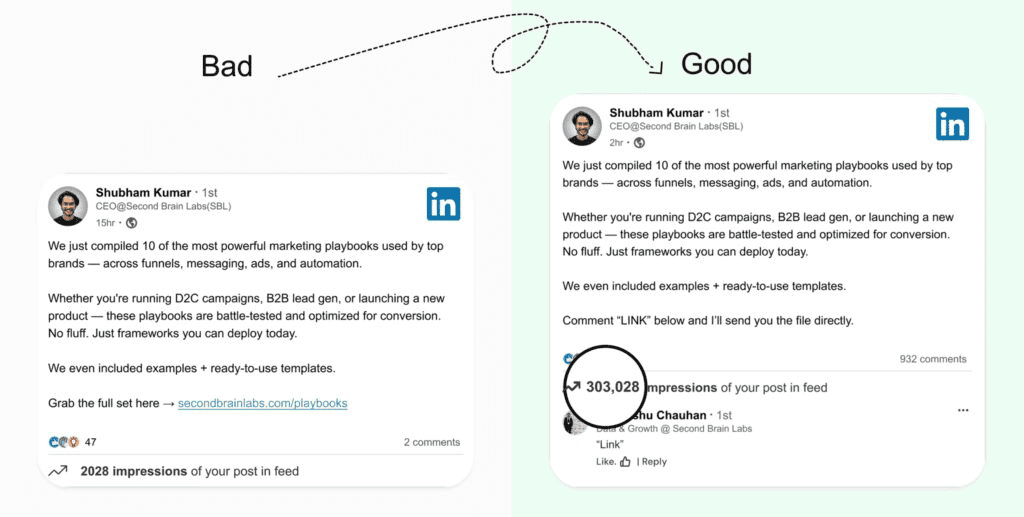
So the new playbook is simple. Create valuable content that drives comments. Then use a LinkedIn Auto DM tool to convert those commenters into conversations. And those conversations? They can turn into booked calls, qualified leads, or direct sales.
The challenge is doing this at scale without getting your account banned. LinkedIn restricted over 15 million fake accounts in 2025. They’re watching for bot behavior. Which means the tool you choose matters a lot.
Best Auto DM LinkedIn Tools in 2026
Alright, here’s the list. I’m putting the tools that actually have comment to DM as a direct feature. Not tools that “kinda sorta” do it through workarounds. These are the real ones.
1. SBL.so
I’m putting SBL.so at the top because it does something none of the other tools do. It doesn’t just send the auto DM. It actually continues the conversation with AI.
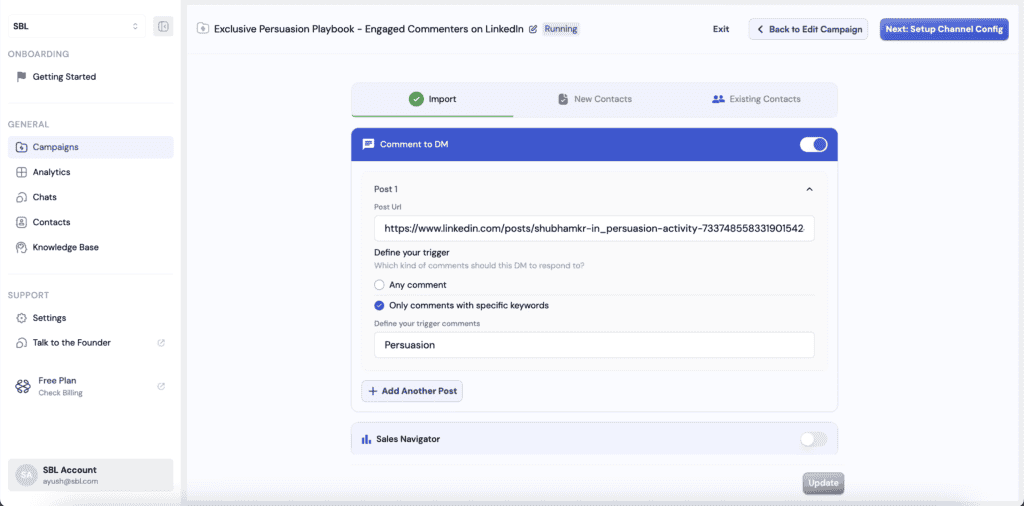
Here’s how it works. You paste your post URL, set a keyword (or describe the intent, like “all positive comments”), and SBL handles the rest. It filters comments, sends personalized DMs, and then keeps chatting. The AI is trained on actual sales psychology to handle objections, ask qualifying questions, and push toward your goal.
Most tools stop at sending the initial message. SBL keeps going until there’s a booked call or a clear “not interested.” That’s the difference between automation and actual results.
Pros:
- Full comment to DM automation with intent detection, not just exact keyword matching
- AI chat continuation after the initial DM (this is unique)
- Can send files, images, and even voice messages in the follow-up
- Works on competitor posts too (quietly grab leads from viral content)
- Unified inbox for all connected accounts
- Free trial available, paid starts at $99/month
Cons:
- More powerful features mean slightly steeper learning curve
- AI occasionally needs human intervention on complex queries (though it learns from corrections)
If you want the full picture on how LinkedIn comment to DM automation works with SBL, there’s a deeper breakdown on their blog.
2. PhantomBuster
PhantomBuster is the developer’s choice. It’s API-driven, which means you can build custom workflows for comment scraping and DM automation. They updated with GenAI for DM copy in their 2026 release.
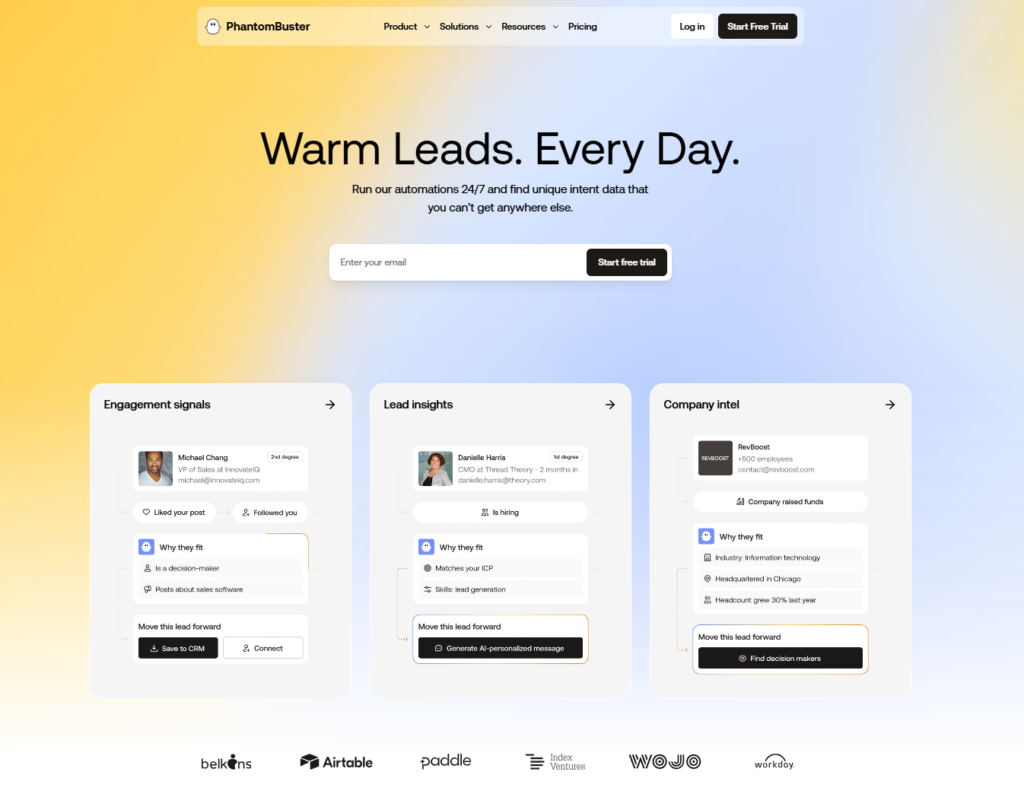
The downside? You need technical skills to set this up properly. It’s not a “click three buttons and go” situation. But if you want flexibility and don’t mind getting your hands dirty, it’s powerful.
Pros:
- 900+ automations available beyond just LinkedIn
- API access for custom integrations
- No browser required, runs server-side
- Good for scraping comment lists at scale
Cons:
- $59/month and that climbs fast with usage
- Requires technical setup, not beginner friendly
- No native chat automation, just extraction and initial messaging
3. Expandi
Expandi has been around for a while and they’ve got a solid reputation for safety. Their comment monitoring can auto-reply to DMs with personalization, pulling from the commenter’s profile to make messages feel less robotic.
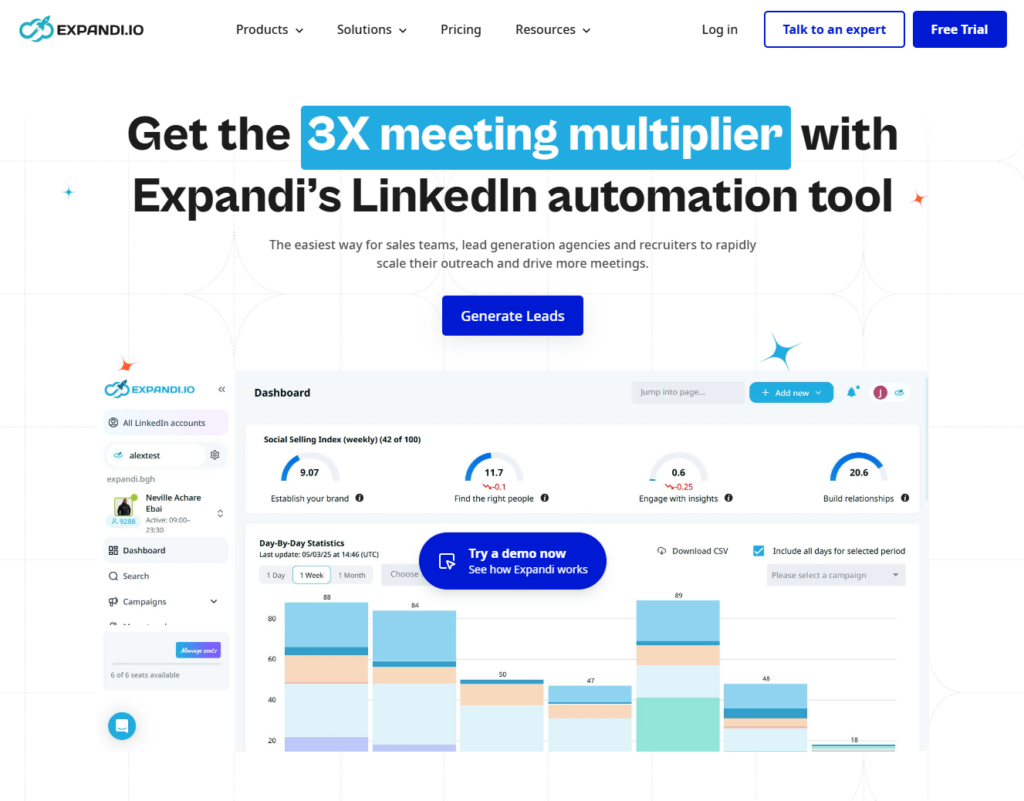
They use dedicated IPs per account, which helps avoid the mass-ban scenarios you see with cheaper tools. Q1 2026 they added voice-activated DM triggers, though I haven’t tested that extensively yet.
Pros:
- Dedicated IP addresses for account safety
- Smart delays that mimic human behavior
- Scales to 500+ actions per day without bans
- Solid personalization from profile data
Cons:
- $99/month is expensive for basic automation
- No AI chat continuation, just sends the initial DM
- Interface feels dated compared to newer tools
4. Dux-Soup
Dux-Soup has been around since the early LinkedIn automation days. It’s a Chrome extension that scans comments in real-time and can trigger DM sequences. Their 2026 update added MMM analytics for ROI tracking.
At $14.99/month, it’s one of the cheapest options. But you get what you pay for. The automation is basic, and you’re limited by having to run it in your browser.
Pros:
- Dirt cheap at $14.99/month
- Simple interface, easy to learn
- CSV export for lead management
- A/B testing for DM templates
Cons:
- There are many account restriction risks using Browser-Based Automations. I’ve lost my account nearly 3 times.
- Browser-based means it only runs when Chrome is open
- No AI intelligence, just template matching
- Limited scalability for serious campaigns
5. MeetAlfred (Formerly WeConnect)
MeetAlfred does smart sequences where you can chain Comment → Like → DM actions together. They added omnichannel sync with TikTok and Instagram in 2026, which is interesting if you’re running multi-platform campaigns.
The AI content generator helps write DM templates, but there’s no actual conversation automation. It’s still on you to reply when people respond.
Pros:
- Multi-action sequences (not just DM)
- Built-in warmup for new accounts
- Agency-friendly with multi-account support
- Cross-platform capabilities
Cons:
- $49/month is mid-range pricing for limited features
- No chat continuation after initial DM
- Interface can be overwhelming
6. LinkedHelper
LinkedHelper auto-visits profiles from comments before sending DMs, which adds a “human touch” to the sequence. Their Jan 2026 update added AR-like profile preview in the DM composer, though I’m not sure how useful that actually is.
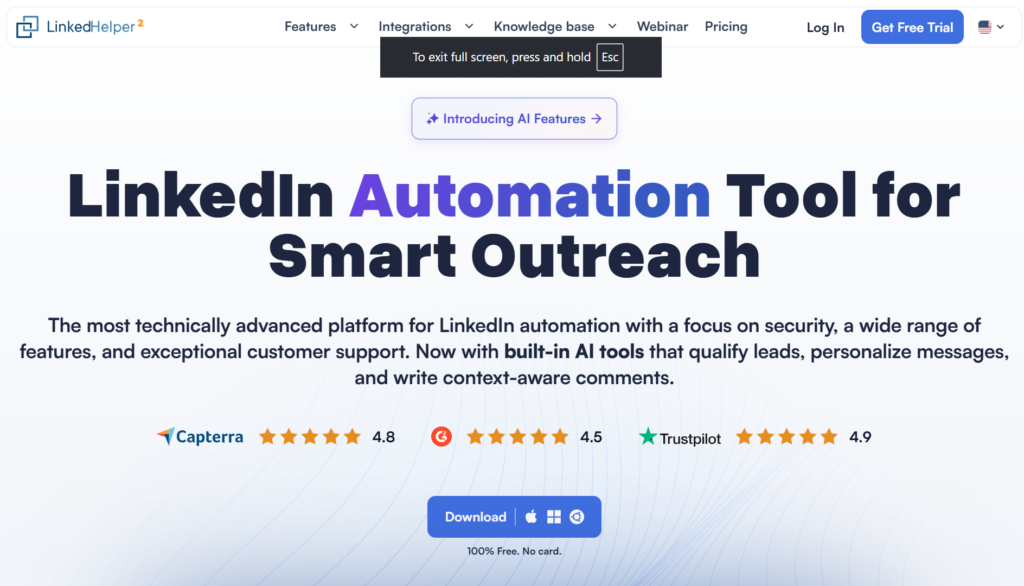
Multi-account support is solid, and it runs cloud-based to avoid detection. But again, no intelligent chat handling.
Pros:
- $15/month is affordable
- Cloud-based for better uptime
- Profile visit + DM sequences feel natural
- Multi-account management
Cons:
- Limited comment-to-DM specific features
- No AI responses
- Can feel clunky for advanced users
7. Salesflow
Salesflow does hyper-personalized DMs based on comment sentiment analysis. So if someone leaves a skeptical comment versus an excited one, the DM adapts accordingly. Their 2026 update added real-time traffic pattern integration for better timing.
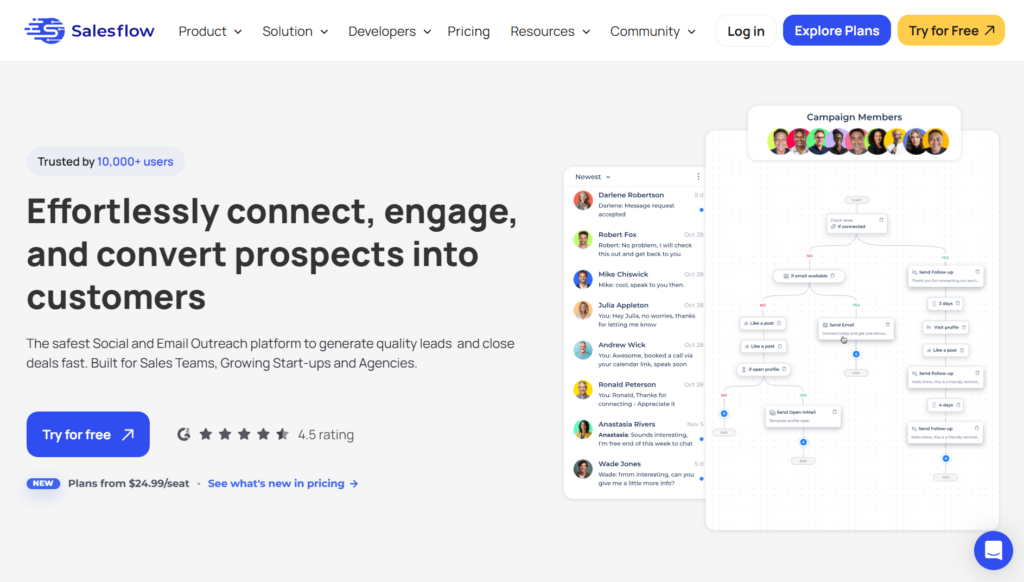
At $79/month with unlimited accounts, it’s positioned for sales teams doing serious outreach. But it lacks the conversational AI that would make it truly hands-off.
Pros:
- Sentiment-based personalization is clever
- Unlimited accounts on enterprise plans
- Good analytics and reporting
- Timing optimization based on activity patterns
Cons:
- $79/month is steep for mid-market
- No automated chat responses
- Overkill for solo founders or small teams
8. Taplio
Taplio is more of a content + automation combo. It has a comment virality detector that identifies when your posts are taking off, then triggers DM campaigns to capitalize. Their 2026 update added creator-led commerce tools.
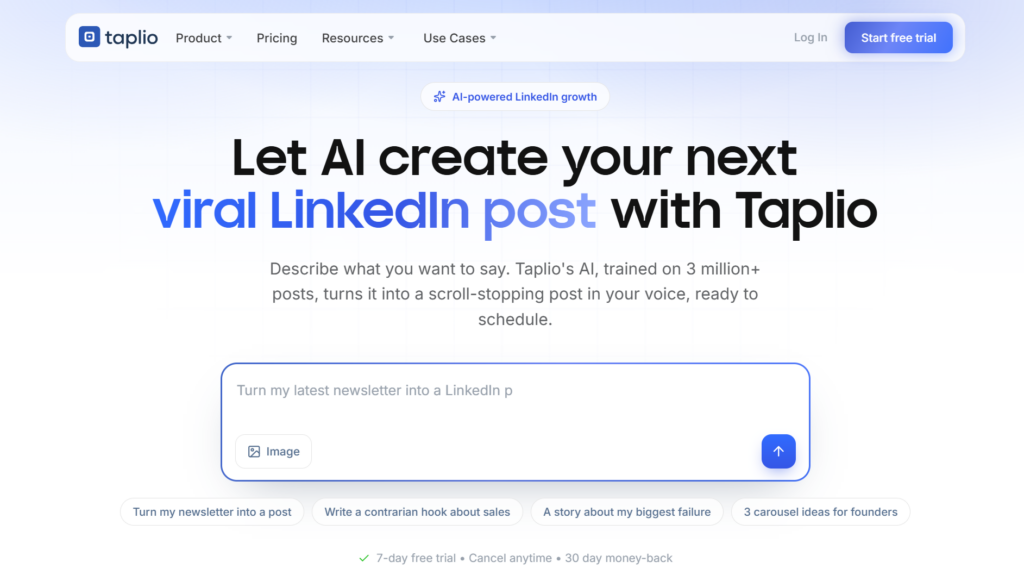
It’s great for content creators who want to monetize engagement. Less ideal if you’re purely focused on B2B lead gen.
Pros:
- $39/month is reasonable
- Content scheduling + DM automation in one tool
- Virality detection helps you strike while hot
- AI-assisted captions and post writing
Cons:
- Comment-to-DM is not the primary focus
- No chat continuation
- Better for influencers than B2B sales
9. Skylead
Skylead is all-in-one: DM, email, and even call sequences from LinkedIn comments. Their 2026 update added some interesting gaming world tie-ins for reaching Gen Alpha (not sure how relevant that is for B2B but okay).
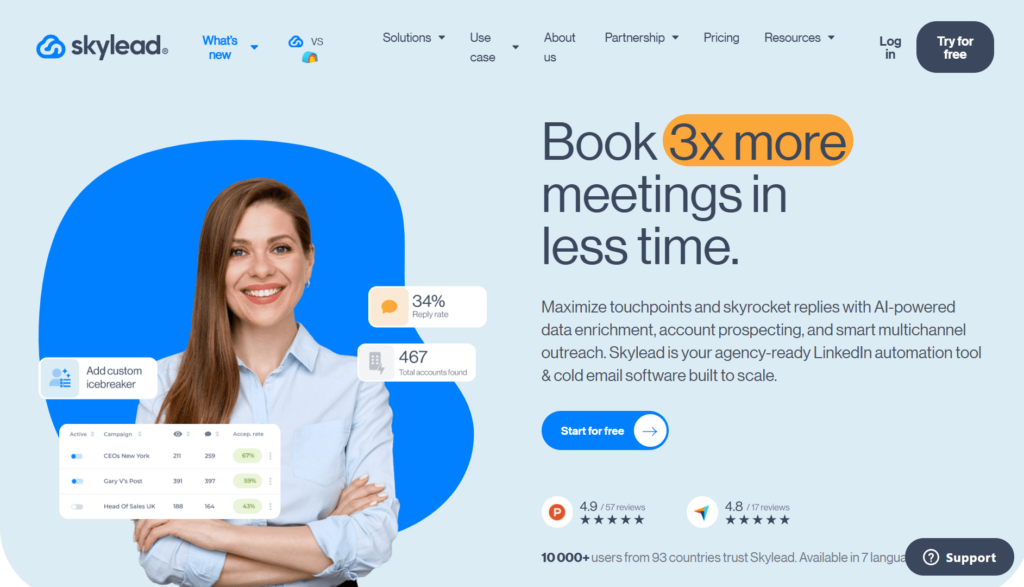
At $100/month, it’s on the expensive side. But if you want multi-channel from a single platform, it’s comprehensive.
Pros:
- LinkedIn + email + calls in one workflow
- Unlimited warmups
- Advanced sequencing options
Cons:
- $100/month is premium pricing
- Complexity requires setup time
- No AI chat automation
How to Choose the Right LinkedIn Auto DM Tool
Okay so you’ve got the list. How do you actually pick? Here’s my framework after testing all these tools.
If you want set-it-and-forget-it automation with AI chat: Go with SBL.so. It’s the only one that continues the conversation automatically. For small teams without SDRs, this is the move.
If you want proven safety and decent features: Expandi is the safe choice. It’s been around, it works, and account bans are rare if you follow their guidelines.
If you’re technical and want flexibility: PhantomBuster gives you the most control, but expect to spend time on setup.
If you’re on a tight budget: Dux-Soup at $14.99/month gets you basic functionality. It’s not fancy, but it works for low-volume campaigns.
If you’re an agency managing multiple clients: MeetAlfred or Salesflow have the multi-account infrastructure you need. Check out how LinkedIn automation for agencies actually works at scale.
Common Questions About LinkedIn Auto DM Tools
Is LinkedIn Auto DM safe in 2026?
Yes, but only with the right tool. LinkedIn banned 15 million+ fake accounts in 2025. They’re aggressive about bot detection. The safe tools use dedicated IPs, human-like delays, and stay within daily limits (usually 20-50 actions for new accounts, scaling up over time). Free tools and sketchy browser extensions? Those will get you restricted. Here’s how to unrestrict a LinkedIn account if you’ve already been hit.
How does comment-to-DM actually work?
The tool monitors your specified LinkedIn post. When someone comments (either with your trigger keyword or matching your intent criteria), it automatically sends them a personalized DM. Good tools pull data from the commenter’s profile to make the message feel personal. Great tools continue the conversation after they reply.
Can I use this on other people’s posts?
Some tools like SBL.so let you run comment-to-DM on any public post. So if a competitor goes viral, you can quietly capture those leads by reaching out to commenters. Ethically gray? Maybe. Effective? Absolutely.
What’s the difference between free and paid tools?
Free tools are typically browser extensions with limited actions (under 50 DMs/day) and higher ban risk. Paid tools offer dedicated infrastructure, better personalization, analytics, and safer execution patterns. If LinkedIn is a serious lead channel for you, paid is worth it.
How many DMs can I send per day?
Depends on your account age and connection count. New accounts should stick to 20-30 DMs daily. Aged accounts with large networks can push 100+ with the right tool handling delays and rotation. Some platforms like SBL.so can hit email-level scalability on LinkedIn by rotating multiple sender accounts.
Do I need Sales Navigator?
Not required, but it helps for targeting. Most tools can pull leads from regular LinkedIn searches. But Sales Navigator gives you better filters, which means your comment-to-DM campaigns attract more qualified prospects from the start.
The Real ROI of Comment to DM Automation
Let me share some numbers from campaigns I’ve seen. A typical “comment for resource” post gets 100-300 comments when done right. Without automation, you’d spend 4-6 hours manually messaging everyone. With automation, it’s zero hours.
But here’s the bigger picture. Those 100-300 commenters are warm leads. They publicly expressed interest. DM response rates from comment campaigns typically hit 40-60%, compared to 15-20% from cold outreach. And when you have AI handling the follow-up conversation, conversion to calls doubles.
The math is simple. One viral post + the right auto DM tool = a full pipeline without sending a single manual message.
What About Multi-Channel Follow-Up?
Here’s something most tools miss. LinkedIn DMs have limits. But your leads are also on email and WhatsApp. The smartest approach is capturing them on LinkedIn, then continuing the conversation across channels.
SBL.so does this natively with LinkedIn + WhatsApp support (email coming). Other tools like Skylead offer multi-channel sequences. If you’re serious about multi-channel outreach, make sure your tool supports it.
Setting Up Your First Comment-to-DM Campaign
Here’s a quick framework that works:
- Create valuable content that makes people want to engage. Guides, templates, frameworks, exclusive insights.
- Add a clear CTA like “Comment ‘GUIDE’ and I’ll DM you the full breakdown.”
- Set up your automation with the trigger keyword and your DM template.
- Prepare follow-up sequences for when they reply. This is where most campaigns fail because there’s no continuation.
- Monitor and optimize. Check response rates, tweak messaging, scale what works.
The whole setup takes maybe 15-20 minutes with a good tool. Then you just focus on creating content and let the automation handle the rest.
Final Thoughts on LinkedIn Auto DM Tools
Look, I’ve tested dozens of LinkedIn automation tools. Most are glorified schedulers with fancy dashboards. They send messages and call it “AI.”
The real game-changer is when a tool doesn’t just send the initial DM but actually handles the conversation that follows. That’s the difference between automation and actual results.
For comment-to-DM specifically, you need a tool that does three things well: detects the right comments (keyword or intent), sends personalized DMs quickly, and ideally continues the conversation without you. Most tools nail the first two. Only a few do the third.
Pick based on your actual needs. If you’re testing the waters, start with something cheap like Dux-Soup. If you’re scaling a real operation and want hands-off automation, invest in something with AI chat capabilities. And whatever you choose, stay within LinkedIn’s limits. A banned account means zero leads, no matter how good your tool is.
The opportunity here is real. Comment-to-DM converts at rates that make cold outreach look pathetic. The tools exist to do this at scale. The only question is whether you’ll use them or keep manually messaging people like it’s 2019.