I spent the last few weeks doing something slightly obsessive. I went through Reddit threads, G2 reviews, LinkedIn posts, YouTube comments, and talked to agency owners who’ve been using HeyReach for 1 to 3 years. The goal was simple: figure out what 500+ paid customers actually think about this LinkedIn automation platform in 2026. Not the marketing fluff. Not the affiliate reviews. The real stuff.
What I found was interesting. HeyReach is genuinely good at what it does. But it’s also genuinely not for everyone. And a lot of people are paying for it when they probably shouldn’t be.
Let me break down everything I learned from this HeyReach review deep dive.
What Is HeyReach? (Quick Explainer)

HeyReach is a cloud-based LinkedIn automation platform built primarily for agencies and sales teams managing multiple LinkedIn accounts. Think 10, 20, sometimes 50+ profiles. The core idea is sender rotation and centralized inbox management. You connect all your LinkedIn accounts to one dashboard, run campaigns that rotate between senders, and reply to everyone from one place.
That’s it. That’s the product. It does this specific thing well.
The Goods: What 500+ Users Love About HeyReach
Let me start with what’s working. Because there’s genuinely a lot to like here if you’re the right type of user.
1. Multi-Account Management Is Actually Good
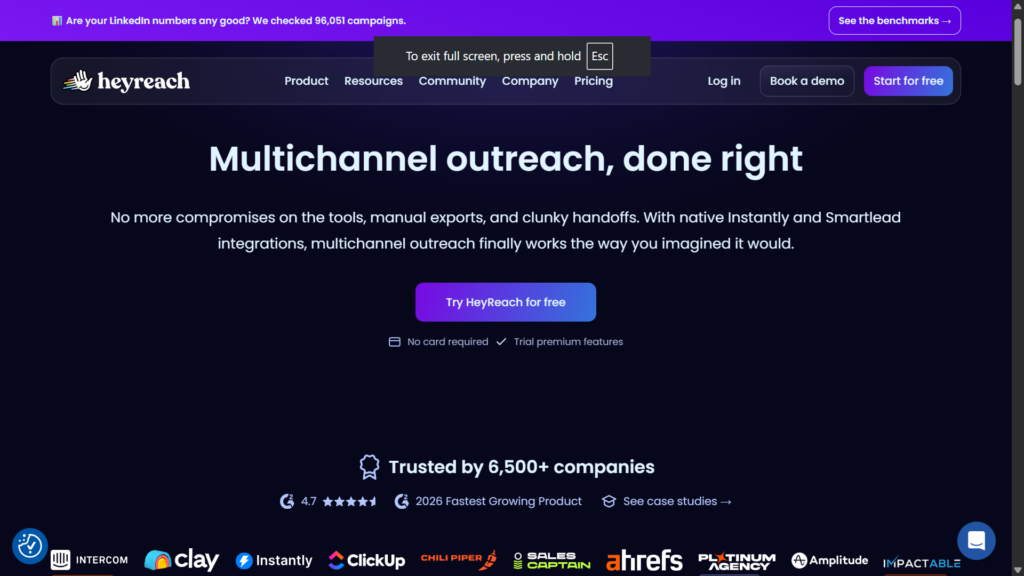
This came up in maybe 70% of positive reviews. If you’re running an agency with 15 client accounts, HeyReach makes your life significantly easier. One dashboard. One login. See everything. This alone saves hours per week according to multiple agency owners I talked to.
One Reddit user put it perfectly: “Before HeyReach, I was logging into 12 different LinkedIn accounts every morning. Now I just open one tab.”
2. Sender Rotation Distributes Risk
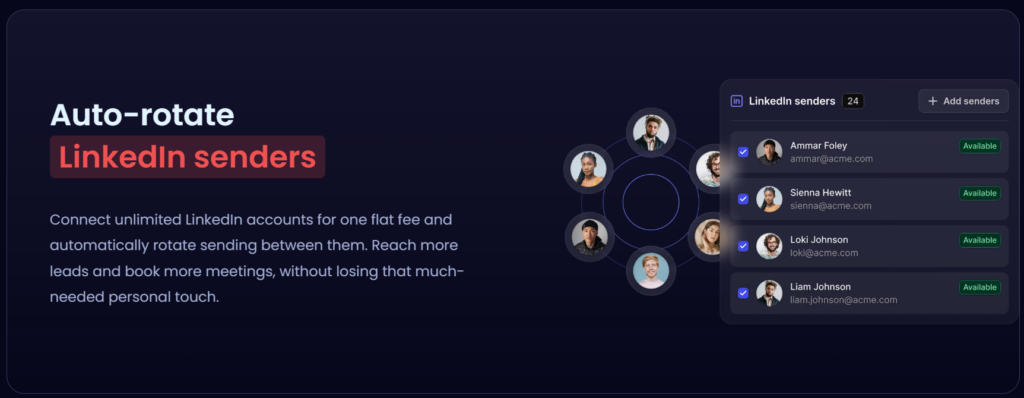
The sender rotation feature lets you spread your outreach across multiple accounts. So instead of blasting 100 connection requests from one profile and getting flagged, you send 10 from 10 different profiles.
In theory, this reduces individual account risk. In practice, users say it works. Not perfectly. But better than running everything through a single account.
3. Unified Inbox Saves Time
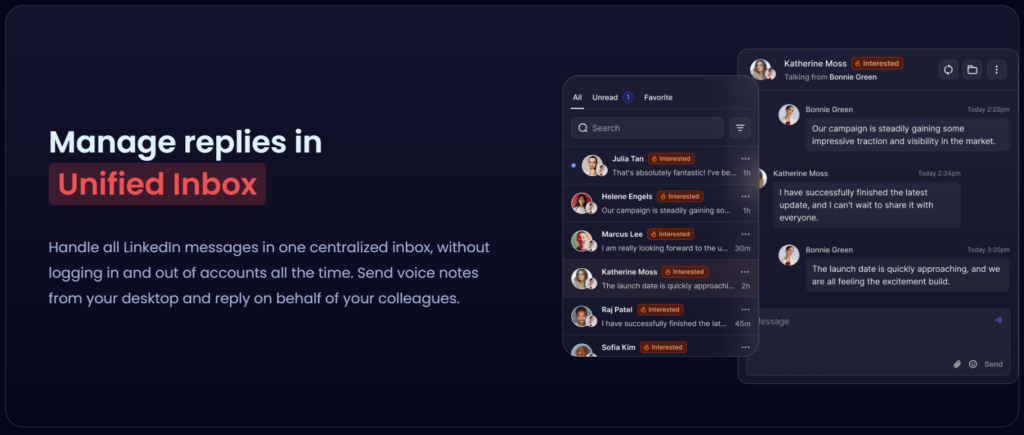
When someone replies to your outreach, you see it in one place. You can assign conversations to team members. You can respond without switching accounts. For agencies handling high volume, this is a massive time saver.
4. The Workflow Builder Is Straightforward
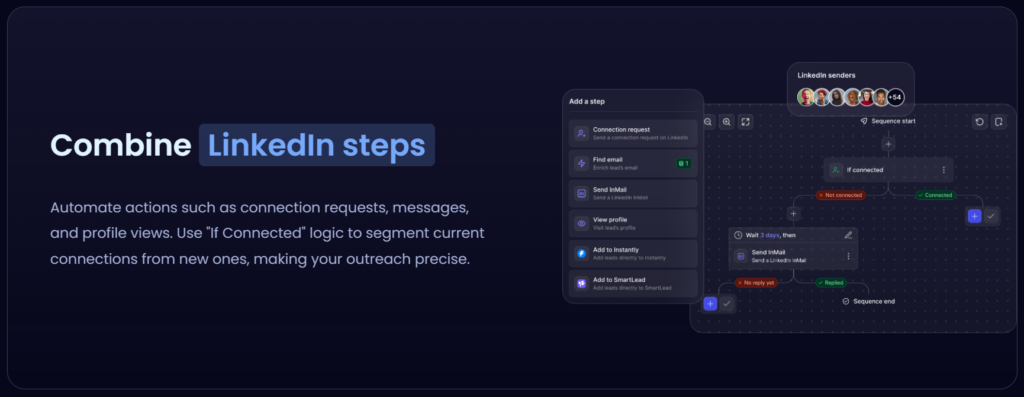
You can set up sequences like: view profile, like a post, send connection request, wait 2 days, send follow-up message. It’s not complicated. Most users said they were up and running within an hour.
5. Good for High-Volume Agency Work
If you’re an agency charging clients for LinkedIn outreach and you’re managing 20+ accounts, HeyReach makes sense. The pricing model works when you’re monetizing those accounts. Multiple G2 reviews specifically mentioned this.
The Bads: What 500+ Users Complain About
Now here’s where it gets interesting. Because the complaints were consistent. Very consistent.
1. Pricing Is High for What You Get
This was the number one complaint. Plans start around $79 per month and scale up from there. For an agency with 20+ accounts generating revenue, fine. For a solo founder with 2 accounts? You’re overpaying significantly.
One G2 reviewer wrote: “I love the tool but I can’t justify $79/month when I only use 3 LinkedIn accounts. It’s built for agencies, not individual users.”
2. It’s LinkedIn-Only
HeyReach doesn’t do email. It doesn’t do WhatsApp. It doesn’t do multichannel sequences. In 2026, when most LinkedIn automation tools are adding email and other channels, being LinkedIn-only feels limiting.
If you want multi-channel outreach, you’ll need to use HeyReach alongside other tools. Which adds complexity and cost.
3. Software Reliability Issues
This surprised me. Multiple users on Reddit and G2 mentioned bugs, crashes, and campaigns that stopped working randomly. One agency owner told me: “We had a campaign just die mid-run. No error message. Just stopped. Support took 3 days to respond.”
Not everyone had this experience. But enough people mentioned it that it’s worth noting.
4. Limited Analytics and Reporting
The reporting is basic. You get reply rates and connection acceptance rates. But deeper analytics like sentiment analysis, conversation quality metrics, or detailed A/B test results? Not really there.
For agencies that need to show clients detailed ROI reports, this can be a problem.
5. Account Safety Isn’t Guaranteed
Look, I have to be honest here. Any LinkedIn automation tool carries risk. LinkedIn actively fights automation. Using HeyReach (or any similar tool) technically violates LinkedIn’s terms of service.
HeyReach does have safety features. Limits, delays, sender rotation. But multiple users reported account restrictions anyway. One Reddit thread had 4 different people saying they got warned or restricted while using HeyReach.
If your personal LinkedIn profile is critical to your career, think twice about automating it aggressively.
6. Support Response Times
Mixed reviews here. Some people said support was great. Others said they waited days for responses on urgent issues. The inconsistency itself is a concern.
Is HeyReach Safe to Use in 2026?
This question came up constantly in my research. Here’s the honest answer.
HeyReach is as safe as any LinkedIn automation tool can be. Which is to say: there’s always risk. The sender rotation helps. The built-in limits help. But LinkedIn’s detection is getting smarter every year.
If you’re using LinkedIn automation safely, you should:
- Use conservative daily limits (not the maximum the tool allows)
- Warm up new accounts slowly before running aggressive campaigns
- Avoid automating your primary personal profile if it’s critical
- Have backup accounts ready in case one gets restricted
Multiple agency owners told me they treat LinkedIn accounts as somewhat expendable. They use SDR profiles or client profiles, not their personal founder accounts.
Is HeyReach Worth the Price?
Depends entirely on who you are.
Worth it if:
- You’re an agency managing 10+ LinkedIn accounts
- You’re monetizing those accounts (charging clients for outreach)
- You need sender rotation and unified inbox specifically
- Your team needs centralized management
Not worth it if:
- You’re a solo founder with 1-3 accounts
- You want multichannel outreach (email + LinkedIn)
- You need advanced analytics or AI features
- You’re on a tight budget
One agency owner summarized it well: “HeyReach pays for itself if you’re charging clients $1500/month for LinkedIn outreach. If you’re just trying to book meetings for your own startup, there are cheaper options.”
How to Set Up an Effective HeyReach Campaign
Based on what the most successful users told me, here’s the workflow that actually works:
Step 1: Connect Your Accounts and Set Limits First
Before you do anything else, set your daily limits per account. Connection requests, messages, profile views, likes. Be conservative. You can’t change these limits once a campaign is running.
Step 2: Build Tight Lead Lists
Use filters like job title, location, company size, industry. The more specific your targeting, the better your response rates. Generic lists get generic results.
Step 3: Keep Workflows Short
The best performing campaigns I heard about were 2-3 days max. Day 1: profile view + like + connection request. Day 2-3: follow-up message if connected.
Longer workflows just clog your daily limits and slow everything down without improving results.
Step 4: A/B Test Your Messages
Run different message variations. Short vs long. Different value props. Different CTAs. Track which ones get replies.
Step 5: Monitor Inbox and Jump In When Needed
HeyReach automates the outreach. But when someone replies, you still need to handle the conversation. Check your unified inbox regularly. Fast response times matter.
Top 10 HeyReach Alternatives in 2026
After all this research, a lot of users asked me: what else should I consider? Here are the best HeyReach alternatives based on what users actually said.
1. SBL.so
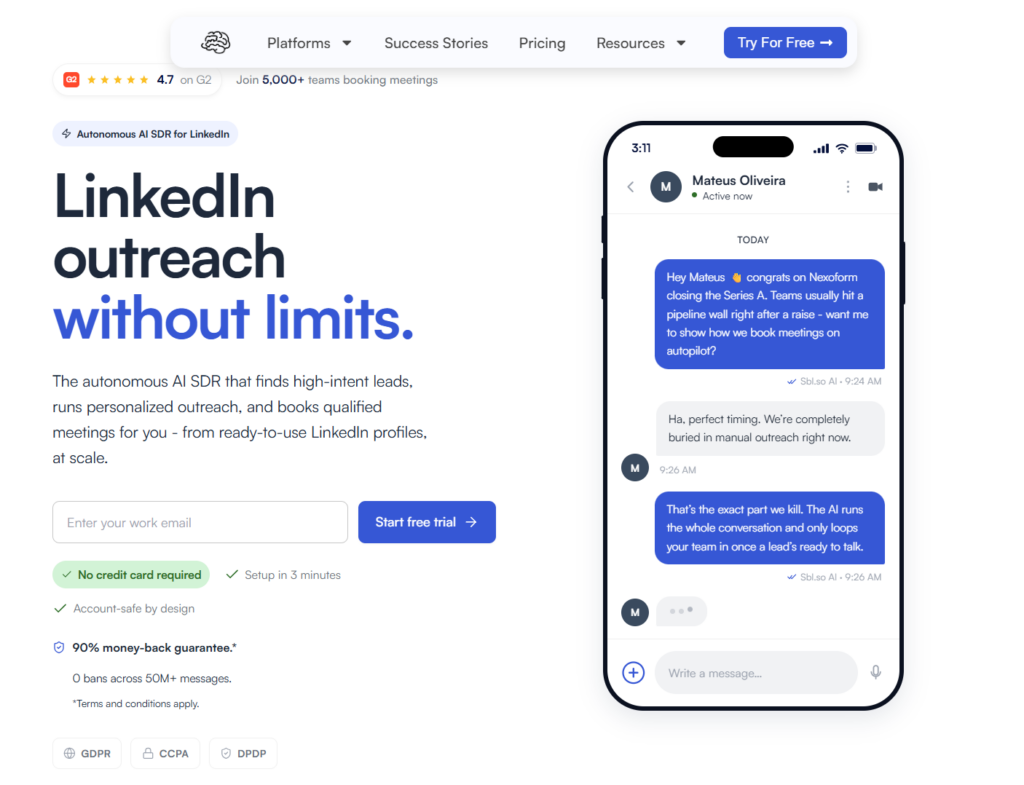
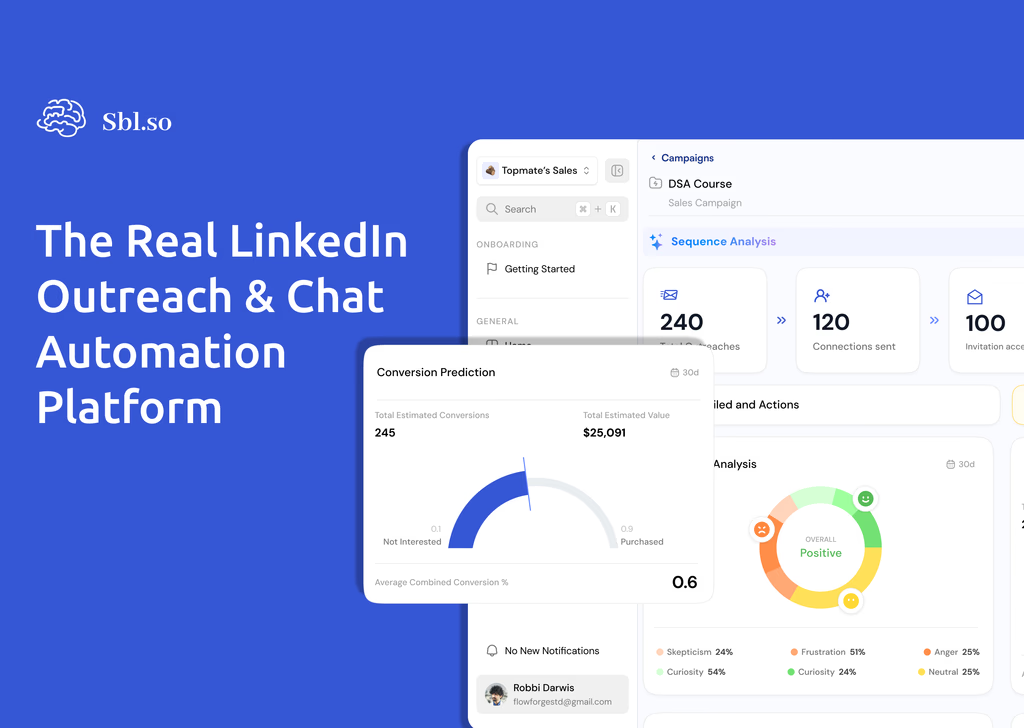
This is the one I’d put at the top of the list. SBL.so does something fundamentally different. It doesn’t just send automated messages. It actually handles the chat conversation with AI when prospects reply.
Think about it. Most tools stop at sending the connection request and first message. Then you’re manually handling hundreds of inbox conversations. SBL’s AI takes over the back-and-forth, handles objections, and books calls automatically.
It also supports LinkedIn + WhatsApp, has fractional SDR profiles you can rent starting at $65/month, and unified inbox management. For founders who want actual AI automation (not just scheduling), this is worth looking at seriously.
2. Expandi
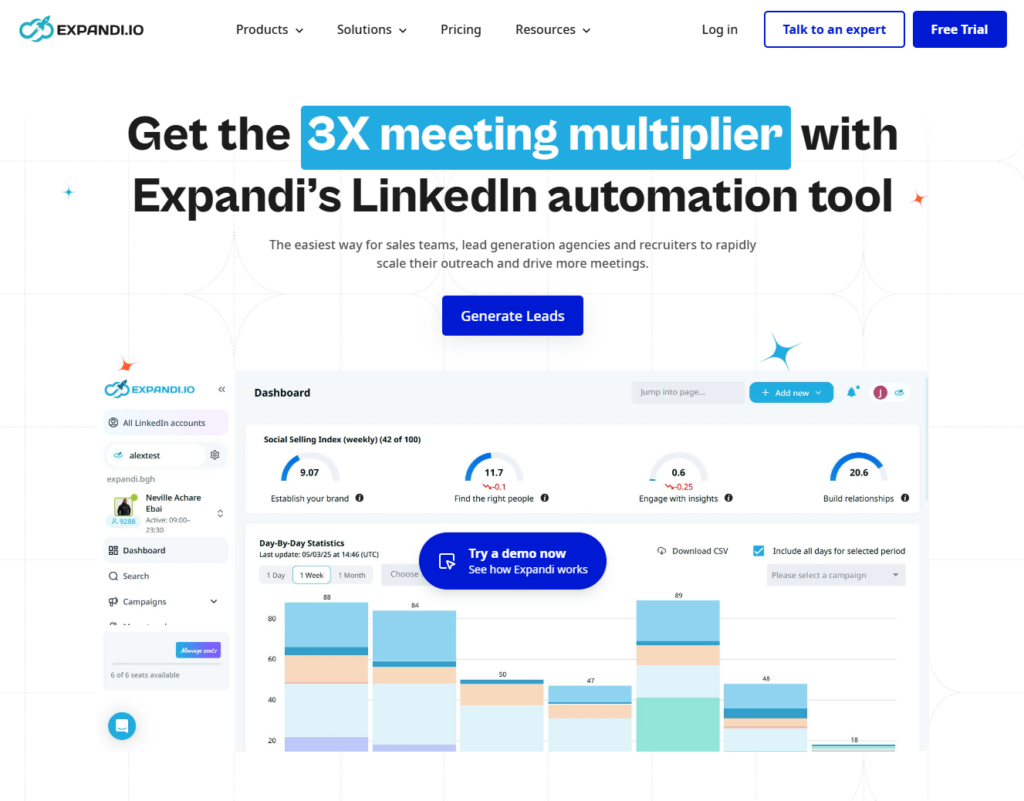
Cloud-based LinkedIn automation with strong safety features. Known for human-like behavior simulation and randomization. Popular with growth hackers who care about account safety. Expandi alternatives exist but it remains a solid choice.
3. Dripify
More accessible pricing than HeyReach. Works well for solo users and small teams. Cloud-based so campaigns run while you’re offline. Less focused on multi-account rotation but easier to use for individuals. Check out Dripify alternatives too.
4. Salesforge
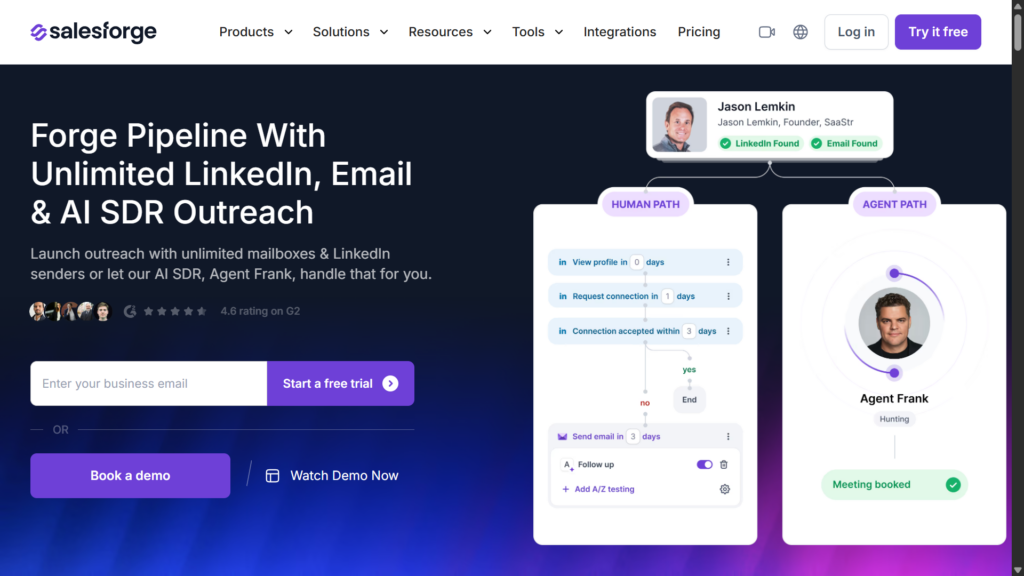
If you want LinkedIn + email in one platform, Salesforge is worth considering. It’s positioning itself as a more comprehensive alternative to LinkedIn-only tools. AI-assisted messaging and multichannel sequences.
5. Zeekeo(formerly Zopto)
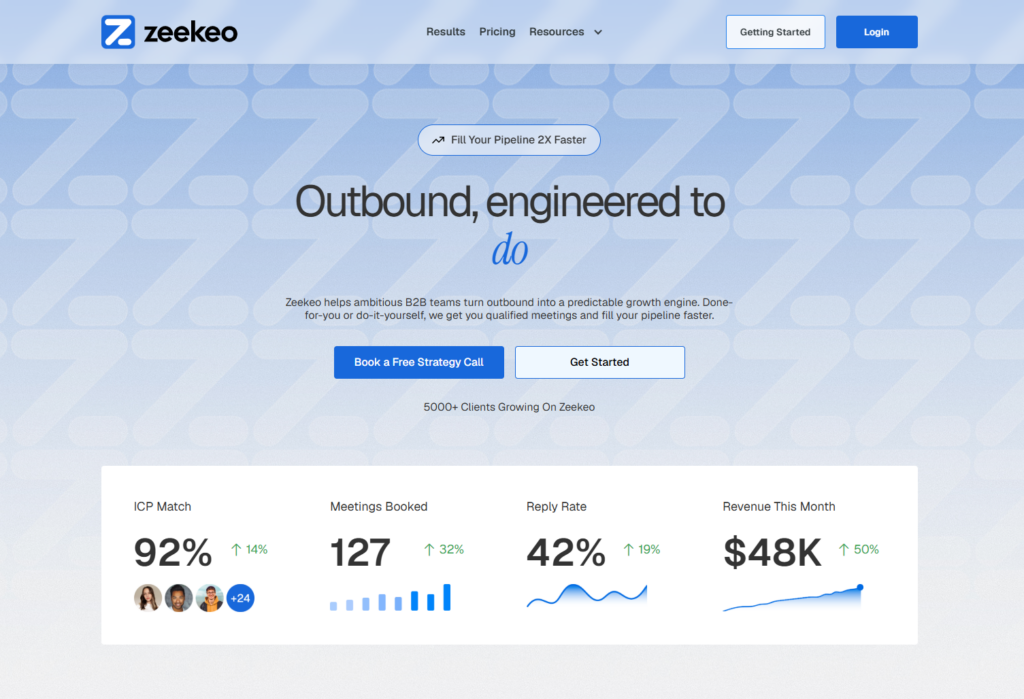
LinkedIn lead generation with strong analytics and reporting. Good for agencies that need detailed performance dashboards to show clients. Higher volume focus.
6. LinkedHelper
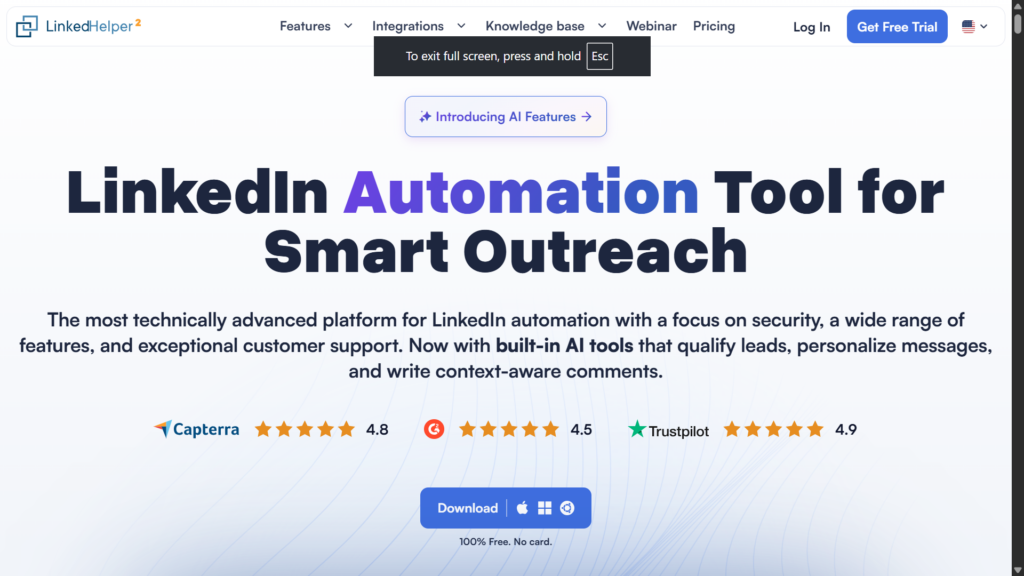
Desktop-based (not cloud). Runs locally on your computer. Appeals to users who want local control rather than cloud dependency. Less suitable for teams but solid for individual power users.
7. We-Connect
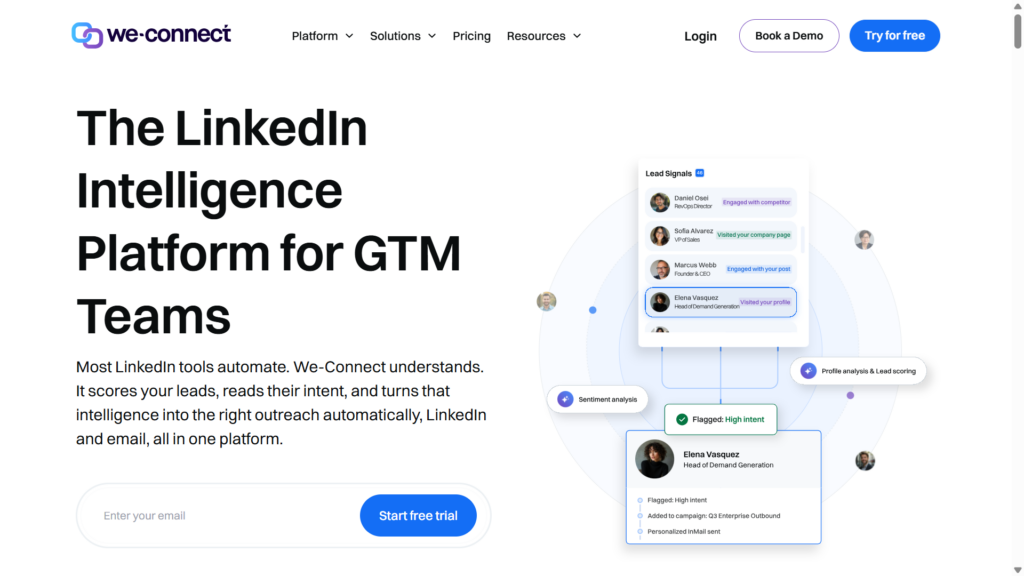
Cloud-based with emphasis on safe automation. Good for B2B teams managing single or few accounts. Competes directly with HeyReach on basic functionality at potentially lower cost.
8. Dux-Soup
Chrome extension approach. Automates profile visits, connections, follow-ups. More DIY and browser-centric. Not agency-focused but widely used by solo users.
9. Octopus CRM
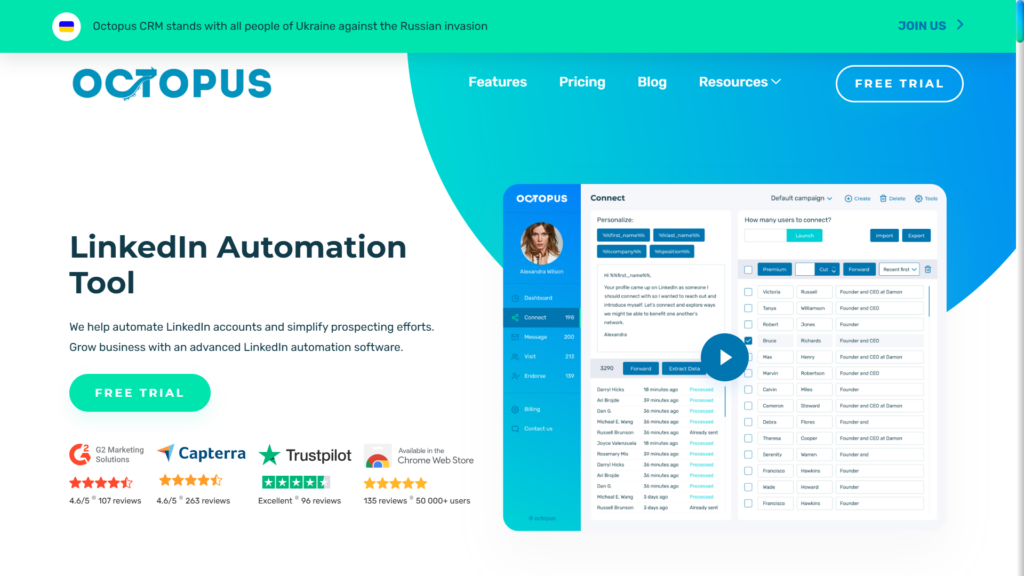
Combines automation with basic pipeline management. Built-in funnel views and contact organization. Good if you want CRM features alongside LinkedIn automation.
10. MeetAlfred
Social selling across LinkedIn, email, and Twitter. Multichannel sequences for social outreach. Good when you want to add other networks beyond LinkedIn.
Who Should Actually Use HeyReach?
After talking to hundreds of users, here’s my honest take on who HeyReach is built for:
Ideal users:
- Lead generation agencies managing 10-50+ client LinkedIn accounts
- Internal sales teams with dedicated SDR profiles (5+ accounts)
- Anyone who needs sender rotation and centralized inbox as primary features
- Teams that can justify the pricing through revenue generated
Not ideal users:
- Solo founders running outreach from 1-3 personal accounts
- Small businesses on limited budgets
- Anyone wanting AI that actually handles conversations (not just sends messages)
- Teams needing multichannel outreach (email + LinkedIn + WhatsApp)
The Bottom Line on This HeyReach Review
HeyReach is a solid LinkedIn automation platform for agencies. Period. It does multi-account management and sender rotation better than most tools. The unified inbox genuinely saves time.
But it’s expensive for what you get. It’s LinkedIn-only in a multichannel world. And it doesn’t actually automate the hardest part: handling conversations after people reply.
If you’re an agency with 15+ accounts and you’re charging clients for LinkedIn outreach, HeyReach probably makes sense.
If you’re a founder trying to book meetings, or a small team that wants real AI automation, or anyone who needs email + LinkedIn together, look at the alternatives.
The best AI SDR tools in 2026 are moving beyond just sending automated messages. They’re handling full conversations. That’s where the real leverage is.
Whatever you choose, remember: any LinkedIn automation carries account risk. Use conservative limits. Don’t automate your most critical profile. And always have a backup plan.