You want to send 1000 LinkedIn messages without getting banned. I get it. You’ve got a list of prospects, maybe a new offer, and you need to move fast. But here’s the thing: LinkedIn doesn’t hate automation. They hate lazy, bot-like automation that makes their platform feel like a spam folder. The best way to send 1000 LinkedIn messages without getting banned comes down to understanding how LinkedIn detects patterns, and then doing the exact opposite of what gets flagged.
I’ve seen accounts get restricted after 50 messages, and I’ve seen accounts push 200+ a day without a single warning. The difference? It’s not luck. It’s the system you use.
Why LinkedIn Doesn’t Actually Hate Automation
This might surprise you. LinkedIn isn’t against automation. They’re against bad automation. The kind that sends identical messages to 500 people in 20 minutes from a brand new account with zero activity.
Think about it from LinkedIn’s perspective. Their platform lives on engagement. Real conversations. Quality interactions. When someone uses a tool that mimics human behavior, sends personalized messages, and respects reasonable limits, LinkedIn has no problem. They can’t even tell the difference.
The issue starts when people use cloud-based bots that leave digital fingerprints everywhere. Or when they copy-paste the same generic pitch to everyone. Or when they blast 300 connection requests on day one of a new account.
LinkedIn’s algorithm in 2026 looks for non-human patterns. Repetitive messaging. High-volume sends in short windows. Identical text across messages. Accounts that go from zero activity to maximum output overnight. Velocity spikes and sudden surges get flagged immediately. Avoid those patterns, and you’re golden.
LinkedIn’s 2026 Crackdown: What Changed
LinkedIn tightened behavioral detection significantly in 2025 and 2026. They’ve moved from gentle warnings to suspensions for first-time violations. Multiple accounts have been restricted or banned for aggressive automation, and LinkedIn even took public action against some high-volume automation vendors. One vendor had its company page removed and founder profile banned for encouraging aggressive, detectable automation.
This means the old playbooks don’t work anymore. You can’t push 100+ connection requests daily. You can’t send identical messages at scale. The platform actively monitors for velocity, repetitiveness, and non-human timing patterns.
The Human Behavior System That Actually Works
Here’s what I learned after watching dozens of campaigns succeed and fail. The accounts that scale to 1000 messages without issues all follow the same basic principles.
First, warm up your account. I know this sounds annoying when you want results now. But spending 2 weeks doing manual activity makes a massive difference. View profiles. Send a few connection requests. Engage with posts. Get your Social Selling Index above 30 before you even think about scaling. Newer safety guides recommend a full 14-day manual warm-up period before introducing any automation.
Second, use browser-based or cloud tools with dedicated IPs, not basic extensions. LinkedIn can detect when messages come from servers with shared IPs or suspicious fingerprints. The safest LinkedIn automation tools in 2026 work through real browser sessions with dedicated IP addresses. They use your actual cookies and fingerprints. To LinkedIn, it looks like you’re sitting at your computer. Many 2026 comparisons now argue that cloud-based and API-integrated tools with dedicated IPs are safer at scale than browser extensions.
Third, randomize everything. Your send times should vary. Your message structures should vary. Even the length of your messages should change. If every message goes out at exactly 9:14 AM and contains exactly 47 words, you’re flagging yourself.
Fourth, personalize genuinely. Not just “Hi {FirstName}” personalization. Actual personalization. Reference their company’s recent news. Mention something from their profile. Ask about a post they wrote. The best tools now use AI to generate variations that feel human. Personalization is now considered a safety factor, not just a conversion factor.
The Exact Limits You Should Follow in 2026
LinkedIn doesn’t publish official limits. But after extensive testing across the industry, here’s what actually works without triggering restrictions.
Your Social Selling Index matters more than people realize. If your SSI is below 20, keep it to 10 to 20 messages per day. SSI between 20 and 40? You can push 20 to 40 daily. SSI above 40? That’s where you can scale to 40 to 80 per day with proper randomization. The practitioner consensus places safe outreach at roughly 30 to 80 messages per day, with many safety guides recommending the lower end (30 to 50) for accounts using automation.
Weekly messaging limits: Several 2026 sources place safe weekly ranges at 100 to 200 messages per week for standard users, and up to 150 to 200 per week for Premium or Sales Navigator users.
For connection requests, the old “100 per day” myth is dead. New accounts should stay at 15 to 25 per day max and 60 to 100 per week. Mature accounts with good standing can push slightly higher, but acceptance rates matter more than raw volume. Keep acceptance rates above 40% or LinkedIn starts paying attention.
Here’s the hack most people miss: if you’re messaging existing connections, you can go way higher because LinkedIn’s stricter limits apply to cold outreach, not conversations with people already in your network. Follow-ups and replies within existing conversations are treated more leniently than cold messages.
There’s actually a method to send high volume in a single day, but it requires you to work from the messaging interface directly. Don’t open profiles first. Just search your connections, then message them straight from the messaging tab. This bypasses the daily profile view limits. Combined with rotating sender profiles, you can hit serious volume while staying within safe per-account thresholds.
Why Follow-Up Sequences Matter More Than Volume
Sending 1000 messages is useless if nobody responds. And here’s something I see founders get wrong constantly: they send one message, get no reply, and assume the lead is dead.
The data shows most positive responses come from follow-ups. Not the first message. Your sequence should look something like this: initial outreach with genuine value, wait 5 to 7 days, then a second message that adds something new like a case study or relevant insight. If still no response, a final third message after another week.
Three messages total. Spread over 3 to 4 weeks. That’s it. More than that feels desperate and can get you marked as spam by recipients themselves, which LinkedIn definitely notices. Most 2026 sequence recommendations converge on 2 to 3 messages per prospect over 3 to 4 weeks.
The key is making each follow-up worth reading. Not “just checking in” or “circling back.” Add value every time or don’t send it. Learn more about effective automated messaging strategies on LinkedIn that actually convert.
Top 5 Safest LinkedIn Automation Platforms in 2026
After testing pretty much every tool out there, here are the platforms that actually deliver high volume without getting your account restricted.
#1 Sbl.so
This is the one I’d start with if you’re serious about scaling LinkedIn outreach safely. Unlike most tools that just send messages, Sbl.so handles the entire conversation. When prospects reply, the AI actually chats with them. It handles objections. It asks qualifying questions. It pushes toward booking calls. You’re not stuck managing an inbox full of responses.
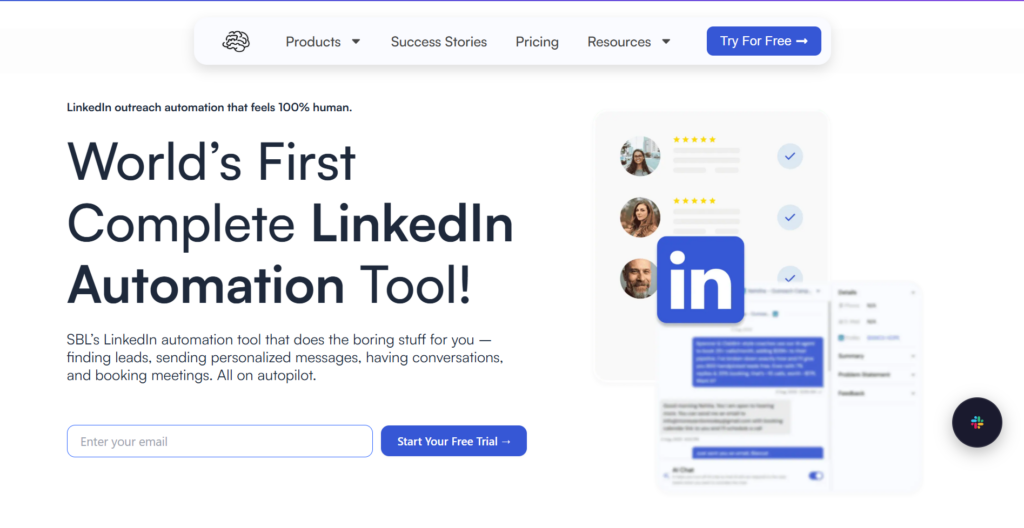
The platform uses real browser sessions and configurable Chat Flows where you define objectives, intent logic, objection handling, follow-up schedules, and escalation rules. AI continues conversations end-to-end until a call is booked or a lead is disqualified. It can also send voice notes using voice cloning, images, PDFs, and video messages to keep conversations natural.
What sets Sbl.so apart is their fractional SDR network. These are real LinkedIn accounts owned by real humans who connect their genuine profiles to customer workspaces. Not purchased or fake accounts. They act as part-time affiliates or extended sales team members. You can request fractional SDR profiles, get matched within about 48 hours, and launch outreach with AI handling conversations. SDR profiles currently cost $59 to $65 per profile per month depending on volume.
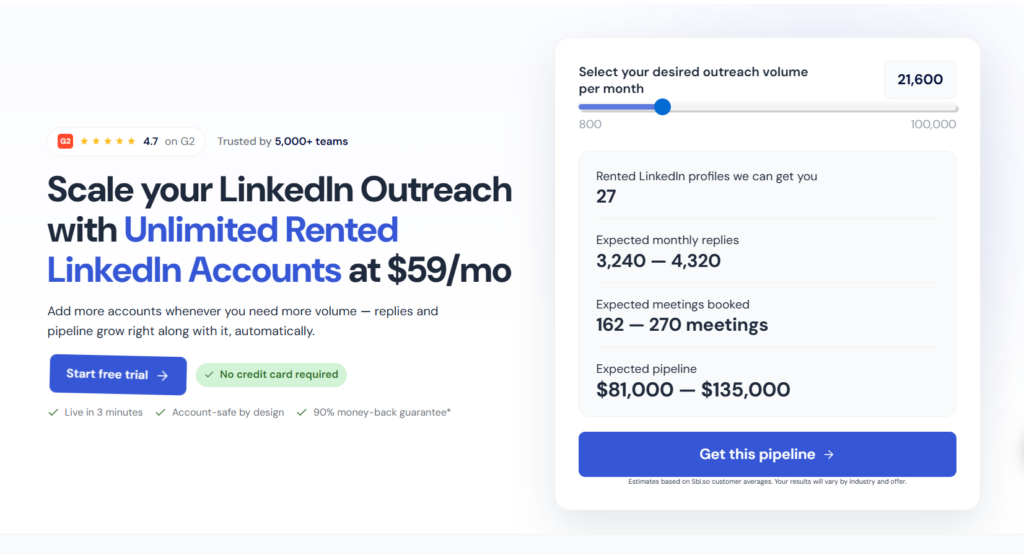
For safety, Sbl.so emphasizes conservative thresholds: 20 to 30 connection requests per day, a 14-day manual warm-up, maintaining acceptance rates above 40%, variable delays, and never exceeding 50 automated messages per day per account. The combination of fractional profiles, hyper-personalized messaging, and ongoing AI chat means no single account gets pushed beyond safe limits.
Pricing starts at $99 per month after a 7-day free trial. For what you get, especially the AI chat handling and fractional SDR network, it’s honestly underpriced compared to hiring actual SDRs.
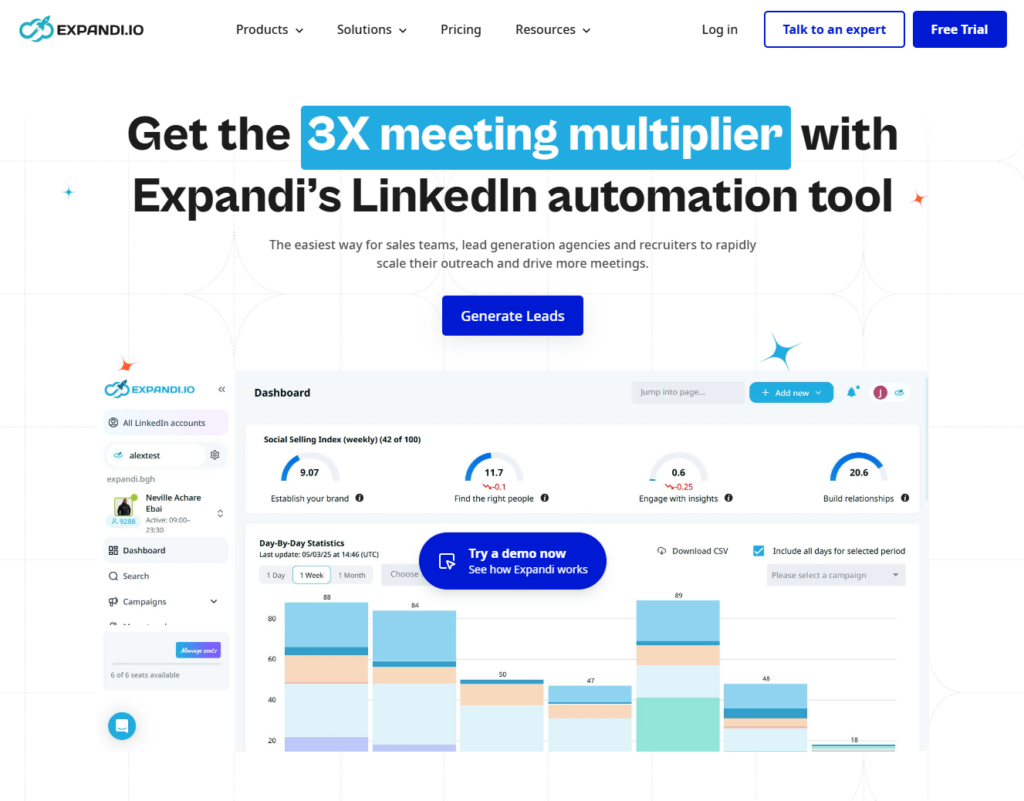
#2 Expandi
Been around a while and adapted well to 2026 restrictions. Frequently cited as a cloud-based LinkedIn outreach platform for agencies, offering dedicated IPs, message randomization, and multi-account management. The platform emphasizes safe mode, variable delays, and built-in A/B testing. Works with unlimited accounts. $99 per month.
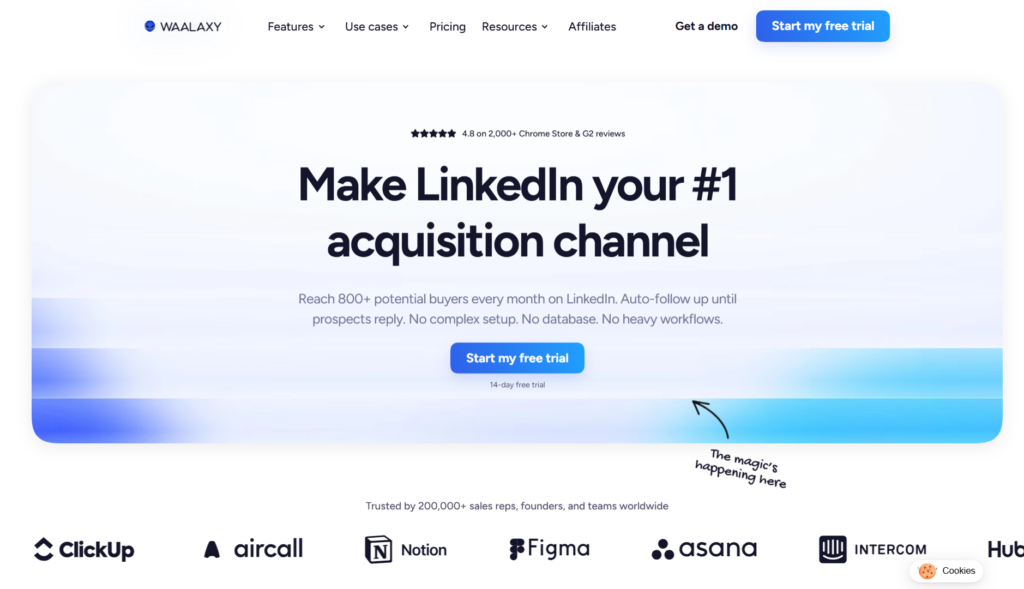
#3 Waalaxy
Strong for visual sequence building and multichannel prospecting. Often bundled with cold email, so you can run LinkedIn plus email sequences with drag-and-drop flows. Used by founders and small teams who want multichannel outreach without complexity. Emphasizes personalization and conservative defaults.
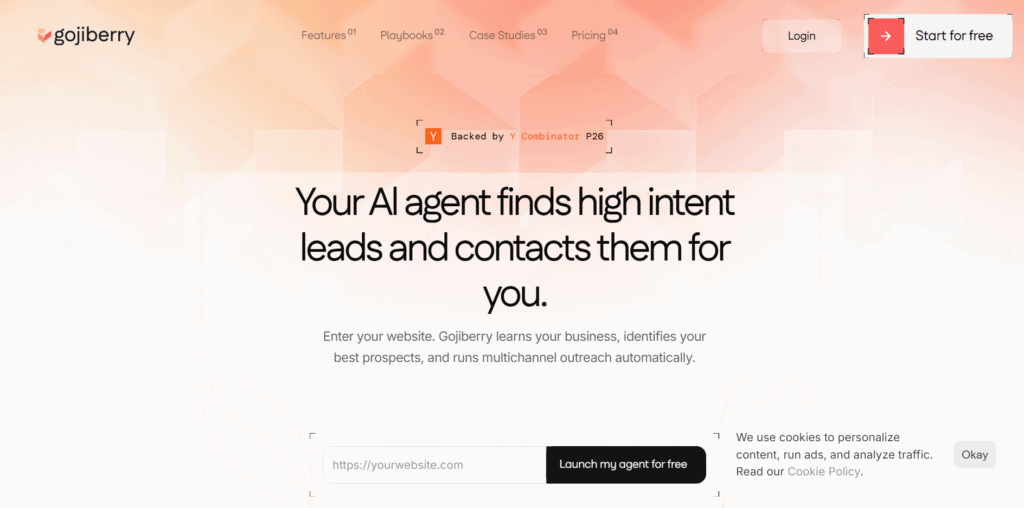
#4 Gojiberry
Strong on AI-generated message variants. The system rephrases your templates to create unique versions for each recipient. So instead of sending the same “noticed your company expanded” message 200 times, it generates variations that say essentially the same thing differently each time. They enforce human-like delays and timing.
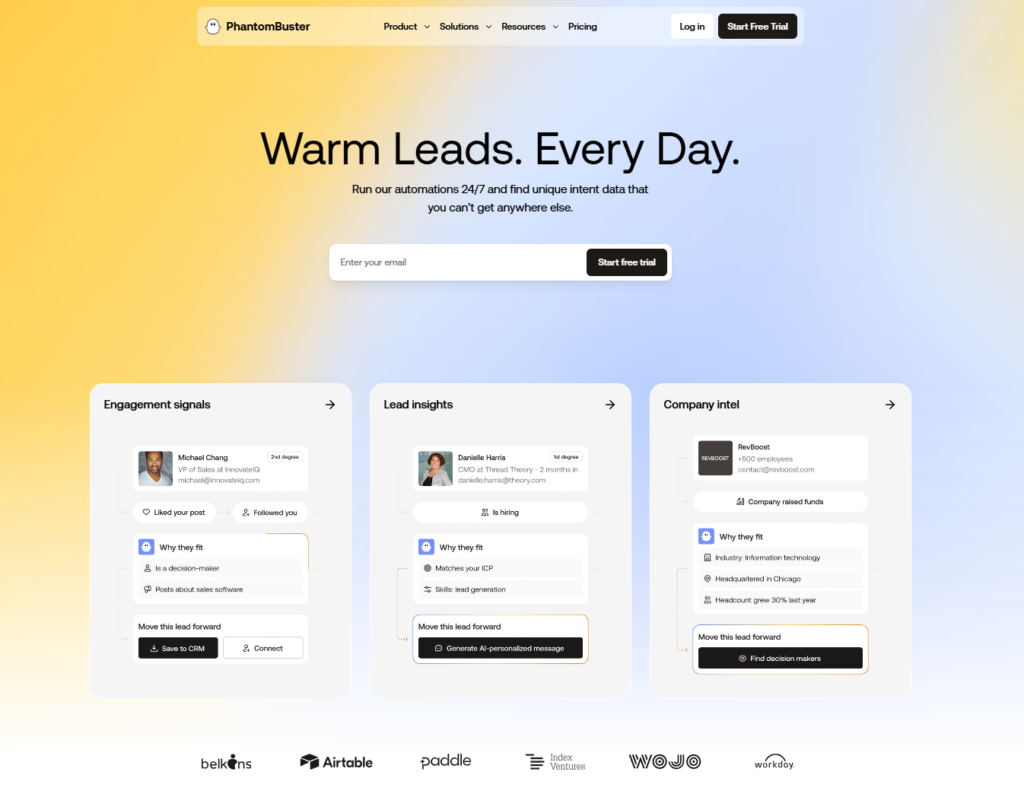
#5 PhantomBuster
A comprehensive automation toolkit with detailed campaign control for visits, follows, and messages. They publish detailed safety guides and limit recommendations. The interface has a learning curve but the reliability is there for teams who want granular control over their automation flows.
All of these tools stress the same fundamentals: no identical messages, proper warm-ups, and monitoring for early restriction signs. If you’re looking at how to automate LinkedIn outreach safely, any of these will keep you out of trouble when used correctly.
What Happens If You Get Restricted Anyway
Sometimes it happens despite doing everything right. Maybe you inherited an account with a bad history. Maybe LinkedIn’s algorithm had a bad day. Whatever the reason, don’t panic.
If you hit a restriction, pause all activity for 48 hours minimum. Then come back at 50% of your previous volume. Scale back up gradually over 2 weeks.
Most restrictions are temporary. LinkedIn uses them as warnings before actual bans. If you keep pushing after a restriction, that’s when accounts get permanently disabled. LinkedIn has shifted from gentle warnings toward suspensions for first-time violations since 2025, so ignoring restrictions is riskier than ever.
The smarter move is setting up monitoring from the start. Good automation tools track your account health and alert you before you hit dangerous territory. Watch for failed invites, warning banners, and declining acceptance or reply rates. Check out this guide on how to unrestrict your LinkedIn account if you’re already dealing with limitations.
The Hybrid Approach: Manual Plus Automation
Here’s something most automation guides won’t tell you. The safest approach combines manual activity with automated outreach.
Mornings: do manual engagement. Comment on posts in your feed. Send a few personal messages to warm leads. View profiles of people who viewed yours. This creates natural activity patterns that make your automated sends less suspicious.
Afternoons: let your automation run. With the foundation of manual activity in the morning, your automated messages blend in naturally.
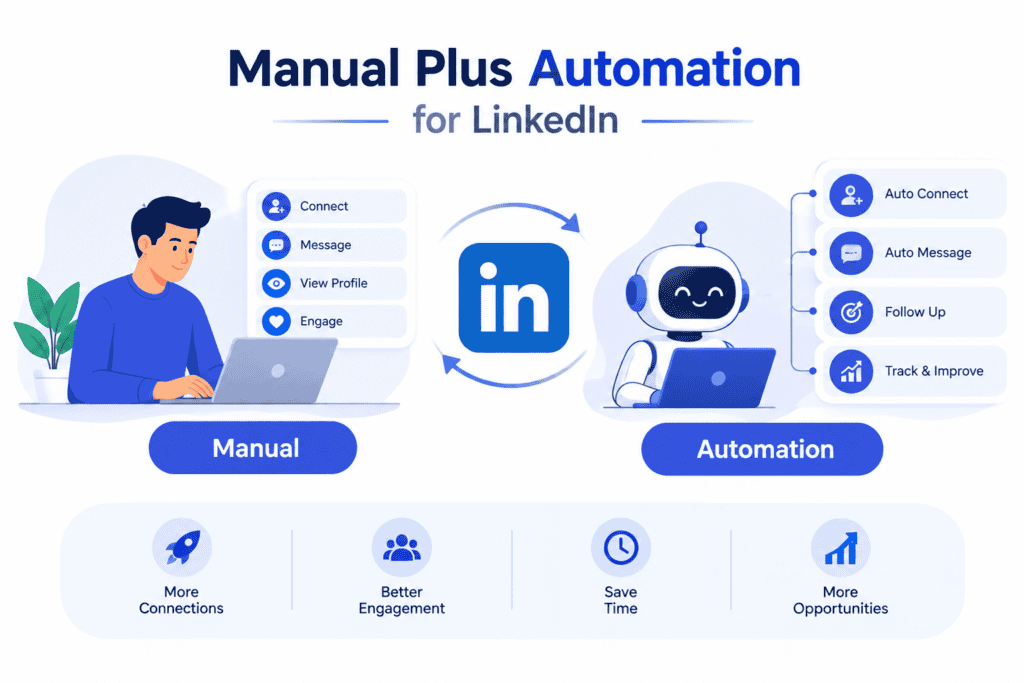
This hybrid method also keeps your account “warm” in LinkedIn’s eyes. Pure automation accounts eventually start looking robotic even if the messages are varied. Adding genuine manual engagement keeps that human signal strong. Multiple 2026 safety guides recommend this mixing of manual profile viewing, post engagement, and genuine replies with automated sequences.
Should You Use Group DMs or Individual Messages?
Quick clarification on this because I see confusion everywhere. Group messages on LinkedIn create shared threads where everyone in the group can see each other’s responses. That’s fine for certain use cases like community announcements or collaborative conversations.
But for sales outreach? You want individual DMs. Always. Privacy matters to prospects. Nobody wants their competitors seeing that they’re exploring a new tool or service.
Some people think group DMs help you send more messages faster. Technically true. But the quality of responses tanks. And prospects get annoyed when they realize they’re in a group thread. Stick to individual messages for anything conversion-focused.
The Message Itself: What Actually Gets Replies
All this talk about limits and tools means nothing if your message sucks. I’ve seen people send 1000 perfectly executed messages that got zero responses because the copy was generic garbage.
Keep it under 100 words. Seriously. Long messages don’t get read on LinkedIn. Get to the point fast.
Lead with value, not your pitch. What insight can you share that’s actually useful to them? What observation about their business shows you did research? Open with that, not your product features.
Ask a question. Messages that end with questions get significantly higher reply rates than messages that end with statements. Make it easy for them to respond.
And please, don’t start with “I hope this message finds you well.” It’s 2026. We can do better.
If you’re running outreach at scale, consider adding personalized video to your sequences. The response rates are wild compared to text-only messages.
Multi-Channel: Don’t Put Everything on LinkedIn
The smartest outreach strategies in 2026 don’t rely solely on LinkedIn. They combine LinkedIn with email and WhatsApp to create multiple touchpoints without overwhelming any single channel.
Someone ignores your LinkedIn message? Maybe they’ll respond to an email follow-up. Or vice versa. Different people check different platforms with different frequencies.
The trick is keeping context between channels. If you message someone on LinkedIn about their recent funding news, your email follow-up should reference that same conversation, not start fresh. Tools that handle multi-channel LinkedIn automation properly make this seamless.
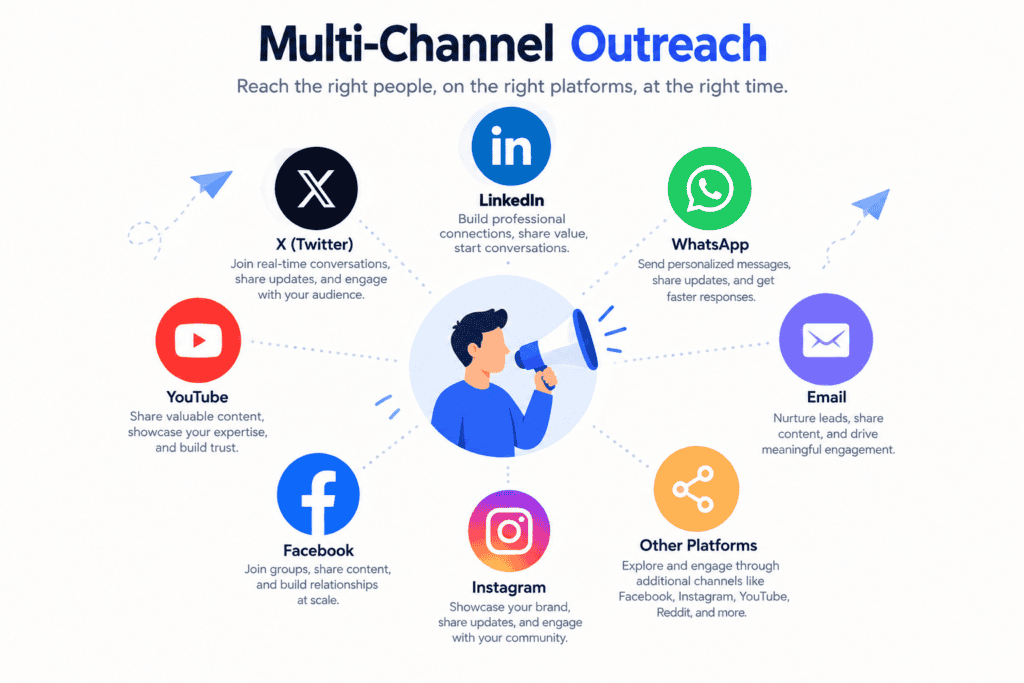
This multi-channel approach also keeps your LinkedIn volume moderate while total touchpoints increase. You’re not trying to cram all your outreach through one channel, which is exactly what triggers restrictions.
Volume Scaling: How to Actually Hit 1000 Messages Safely
Here’s the reality: sending 1000 messages from a single LinkedIn account in one day is significantly outside conservative safe zones and likely to trigger restrictions. The math just doesn’t work.
If safe ranges sit around 30 to 80 outreach messages per day per account, you need to spread volume across time or across multiple accounts:
Option 1: Spread across time. 50 messages per day from one account over 20 days gets you to 1000 safely.
Option 2: Use multiple sender accounts. 40 messages per day across 5 accounts gets you to 200 per day total. Five days to hit 1000.
Option 3: Fractional SDR network. Services like Sbl.so let you connect multiple real LinkedIn profiles from verified users. Each operates within conservative limits, but together you reach serious volume. This is how agencies and growth teams scale without putting any single account at risk.
The key insight: your campaign volume can be high, but no individual account should exceed tested safe thresholds. Distribute the load.
Common Questions About Sending 1000 LinkedIn Messages
Can you actually send 1000 DMs in one day?
From a single account? Not safely. The tested safe zones sit around 30 to 80 messages per day depending on account factors. Spreading across multiple warmed accounts or using a fractional SDR network lets you hit high campaign volume while each account stays within safe limits.
What are LinkedIn’s exact message limits?
LinkedIn doesn’t publish them. But based on extensive 2026 testing: 30 to 80 messages per day depending on your SSI score, 100 to 200 messages per week, and 60 to 100 connection requests per week. Mature accounts with high SSI can push slightly higher.
Will LinkedIn ban me for using automation?
Not if you use tools with proper randomization, personalization, and conservative limits. Cloud bots with dedicated IPs are generally safer than browser extensions when operated correctly. Repetitive patterns, velocity spikes, and identical messages get flagged. Human-like automation doesn’t.
What’s the best follow-up timing?
Wait 5 to 7 business days between messages. Max 3 messages total per prospect. Each follow-up should add new value, not just “checking in.”
Are free automation tools safe?
Limited options are available but use with caution. Premium tools invest more in staying compliant with LinkedIn’s detection systems. The cost of a restricted account far exceeds the monthly fee for a good tool.
How do AI SDR tools like Sbl.so keep accounts safe while scaling?
By combining manual warm-up, conservative per-account limits, hyper-personalized messaging, fractional SDR profiles to distribute volume, and AI chat that continues conversations rather than generic blasts. The AI manages conversations after replies, so you’re not just sending one-off messages at high volume.
Putting It All Together
The best way to send 1000 LinkedIn messages without getting banned isn’t about finding some secret hack or magic tool. It’s about understanding that LinkedIn’s algorithm looks for patterns that indicate non-human behavior, and then systematically avoiding those patterns.
Warm up your account for at least 2 weeks. Use cloud-based tools with dedicated IPs. Randomize your timing and message variations. Personalize genuinely. Stay within 30 to 80 messages daily based on your SSI. Follow up thoughtfully with 2 to 3 touches over 3 to 4 weeks. Mix in manual activity. Use multiple accounts or fractional SDRs to distribute volume.
Do those things consistently, and you can scale LinkedIn outreach to email-level volume without ever seeing a restriction warning.
The tools exist to make this possible. The strategy is straightforward. The only question is whether you’ll execute it properly or cut corners and end up with a restricted account. Seen it go both ways many times. The choice is yours.