Platforms
For iPhone
1. Open Safari Browser and type m.sbl.so. You will end up on this login page, where you log in to your SBL account.

2. At the bottom right, Click the … three dots.
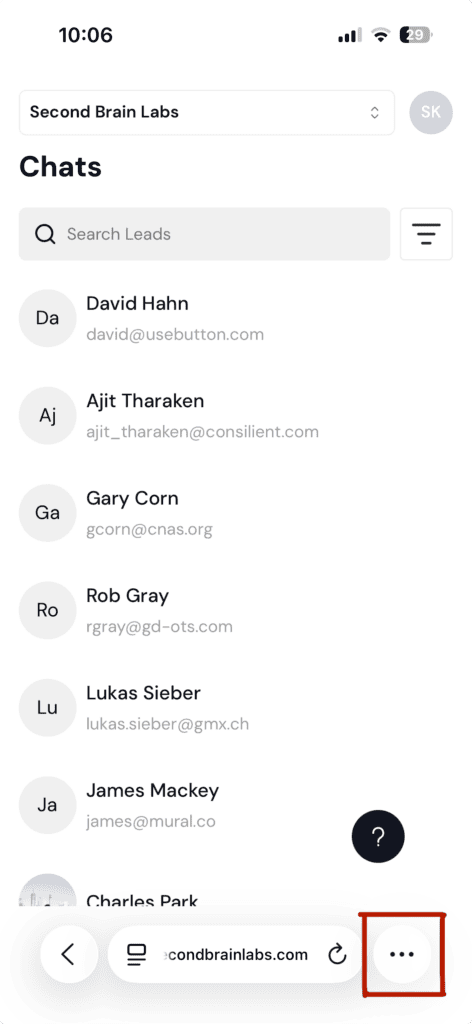
3. Click on the Share Button
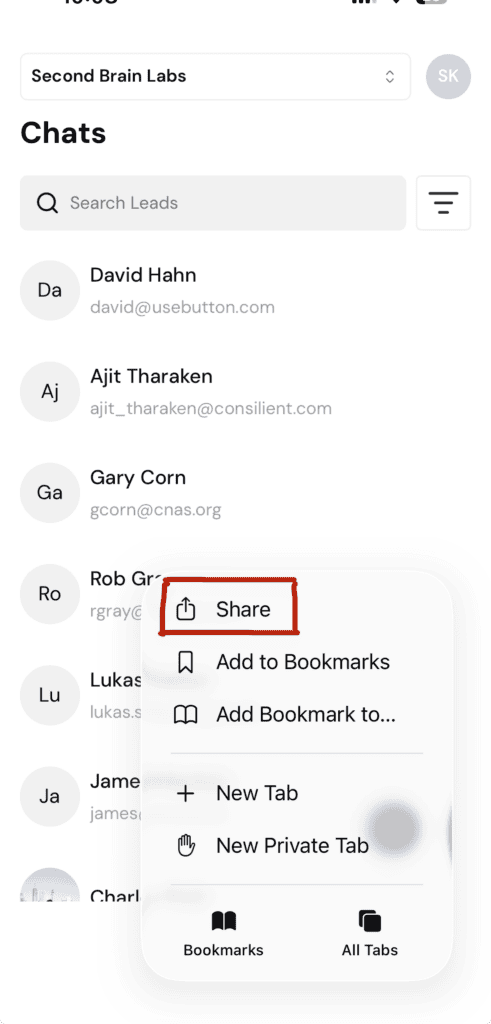
4. Choose “Add to Home Screen.”
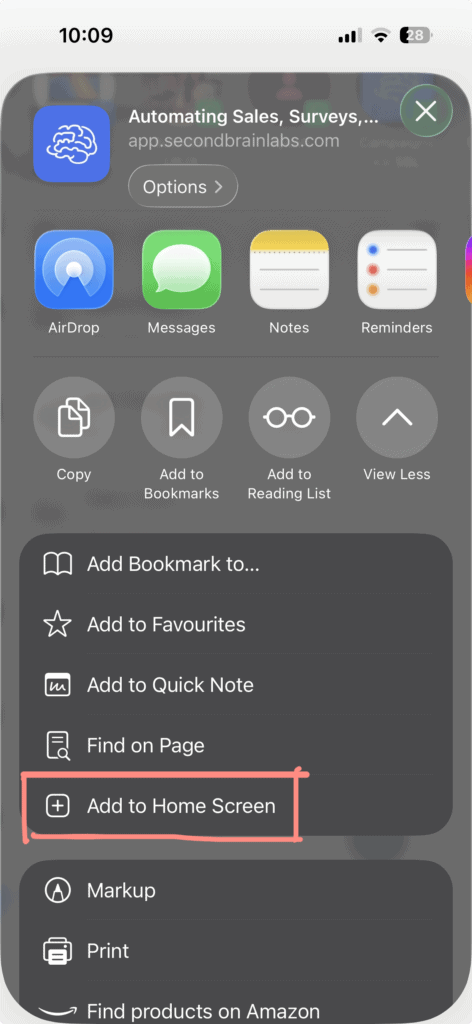
5. Name your App and finally, click on “Add.”
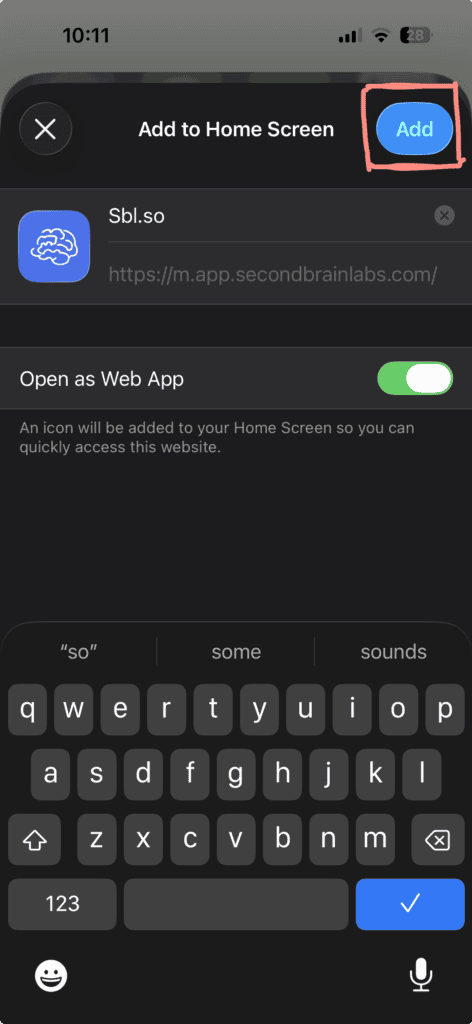
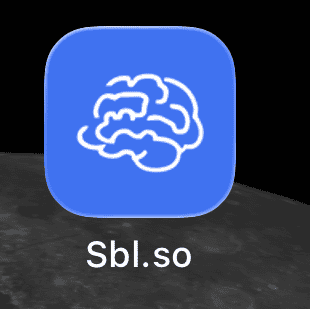
6. Your App would be added to your HomeScreen on your iPhone
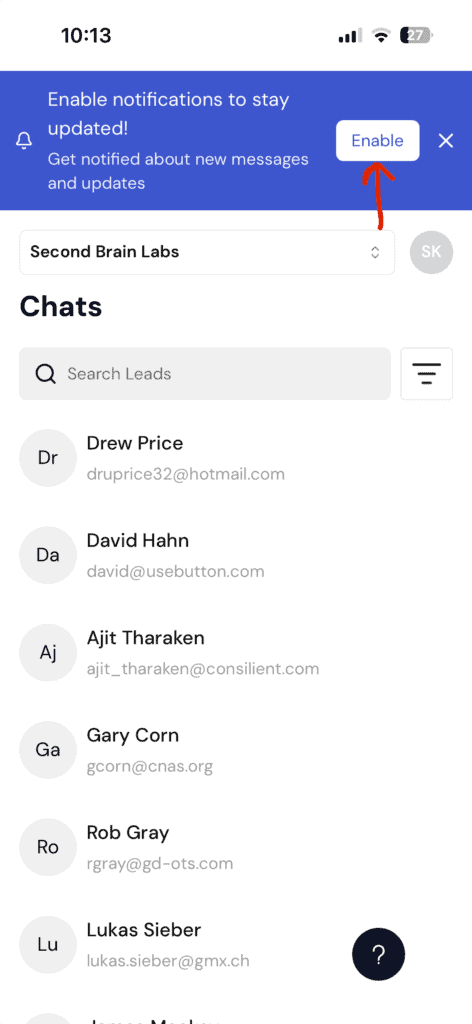
7. Open the App and “Enable” the notifications to get alerts about your Reply, Human Intervention and Updates.
For Android
1. Open Chrome Browser and type m.sbl.so. You will end up on this login page, where you log in to your SBL account.
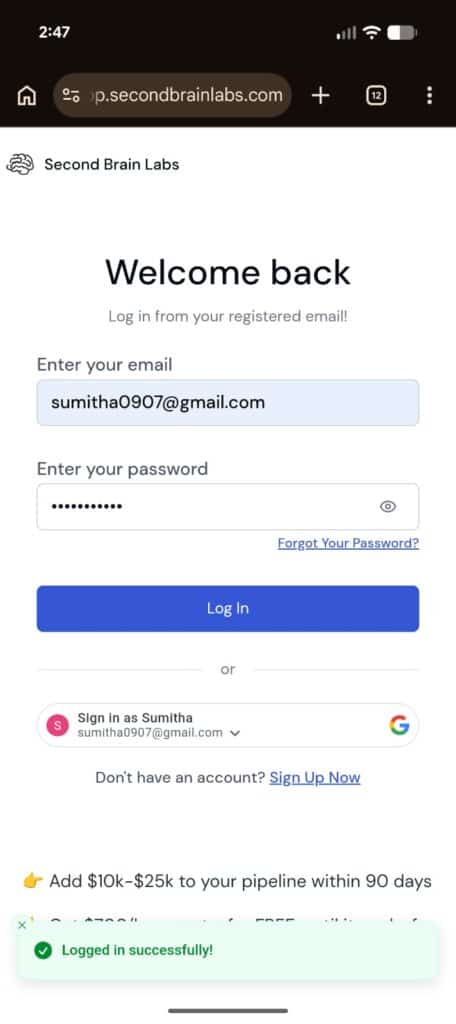
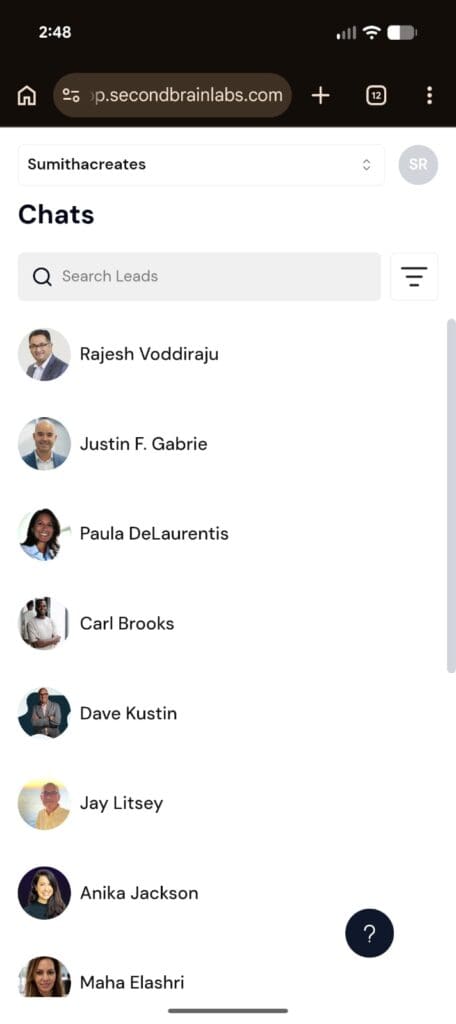
2. Click the top right ⋮ options icon
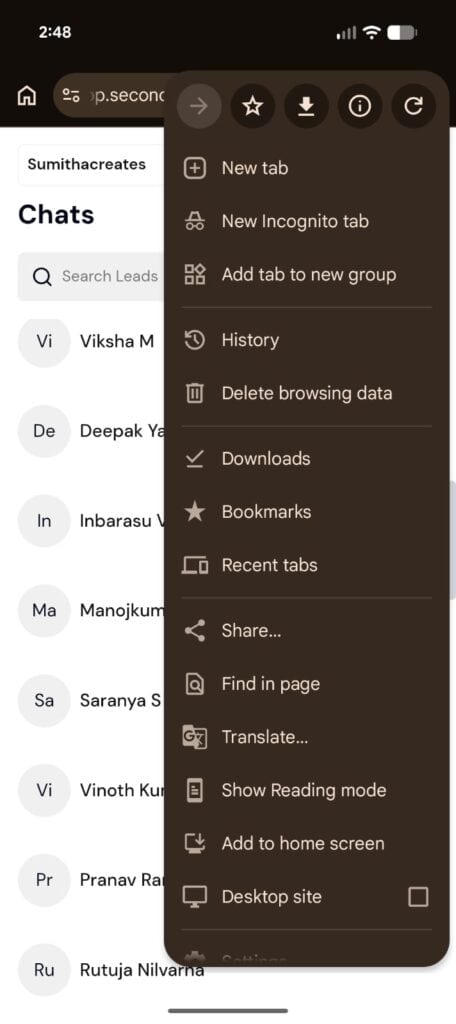
3. Choose “Add to home screen” option
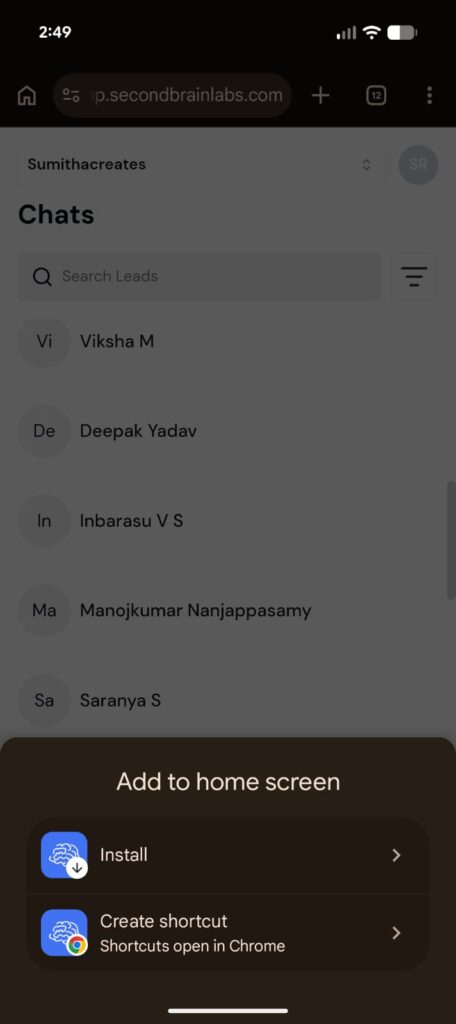
4. Click on “Install.”
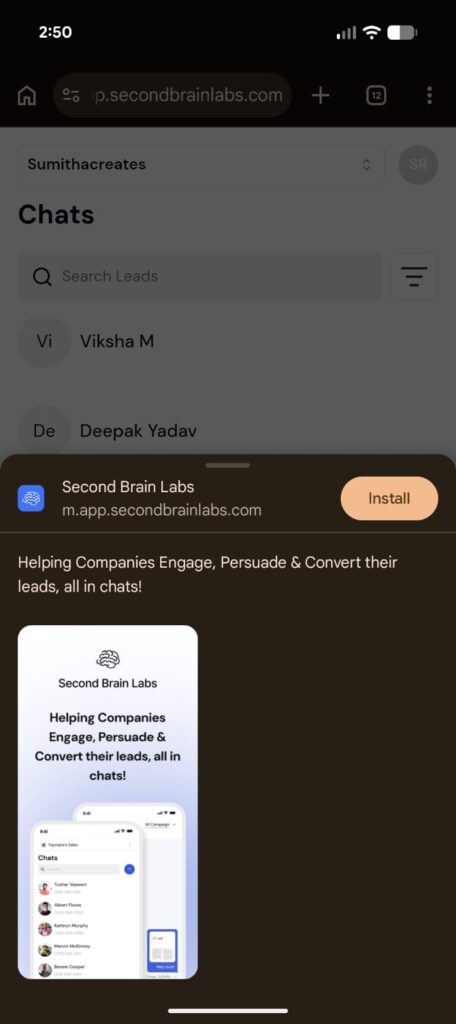
5. Install your Sbl App.
6. Your App would appear on your homescreen. Enable notifications to get notified for your outreach campaign.
For Mac / Desktop
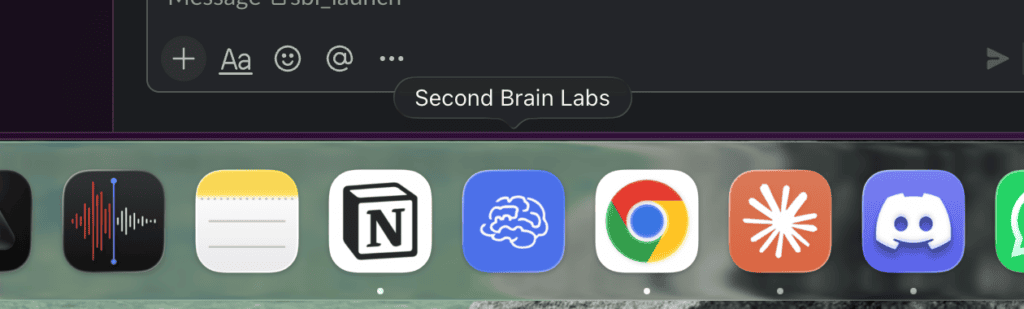
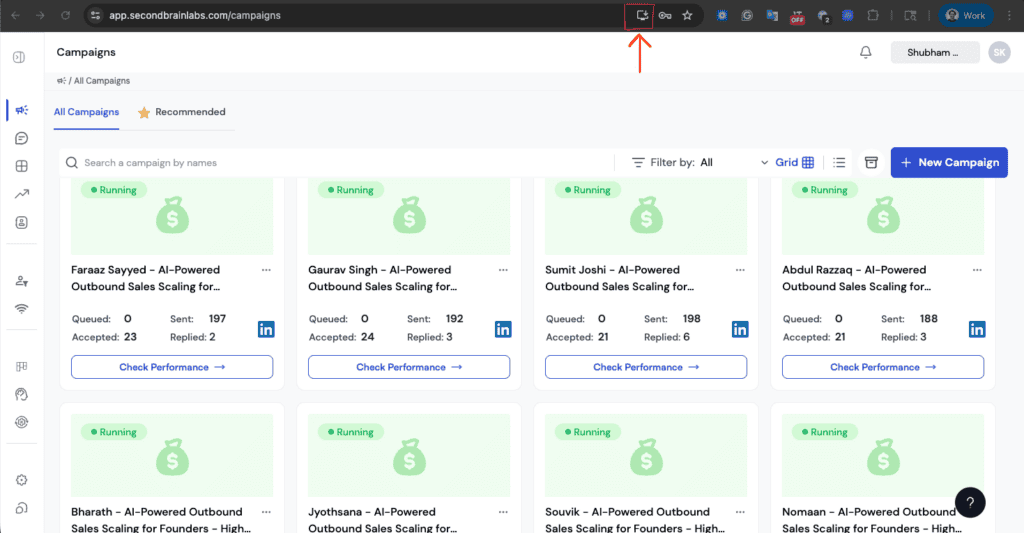
1. Sign in to your account at Sbl. And At the top center, Click on the Desktop App Icon
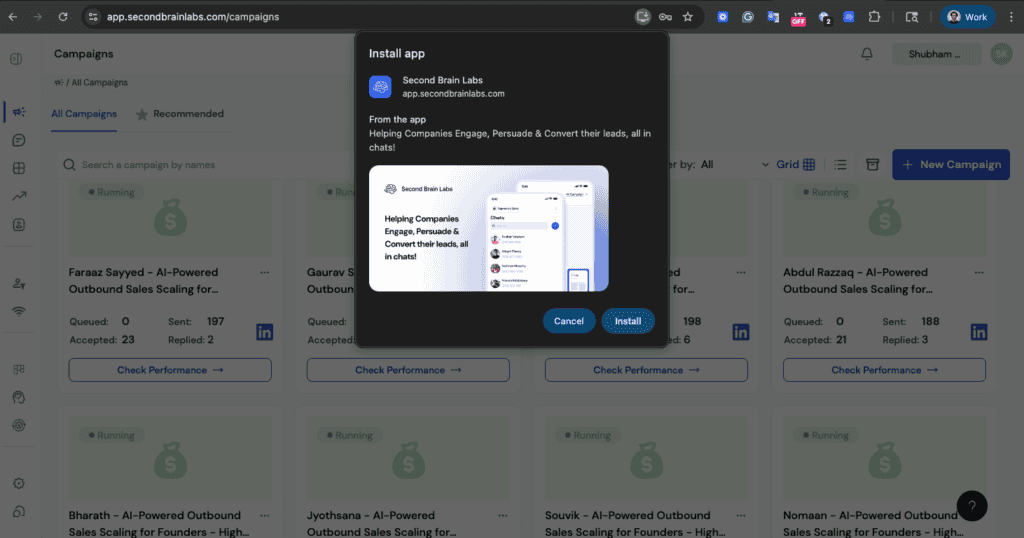
2. Click “Install.”
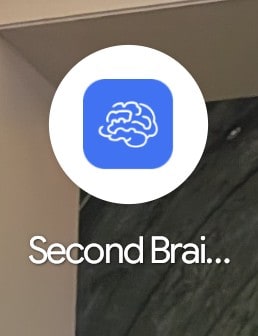
3. Your App is now on your Docker.