I’ve been in the LinkedIn automation space long enough to know that most “top 10” lists are essentially paid placements disguised as honest reviews. But if you’re reading this, you’ve probably already tried Dripify and realized something’s missing. Maybe the campaign builder feels clunky. Maybe you’re tired of watching your inbox pile up with replies you still have to handle manually. Or maybe you just hit that connection limit wall and thought, “there has to be something better.”
There is. And I’m going to walk you through 10+ Dripify alternatives that actually deserve your attention in 2026. No fluff, no affiliate nonsense. Just tools I’ve either used myself or watched close enough to have real opinions about.
Why People Are Looking for Dripify Alternatives in 2026
Let me be real with you. Dripify isn’t a bad tool. It does the basics: connection requests, follow-up sequences, some analytics. At around $39-$59 per user per month, the pricing is reasonable for what you get. But here’s what I keep hearing from founders and sales teams who’ve used it for a while:
- The sequences feel robotic and templated
- No real AI handling replies, so you’re still doing manual inbox management
- Limited personalization beyond basic merge fields
- Account safety features aren’t as robust as they claim
- Pricing gets steep when you scale across multiple accounts
The biggest issue? Dripify, like most LinkedIn automation tools, stops working the moment your prospect actually replies. And that’s exactly when the real sales work begins. If you’re spending hours every day manually responding to interested leads, you’re not automating anything. You’re just moving your grunt work to a different screen.
What Should You Look for in a Dripify Alternative?
Before we get into the list, here’s what actually matters when choosing a LinkedIn automation platform in 2026:
1. Real AI conversation handling – not just “smart sequences” with if-else logic. Can the tool actually chat with your prospects and push them toward booking a call?
2. Account safety – LinkedIn’s gotten aggressive about banning automation users. Your tool needs proper rate limiting, human-like behavior patterns, dedicated IPs, and account rotation.
3. Multi-account management – if you’re scaling outreach, managing 10+ accounts shouldn’t feel like a part-time job.
4. Integration capabilities – CRM syncs, Sales Navigator support, maybe even multi-channel options like WhatsApp or email.
5. Actual analytics – not vanity metrics, but insights that help you improve your messaging and targeting.
Alright, let’s get into the alternatives. I’m putting the one I think is genuinely the best first, and then going through the rest.
1. Sbl.so – The AI SDR That Actually Chats
I know, I know. You’re probably rolling your eyes. “Of course he’s putting Sbl.so first.” But hear me out.
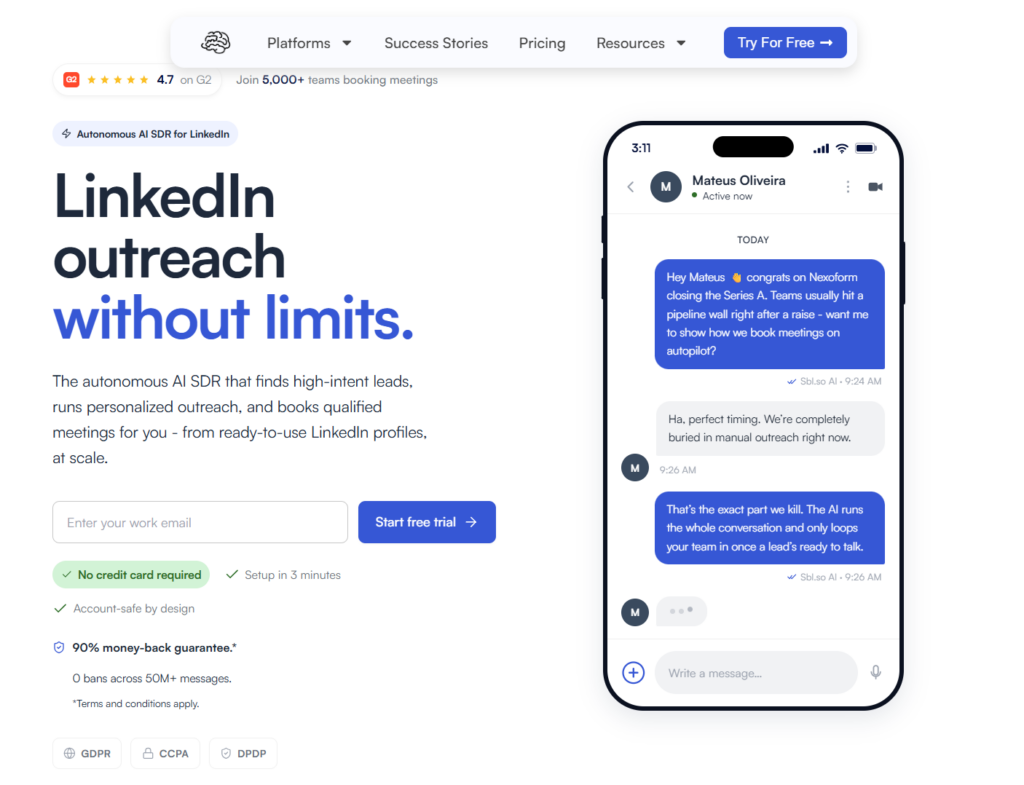
I’ve tested probably 30 different LinkedIn automation tools for B2B sales over the past few years. Most of them do the same thing: send messages, set delays, maybe automate some profile visits. Sbl.so is genuinely different because it doesn’t stop when your prospect replies.
The AI actually holds conversations. Real back-and-forth dialogue. It handles objections, asks qualifying questions, and pushes toward your goal, whether that’s booking a call or getting them to check out a resource. When the AI encounters something it can’t handle, it flags it for human intervention instead of sending something stupid that kills the deal.
What makes Sbl.so stand out as a Dripify alternative:
- Persuasion-based chat AI trained on how people actually buy
- Unlimited LinkedIn accounts in one workspace with automatic rotation
- Up to 75 connections per day safely, which is way higher than most tools
- Voice note cloning so you can send personalized audio at scale
- Built-in lead generation so you don’t need a separate prospecting tool
- Comment to DM automation for capturing leads from LinkedIn posts
- Works on LinkedIn AND WhatsApp from the same dashboard
- SDR profile rental starting at $65/month per profile, with volume discounts
The pricing starts at $99/month after a 7-day free trial. Honestly, compared to hiring even one part-time SDR, it’s not even close. If you want the detailed Dripify vs Sbl.so comparison, we’ve written about that separately.
2. HeyReach – Good for Agency Teams
HeyReach is probably the most direct Dripify competitor in terms of positioning. It’s built for agencies and teams that need to manage multiple client accounts from one place.
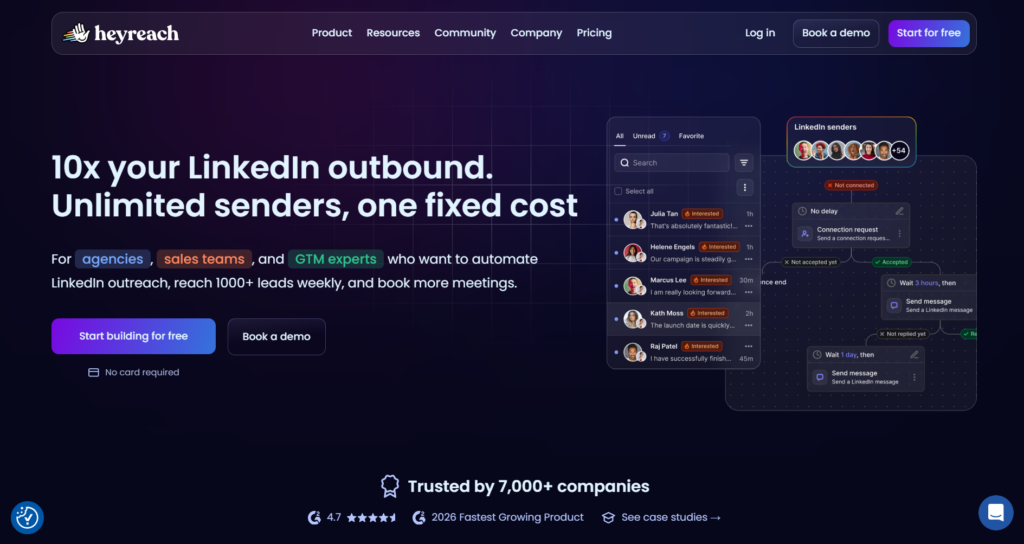
The good stuff: clean interface, decent sequence builder, solid account management for teams, and a unified inbox that keeps things organized. They’ve done a nice job making it easy to onboard new clients and keep campaigns organized. Pricing starts around $79/month per sender for the Starter tier, with Agency and Enterprise tiers adding unlimited senders and white-label reporting.
The not-so-good stuff: like Dripify, it doesn’t handle replies autonomously. You’re still doing manual inbox work. The AI features they advertise are basically just template personalization and message suggestions, not actual conversation handling. Also, the pricing gets expensive quickly when you add more seats.
If you’re an agency that already has SDRs handling responses and you just need a cleaner campaign manager than Dripify, HeyReach might work. But if you want true automation that includes the reply phase, look elsewhere.
3. Expandi – The “Safe” Choice
Expandi has been around forever in LinkedIn automation years. They’ve built a reputation for being relatively safe and reliable.
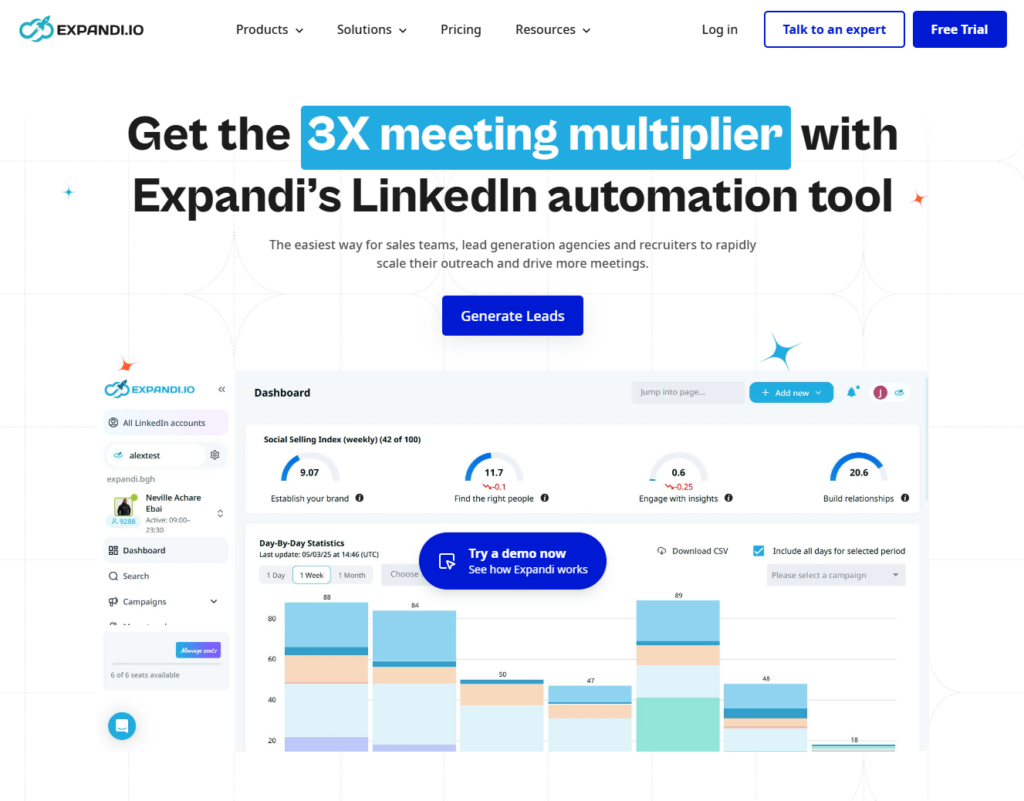
Their claim to fame is the cloud-based approach with dedicated IP addresses per account, which theoretically reduces your ban risk. They also have smart sequences with conditional branching, InMails, and some email steps. Integration options include HubSpot, Zapier, and webhooks.
Pricing runs about $99/month per LinkedIn account for the Business plan (around $79/month if you pay annually). Agency plans with 10+ accounts get custom pricing, white-label reporting, and an account manager.
The downsides: the interface feels dated compared to newer tools. Campaign setup takes longer than it should. And again, no AI chat handling. When someone replies to your campaign, you’re on your own. They have a unified inbox and A/B testing, but the reply work is still manual.
Expandi is fine if safety is your absolute top priority and you don’t mind manual follow-up work. But there are tools now that are equally safe AND do more. Check out our Expandi vs Sbl.so comparison for the full breakdown.
4. Waalaxy – Budget-Friendly Entry Point
Waalaxy came out of the Prospectin rebrand and they’ve positioned themselves as an accessible, easy-to-use option for people new to LinkedIn automation.
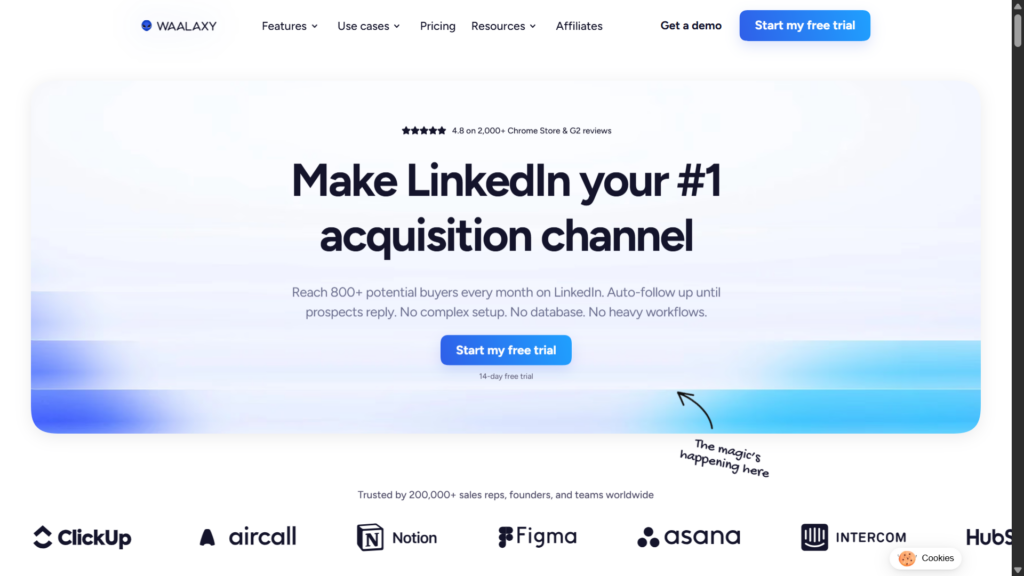
The interface is genuinely simple. You can get a basic campaign running in under 20 minutes even if you’ve never touched automation before. They also have a freemium tier with around 50-80 invitations per month, which is rare in this space.
Paid plans run roughly €19/month for Pro (around 300 invitations), €49/month for Advanced (around 800 invitations plus A/B testing), and €69/month for Business with more features and email credits.
Where Waalaxy falls short: the limits are pretty restrictive, especially on free and lower tiers. Advanced features like A/B testing or CRM integrations require higher plans. And like most tools on this list, it’s purely outbound, so no reply automation.
We did a full Waalaxy comparison if you want the details, but the short version: great for beginners, limiting for anyone doing serious volume.
5. PhantomBuster – The Swiss Army Knife
PhantomBuster isn’t just LinkedIn automation. It’s a whole collection of “Phantoms” that can scrape and automate across dozens of platforms.
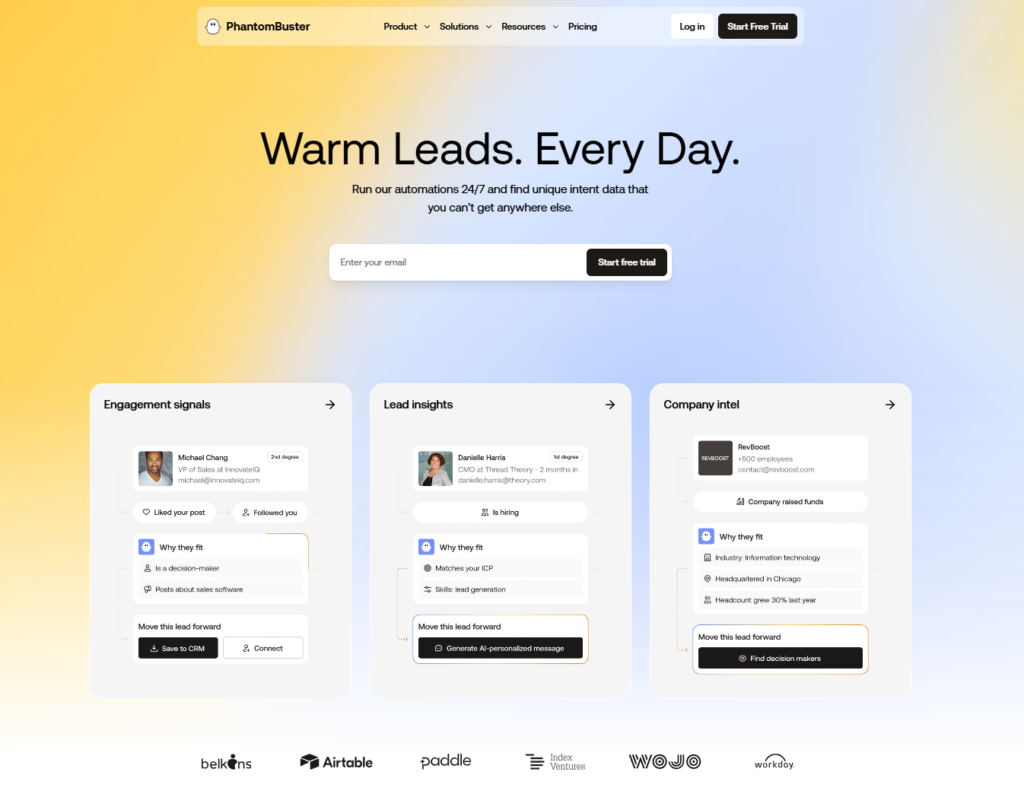
This is the tool for you if you need flexibility. Want to scrape LinkedIn event attendees? There’s a phantom for that. Want to auto-engage with people who commented on a competitor’s post? Also possible. The customization options are genuinely impressive for data collection and non-standard automation flows.
The trade-off is complexity. PhantomBuster has a learning curve. Setting up workflows requires understanding how different phantoms connect. And the credit-based pricing model (starting around €69/month) can get confusing and expensive if you’re not careful.
For LinkedIn outreach specifically, PhantomBuster feels like overkill unless you need those extra platform integrations. Most people would be better served by a dedicated LinkedIn tool.
6. Lemlist – Originally Email, Now Multi-Channel
Lemlist started as a cold email platform and they’ve expanded into LinkedIn. Their multi-channel sequences let you combine email and LinkedIn touches in one campaign.
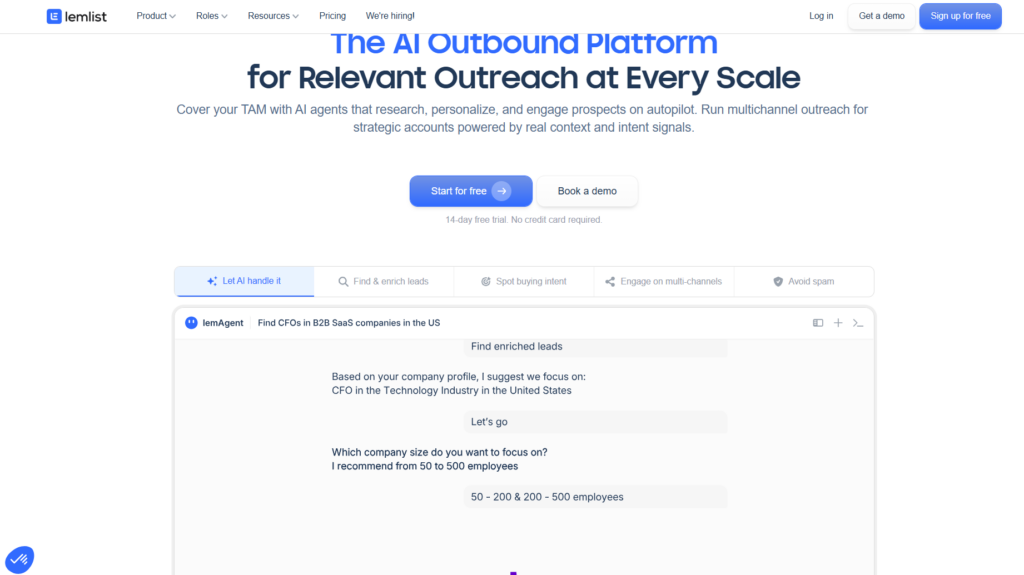
The image and video personalization is legitimately good. If you want to send personalized images with your prospect’s name or company logo embedded, Lemlist makes that pretty easy. Dynamic landing pages and video thumbnails are strong features.
Pricing typically starts around $39-$79/month depending on features and email volume, with various outbound tiers available.
The LinkedIn side feels like an add-on though. It’s not as robust as tools built specifically for LinkedIn from day one. The limits are conservative and the feature set is more basic than dedicated alternatives.
If email is your primary channel and LinkedIn is secondary, Lemlist works. If LinkedIn is your main focus, probably look at something purpose-built.
7. Zopto(now Zeekeo) – Enterprise-Focused
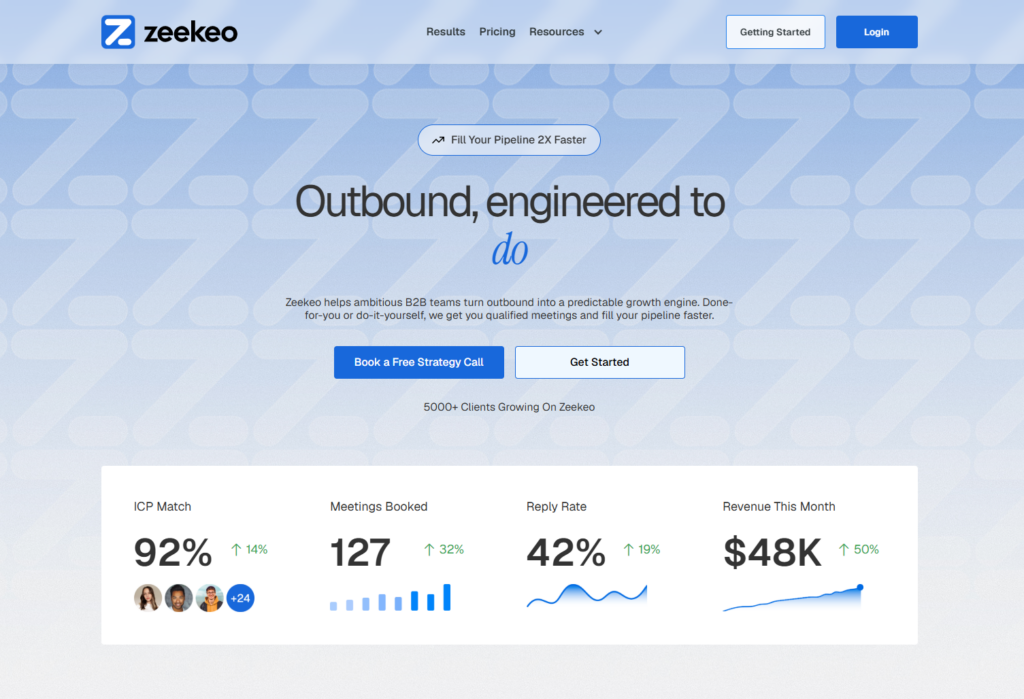
Zopto positions itself for larger teams and enterprises. They’ve got features like team performance dashboards, role-based permissions, and enterprise-level support.
The campaign builder is solid and they have good integrations with major CRMs. If you need to run LinkedIn automation across a 20-person sales team with proper oversight and reporting, Zopto can handle that.
The pricing reflects the enterprise focus though. It’s not cheap. And for smaller teams or individual users, you’re paying for features you probably don’t need. The actual automation capabilities aren’t dramatically different from cheaper alternatives.
8. Dux-Soup – Old School but Reliable
Dux-Soup is one of the original LinkedIn automation tools. It’s been around since before most of these other tools existed.
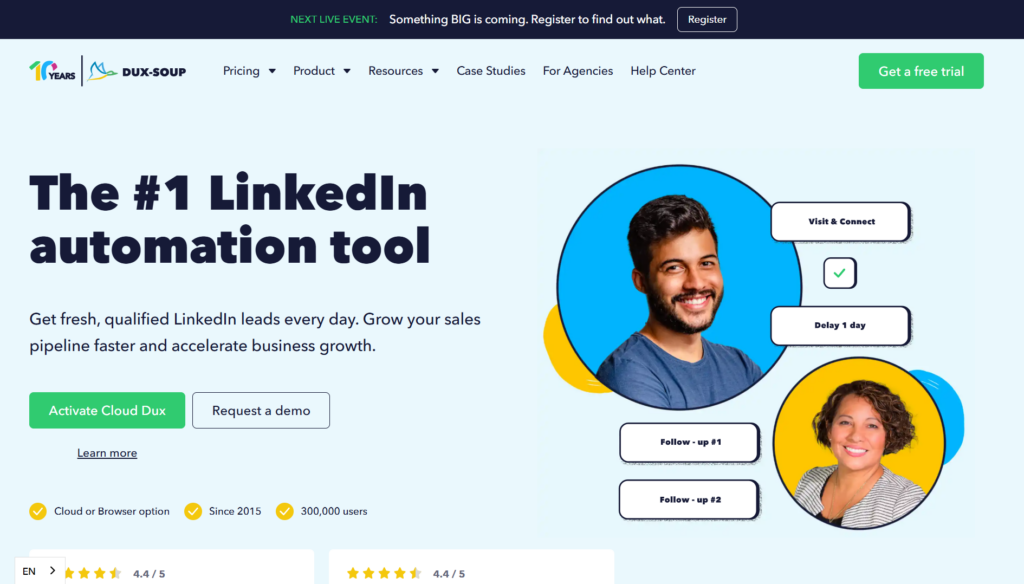
It runs as a Chrome extension, which has pros and cons. Pro: it works directly in your browser, so you can see exactly what it’s doing, and entry pricing starts around $14.99/month. Con: you need to keep your browser open, and browser-based tools generally have higher detection risk these days compared to cloud-based solutions with dedicated IPs.
Dux-Soup has loyal users who’ve been using it for years without issues. The interface is basic but functional.
But it feels dated compared to cloud-based alternatives. If you want something modern with better analytics and safety features, there are newer options.
9. MeetAlfred – Multi-Channel Outreach
MeetAlfred tries to be an all-in-one platform combining LinkedIn, email, and X outreach. The idea is managing all your prospecting from one dashboard with a built-in CRM.
The LinkedIn features are decent. Standard sequence building, auto-connect, follow-up messages. They’ve added some AI writing assistance for message personalization. Pricing starts around $29-$49/month for individual users, with higher agency tiers.
Where MeetAlfred struggles is trying to do too much. The LinkedIn features aren’t as deep as dedicated LinkedIn tools. The email features aren’t as good as dedicated email tools. It’s the classic “jack of all trades” problem.
If you really want one tool for everything and you’re okay with each channel being “good enough” rather than great, MeetAlfred is an option. Otherwise, you might be better served by best-in-class tools for each channel. See our MeetAlfred alternatives guide for more options.
10. LinkedHelper – Budget Desktop Option
LinkedHelper is a desktop application, not cloud-based. You download it, run it on your computer, and it automates your LinkedIn actions locally.
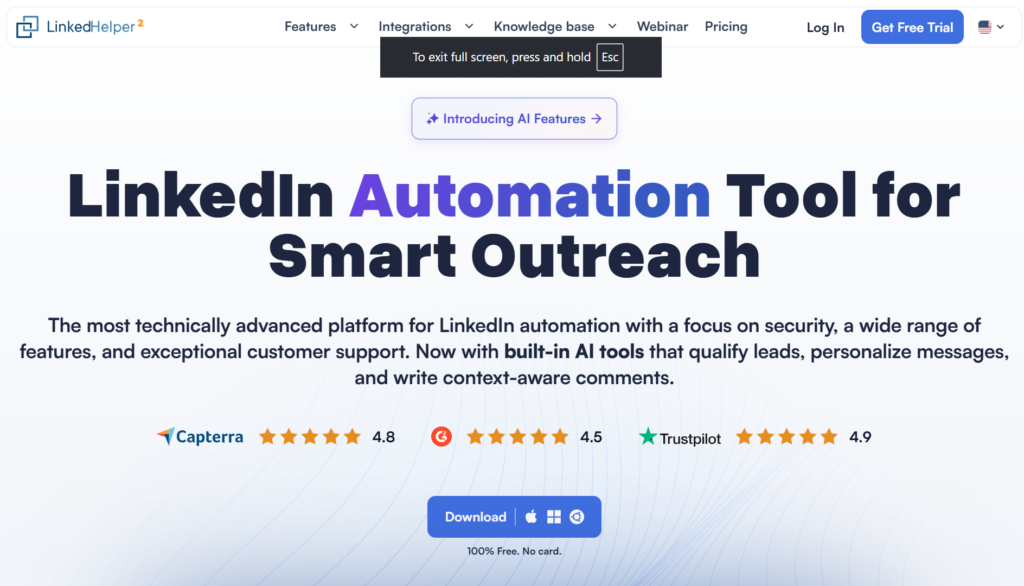
The main appeal is price. Standard plans start as low as $15/month with deeper discounts on annual billing, making it one of the cheapest options available. If budget is your primary constraint and you’re okay with the limitations of desktop software, LinkedHelper gets the job done. It also offers very granular control and scripting for technically inclined users.
The downsides: you need to keep your computer running, it only works on the machine it’s installed on, and desktop tools generally have more detection risk than cloud solutions with proper infrastructure. Also, updates and feature development seem slower than the more well-funded cloud competitors.
11. Salesforge – AI + LinkedIn + Email Combined
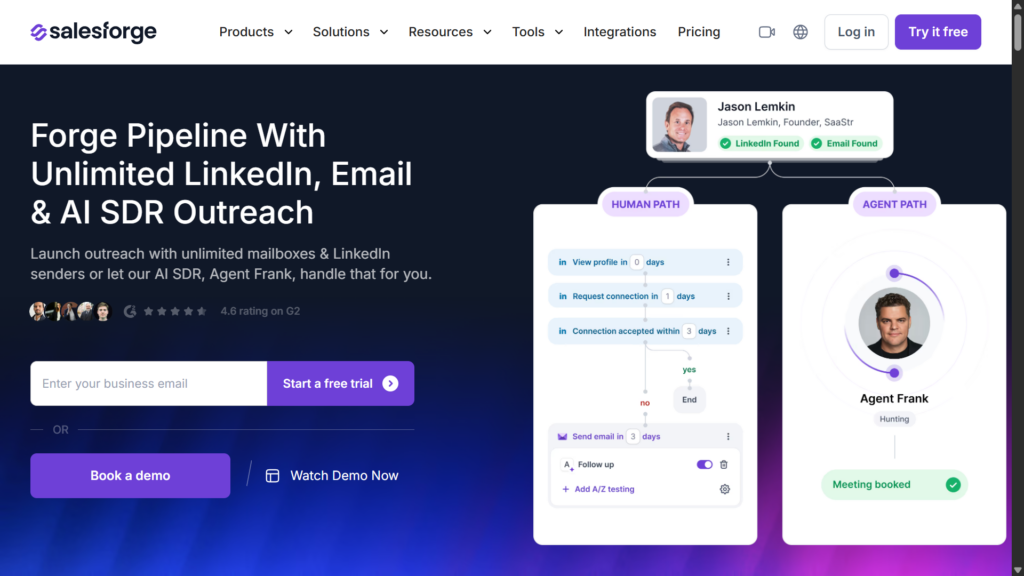
Salesforge is a newer player that’s getting attention in 2026 for trying to replace multi-tool stacks. Instead of running Dripify plus a separate email warmup tool plus a deliverability platform, Salesforge combines LinkedIn steps with email outreach and built-in warmup in one place.
The AI-assisted approach focuses on deliverability and reducing dependence on multiple tools. Pricing typically starts around $48-$96/month depending on seats and features.
The trade-off is that you’re getting a generalist tool rather than a LinkedIn specialist. If you need deep LinkedIn features or autonomous chat handling, dedicated tools will serve you better. But for teams wanting to consolidate their stack and do both channels competently, it’s worth evaluating.
12. La Growth Machine (LGM) – Advanced Multichannel Flows
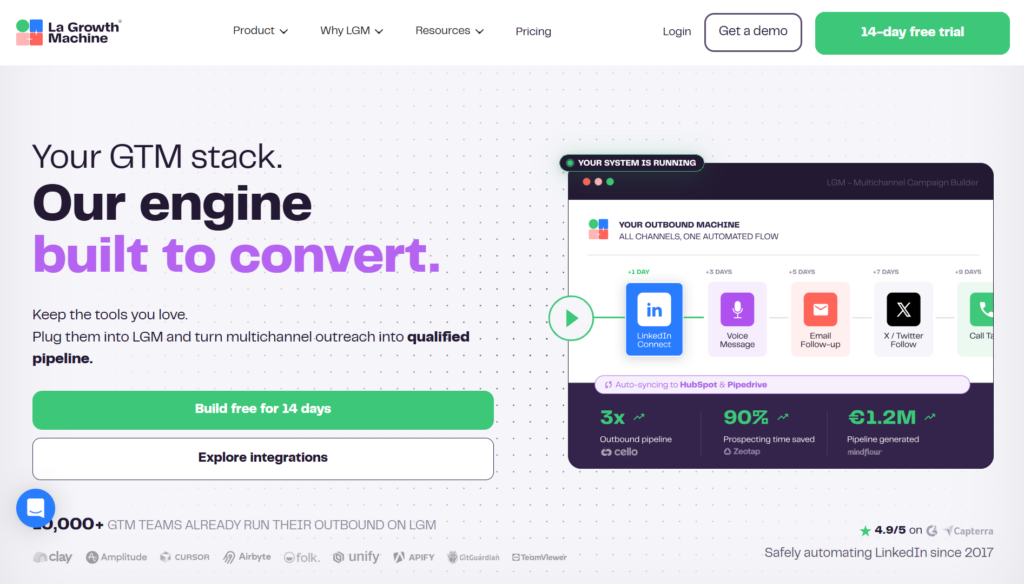
La Growth Machine is built for advanced teams that need sophisticated conditional workflows across LinkedIn, email, X, and even phone. If you want to create complex branching sequences where different actions trigger based on prospect behavior, LGM handles that well.
They also include native data enrichment and email warmup, which reduces the need for separate tools. This makes LGM popular with growth teams who want high control over their multichannel cadences rather than simple drip campaigns.
The learning curve is steeper than basic tools like Waalaxy, and it’s overkill if you just need straightforward LinkedIn outreach. But for power users who want maximum control, it’s a solid Dripify alternative.
How Do These Dripify Alternatives Compare for Chat Automation?
Here’s the honest truth that most comparison articles won’t tell you: almost none of these tools handle reply automation well.
Dripify, HeyReach, Expandi, Waalaxy, PhantomBuster, Lemlist, Zopto, Dux-Soup, MeetAlfred, LinkedHelper, Salesforge, La Growth Machine. All of them basically stop working the moment your prospect responds. They send the initial outreach, maybe a few follow-ups, but when you get a reply that says “Sure, tell me more,” you’re handling that manually.
Some tools offer AI reply suggestions or templates in a unified inbox, which helps speed things up. But you’re still the one clicking send on every response.
That’s why I genuinely believe Sbl.so is in a different category. It’s not just a Dripify alternative. It’s a different approach to LinkedIn automation entirely. The AI chat handling isn’t a gimmick or a future roadmap item. It’s working right now, handling thousands of conversations and booking calls without human intervention.
If you’re doing sales automation for a small team, that difference is massive. Instead of hiring 2-3 SDRs to handle responses, you have AI doing it. That’s real cost savings and real efficiency gains.
What’s the Best Dripify Alternative for Agencies?
If you run a marketing or sales agency and you’re looking for Dripify alternatives, here’s my take:
For pure LinkedIn outreach management: HeyReach has a clean multi-client setup with unified inboxes and white-label reporting. Expandi’s Agency plan offers similar features with custom pricing for 10+ accounts. But remember, your team still handles all replies manually.
For white-label needs: Zopto, HeyReach, and Expandi Agency all offer white-labeling. Check if that’s important to you.
For actual done-for-you automation: Sbl.so with its fractional SDR profiles is interesting. You can run client campaigns without needing their LinkedIn accounts, using verified profiles from their network.
Most agencies I’ve talked to are frustrated because they still need humans managing client inboxes even with “automation” tools. That’s why the AI chat capability matters so much for this use case. Check our best LinkedIn outreach tool for agencies guide for more details.
Best Dripify Alternative for Solo Founders and Solopreneurs
If you’re a solo founder trying to generate leads without a sales team, your priorities are different:
- Easy setup with a quick learning curve
- Affordable pricing for one or two accounts
- Minimal time investment to maintain
Waalaxy is a decent budget choice for getting started. The free tier lets you test the waters without commitment. LinkedHelper and Dux-Soup are also cheap options if you’re comfortable with browser extensions or desktop tools.
But honestly, if you’re a solo founder, you probably don’t have time to manage responses either. That’s where something like Sbl.so makes even more sense. You set up the campaign, the AI handles conversations, and you just show up for calls that get booked. The AI handles prospecting to qualification automatically.
Can You Scale LinkedIn Outreach to Email Levels with These Tools?
This is a question I get a lot. Email lets you send thousands of messages per day. LinkedIn has much stricter limits. Can any Dripify alternative actually scale?
Here’s the math: A single LinkedIn account can safely do maybe 400-800 connections per month depending on account age and activity. That’s nowhere near email volume.
The solution is multiple accounts. If you connect 50 accounts and rotate between them, you can hit 40,000+ touchpoints per month. That’s approaching email territory.
Sbl.so is built for this. Unlimited accounts, automatic rotation when one hits limits, unified inbox so you’re not logging into 50 different profiles. HeyReach and Expandi Agency also offer multi-account management with sender rotation, though they typically cap accounts or charge per sender. Most other tools either cap accounts or make multi-account management clunky.
What About LinkedIn Account Safety with These Alternatives?
Let me be blunt: any LinkedIn automation carries some risk. LinkedIn doesn’t want you automating, period. No sales engagement suite has a fully native or officially blessed LinkedIn automation integration. All automation technically operates against LinkedIn’s terms to varying degrees.
That said, some tools are significantly safer than others. Cloud-based tools with dedicated IPs, proper rate limiting, and human-like behavior patterns are safer than browser extensions or desktop apps.
Things that increase ban risk:
- Sending too many connections too fast
- Cookie-cutter messages that look obviously automated
- Running automation 24/7 instead of during normal hours
- Aggressive actions on new or inactive accounts
- Running multiple automation tools on the same account
The safer platforms like Expandi, HeyReach, and Sbl.so disclose these risks and recommend conservative daily limits, realistic messaging, and avoiding 24/7 operation.
If you ever do get restricted, we’ve got a guide on how to unrestrict your LinkedIn account. But prevention is better than cure.
Should You Use Multiple LinkedIn Automation Tools Together?
I’ve seen people try to combine tools. Like using PhantomBuster for scraping, a different tool for outreach, and something else for analytics.
My advice: don’t. It creates complexity, increases ban risk with multiple services hitting your account, and makes troubleshooting a nightmare when something breaks.
Pick one tool that does what you need well. If you need features it doesn’t have, either find a better tool or accept the limitation. The exception is using non-invasive data sources like enrichment tools or CRM integrations that don’t directly touch your LinkedIn account.
Final Verdict: Which Dripify Alternative Should You Choose?
Alright, let me give you the quick summary:
If you want actual AI that handles conversations: Sbl.so is the only tool I’ve found that genuinely does this well. The AI SDR capabilities are real, not marketing fluff.
If you’re an agency managing multiple clients: HeyReach or Expandi Agency have good multi-account features, unified inboxes, and white-label options, but you’ll still need humans for replies.
If you’re on a tight budget: Waalaxy’s free tier, LinkedHelper, or Dux-Soup are the cheapest options.
If you need multi-platform scraping: PhantomBuster is the most flexible, though complex.
If you’re already deep in cold email: Lemlist’s multi-channel approach might make sense.
If you want to consolidate your stack: Salesforge combines LinkedIn + email + warmup in one platform.
If you need advanced multichannel workflows: La Growth Machine offers the most sophisticated conditional logic.
Look, I know this article promotes Sbl.so pretty heavily. But I’m not going to pretend the other tools are equal when they’re not. Most Dripify alternatives are just slightly different versions of the same basic functionality: send messages, set delays, done. The ones that actually move the needle on your sales results are the ones that solve the reply problem too.
Whatever you choose, stop thinking of LinkedIn automation as just “sending messages at scale.” The real opportunity is automating the entire conversation, from first touch to booked meeting. That’s where the industry is heading, and the tools that figure it out first are going to win.